
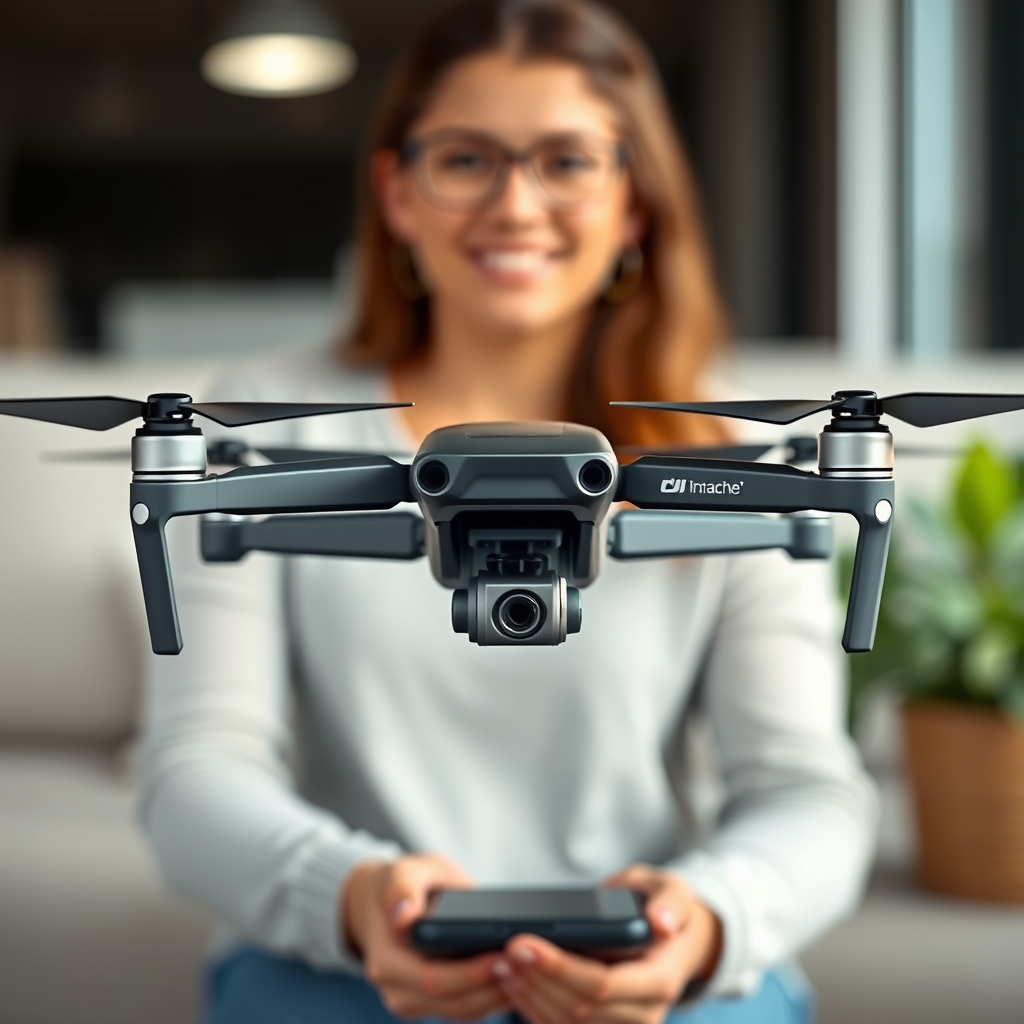
Many DJI drones do come with a charger included in the package, so you can start flying right away. However, the specific accessories can vary by model. Understanding what is included with your DJI drone, the compatibility of chargers, and proper charging practices is essential for ensuring a seamless flying experience. In this article, we’ll explore the details about chargers that come with DJI drones, what you need to know about their compatibility, and how to ensure you have the right charging equipment for your drone.
What’s Included in the DJI Drone Package?
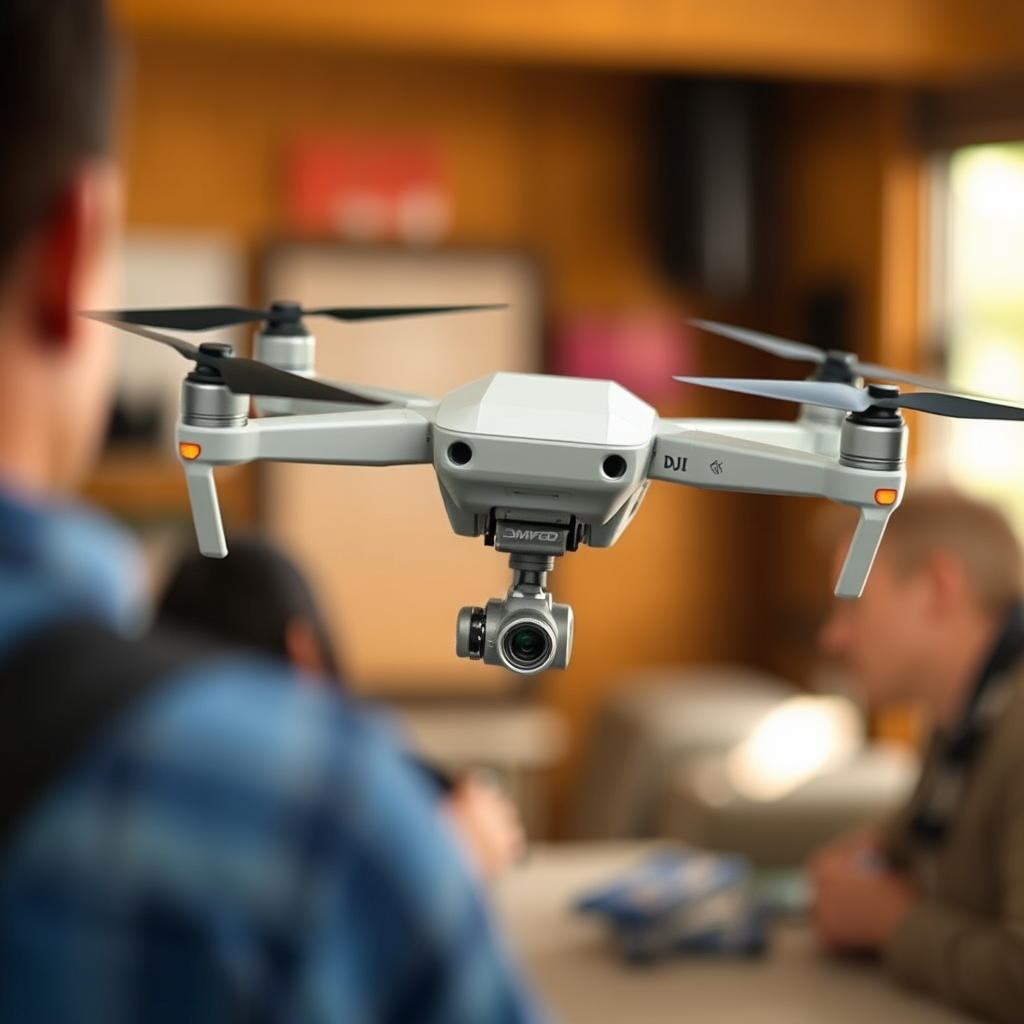
When purchasing a DJI drone, it is crucial to know what accessories are included in the package. Most DJI drones come equipped with a battery charger, allowing users to charge their batteries immediately after unboxing. For instance, popular models like the DJI Mavic Air 2 and the DJI Mini 2 include a standard charger designed specifically for their battery types. However, the inclusion of additional accessories, such as extra propellers, carrying cases, or battery charging hubs, can vary significantly depending on the model and the package you choose. Therefore, it is always advisable to check the product specifications on the DJI website or the retailer’s description before making a purchase to ensure you have everything you need to get started.
Understanding DJI Drone Battery Types
DJI drones typically utilize lithium-polymer (LiPo) batteries, which are known for their high energy density and lightweight properties. Understanding the specific type of battery your drone uses is vital for selecting the correct charger. For example, the DJI Phantom series employs a specific LiPo battery, while the Mavic series utilizes a different configuration. These batteries require specialized chargers that can manage the charging process carefully to avoid overheating or overcharging. Familiarizing yourself with your drone’s battery type will help ensure that you have the proper charging equipment to maintain battery health and performance, as well as prolong the lifespan of your investment.
Compatibility of Chargers Across DJI Models
One of the key factors to consider when dealing with DJI drone chargers is compatibility. Some chargers are designed to work with multiple DJI drone models, while others are strictly model-specific. For instance, the DJI Smart Charger can charge the batteries of several different models, which is convenient for users with multiple drones. However, using a charger that is not intended for your specific model can lead to damaging the battery or even causing a fire hazard due to improper voltage or current levels. Therefore, it is essential to verify compatibility through the DJI website or consult the user manual that accompanies your drone to avoid any mishaps.
How to Charge Your DJI Drone Properly
Charging your DJI drone batteries correctly is fundamental to ensuring their longevity and performance. Always follow the manufacturer’s guidelines regarding charging times and procedures. Most DJI chargers come with an indicator light that signals when the battery is charging and when it is fully charged. It is crucial to avoid overcharging, as this can significantly reduce battery lifespan and efficiency. A good practice is to unplug the charger immediately after the battery reaches a full charge. Additionally, avoid charging your drone in extreme temperatures, as both heat and cold can adversely affect battery health. Regularly checking battery health through the DJI app can also provide insights on performance and potential issues.
Where to Purchase Additional Chargers
If you find yourself in need of an additional charger for your DJI drone, there are several places you can purchase one. DJI’s official website is the most reliable source, offering a complete range of compatible chargers for all their drone models. Authorized retailers, both online and brick-and-mortar, also stock these chargers, ensuring that you are getting an authentic product. While online marketplaces might offer third-party charging options at a lower price point, it is essential to exercise caution; always ensure that any third-party charger meets safety standards and is compatible with your drone model. Using substandard chargers can pose risks to your drone and its battery.
Troubleshooting Charging Issues
Charging issues can arise from time to time, and knowing how to address them is essential for maintaining your drone’s operational capability. Common problems include faulty chargers, damaged batteries, or connection issues between the charger and battery. If your drone battery is not charging, first try inspecting the charger and ensuring it is plugged in correctly. Check the charging port on the battery for any debris or damage. If the charger appears to be working but the battery still won’t charge, consult the DJI support site for troubleshooting tips and warranty information. DJI also offers customer support via forums and service centers where you can seek assistance and potentially resolve your issues.
Tips for Maintaining Your Drone Battery and Charger
Proper maintenance of your drone battery and charger is crucial for long-term performance. Store your batteries in a cool, dry place, ideally at around 50% charge if you’re not planning to use them for an extended period. Storing them fully charged or completely drained can lead to capacity loss. Regularly inspect your charging equipment for wear and tear, as frayed cables or damaged connectors can lead to inefficient charging or pose safety risks. Additionally, consider investing in a battery management system that can help monitor the health and status of your batteries over time, providing peace of mind as you prepare for your next flight.
In summary, understanding the charging requirements for your DJI drone is integral to optimizing your flying experience. From knowing what comes included in the package to recognizing battery types and ensuring charger compatibility, being well-informed can save you time and potential headaches. Maintain your charging equipment and battery health diligently to ensure many successful flights ahead. If you’re considering a purchase or need further assistance, visit the DJI website or your nearest retailer for expert advice.
Frequently Asked Questions
Do DJI drones come with a charger included in the package?
Yes, most DJI drones come with a charger included in the package. The charger is typically designed specifically for the drone’s battery, ensuring optimal charging performance. However, it’s essential to check the product specifications on the official DJI website or the product’s packaging to confirm the inclusion of a charger, as some models or bundles may vary.
What type of charger do DJI drones use?
DJI drones usually come with a proprietary charger that is tailored to their specific battery type and voltage requirements. For instance, the DJI Mavic series uses a smart battery charger that connects directly to the battery through a dedicated charging port. It’s crucial to use the provided charger or an official DJI replacement to avoid damaging the battery or affecting flight performance.
How long does it take to charge a DJI drone battery fully?
The charging time for a DJI drone battery can vary depending on the model and battery capacity, but it typically ranges from 60 to 90 minutes for a full charge. Using the official charger and ensuring that the battery is at room temperature can help achieve faster and more efficient charging times. Always monitor the charging process and avoid overcharging to ensure the longevity of the battery.
Why is it important to use the original charger for DJI drones?
Using the original charger for DJI drones is crucial because it is specifically designed to meet the battery’s voltage and current requirements. Third-party chargers may not provide the correct output, potentially leading to overheating, reduced battery life, or even damage to the drone. For optimal safety and performance, always opt for the charger included with your DJI drone or an authorized replacement.
Which DJI drone models come with a charger in the box?
Most DJI drone models, including popular ones like the DJI Mavic Air 2, DJI Mini 2, and DJI Phantom 4, come with a charger included in the box. However, it’s essential to verify the specific package details since some budget models or refurbished drones might not include a charger. Always check the product description or contact DJI customer support for confirmation before making a purchase.
References
- https://en.wikipedia.org/wiki/DJI_Innovations
- DJI Support for Products Repairs Services and Technical Help – DJI Global or Other Regions
- https://www.techradar.com/news/dji-drone-buyer-guide
- https://www.theverge.com/2020/7/24/21336833/dji-mavic-air-2-review-drone-camera-battery
- https://www.wired.com/story/dji-mavic-mini-review/
- https://www.cnet.com/tech/mobile/dji-mavic-mini-review/
