
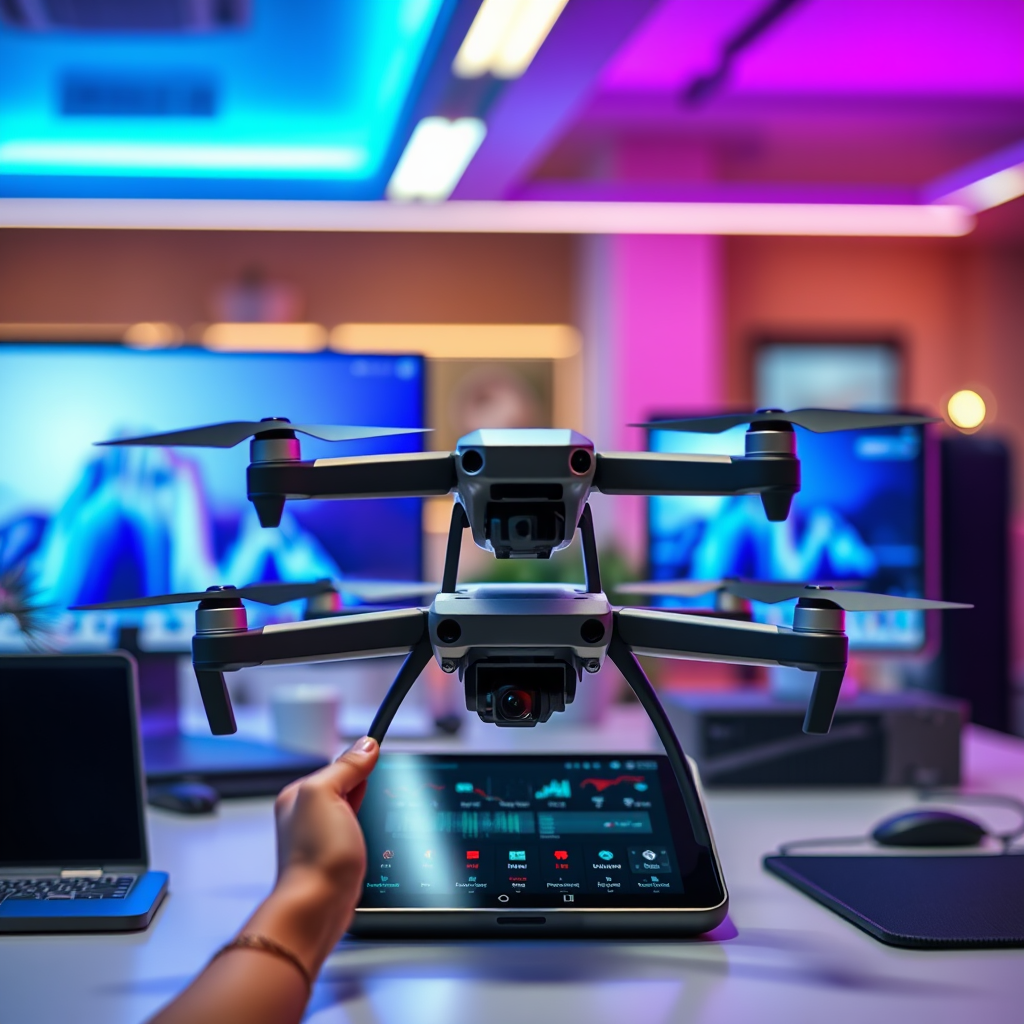
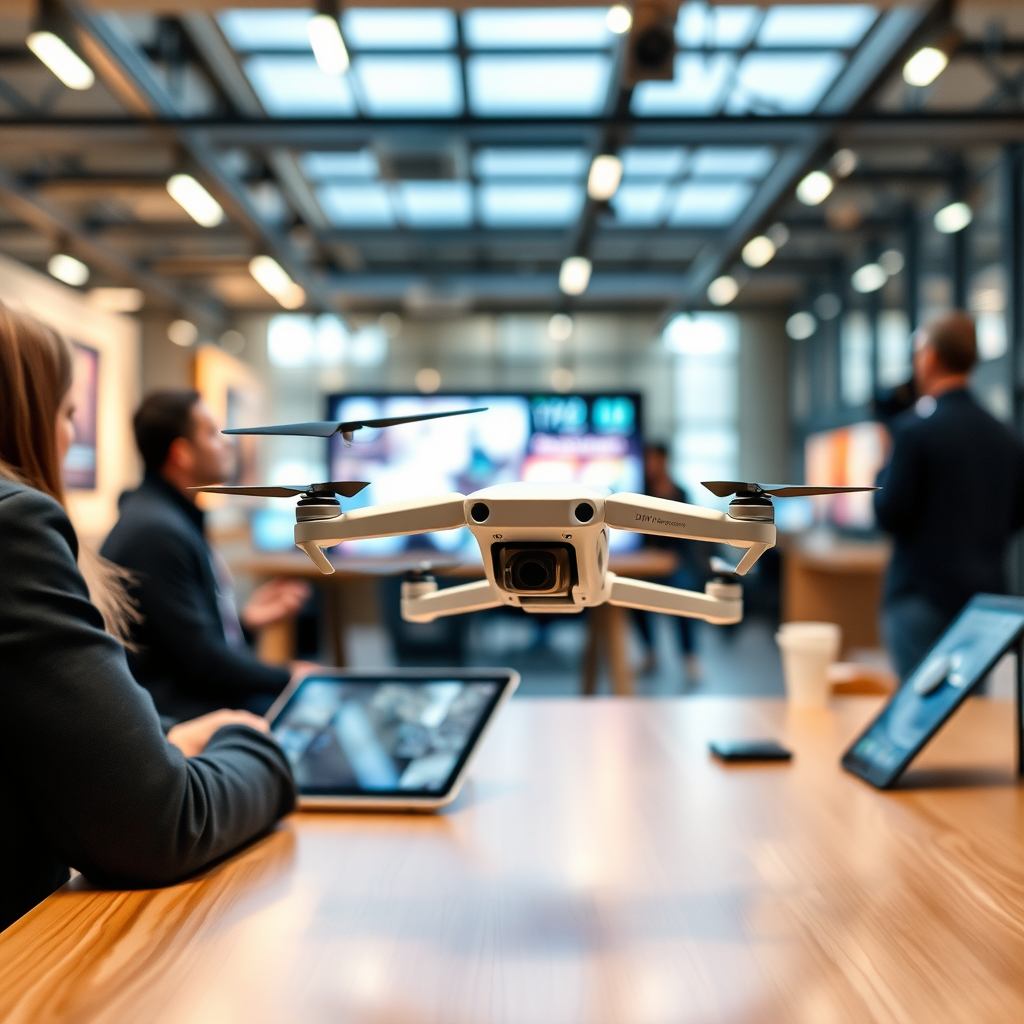
Yes, tablets can control DJI drones through dedicated applications, although compatibility depends on the specific tablet model and the DJI drone in use. DJI provides a range of apps designed for different drones, ensuring users can effectively manage their flying experience. With the right setup, utilizing a tablet can enhance the control interface, offering larger screens and more intuitive features for a seamless flying experience.
Understanding DJI’s Official Apps
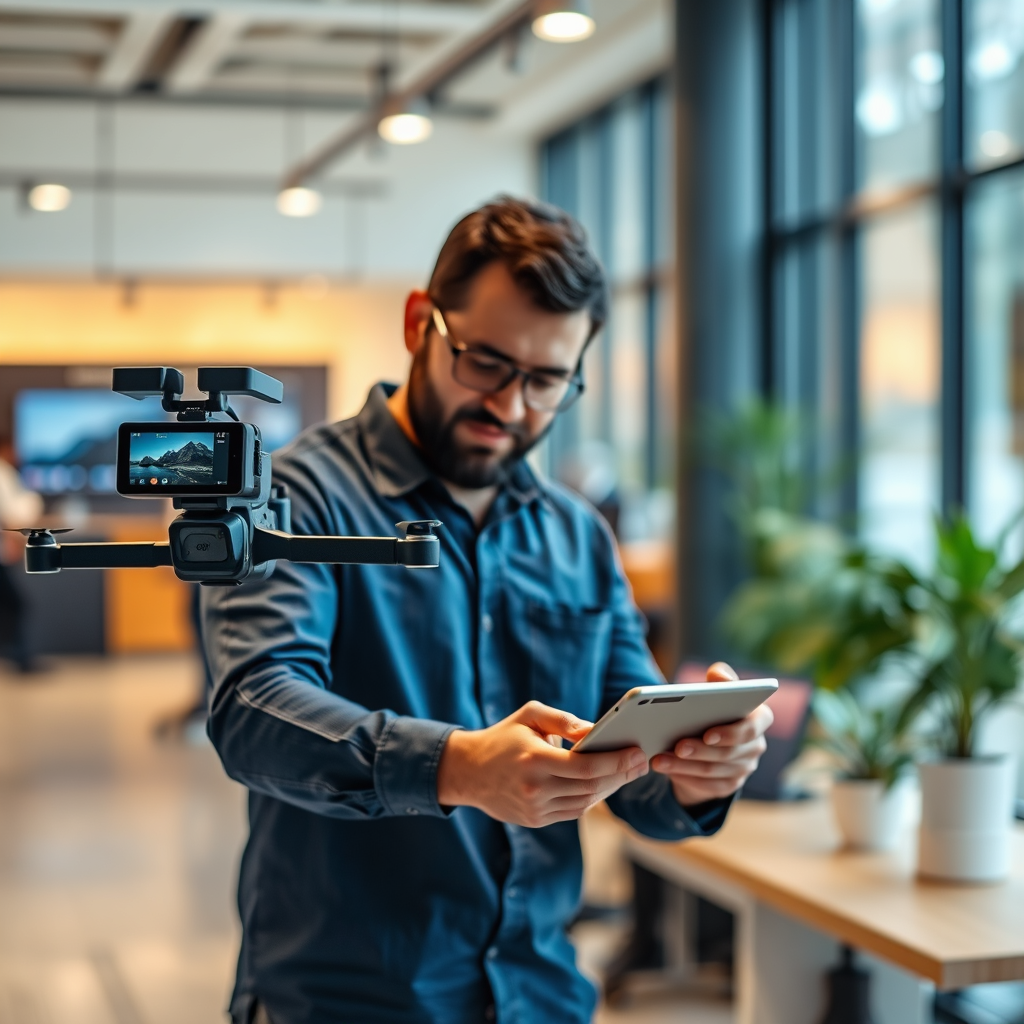
DJI has developed two primary applications to facilitate the control and management of their drones: DJI GO 4 and DJI Fly.
– DJI GO 4: This app is designed for a wide array of DJI drones, including the Phantom 4 series, Mavic Pro, and Inspire series. It offers extensive features such as advanced flight modes, intelligent flight features, and the ability to edit and share videos and photos directly from the app. The compatibility of DJI GO 4 is broad, making it suitable for seasoned drone enthusiasts who require robust functionalities.
– DJI Fly: Tailored for newer models, such as the Mavic Mini and Mavic Air 2, DJI Fly emphasizes user-friendliness. It features a simplified interface, making it accessible for novice pilots. Users can enjoy intelligent modes, including QuickShots and a dedicated flight tutorial, ensuring a smooth introduction to drone flying. The app also allows for easy editing and sharing of captured media, making it a favorite among casual users.
These applications not only streamline the flying process but also provide tools to enhance the overall experience, ensuring both novice and expert pilots can find value.
Tablet Compatibility with DJI Apps
When using a tablet to control DJI drones, it is essential to consider both operating system requirements and hardware specifications.
– Operating System Requirements: For the DJI GO 4 app, a minimum of iOS 10.0 or Android 5.0 is required. Conversely, the DJI Fly app requires iOS 11.0 or Android 6.0 and above. These requirements ensure that the devices can handle the app’s functionalities, including real-time video streaming and flight telemetry.
– Hardware Specifications: Beyond the operating system, the tablet’s hardware must also meet specific criteria for optimal performance. A minimum of 2 GB of RAM is recommended, along with a modern processor that supports smooth operation. Additionally, a screen resolution of at least 1280×720 pixels is advisable to provide clear visuals during flight. Tablets that exceed these specifications will enhance the user experience with faster processing and sharper visuals.
Ensuring that your tablet meets these requirements is crucial for avoiding performance issues and maximizing the potential of your DJI drone.
Setting Up Your Tablet for Drone Control
Setting up your tablet for use with a DJI drone is a straightforward process, involving app installation and device pairing.
– Downloading the App: To start, visit the Apple App Store or Google Play Store, depending on your device. Search for either the DJI GO 4 or DJI Fly app, depending on your drone model, and download the application. Ensure that your tablet is connected to a stable Wi-Fi network to facilitate a smooth download.
– Connecting the Drone: Once the app is installed, follow these steps to connect your tablet to your DJI drone:
1. Power on your drone and remote controller.
2. Open the DJI app on your tablet.
3. Connect your tablet to the remote controller using a USB cable; the connection may vary depending on the tablet model.
4. Follow the on-screen prompts in the app to complete the linking process.
After successfully pairing your devices, you are ready to embark on your drone flying adventures.
Features of DJI Apps on Tablets
DJI apps provide a wealth of features designed to enhance the flying experience, particularly when utilized on tablets.
– Flight Controls: The user interface of the DJI apps is designed for ease of use, featuring intuitive flight controls that allow pilots to navigate effortlessly. The interface includes various flight modes, such as GPS and Atti mode, which cater to different flying conditions and pilot skill levels. The ability to access advanced settings directly from the app also allows for fine-tuning of flight parameters, providing users with complete control.
– Live Video Feed: One of the standout features of using a tablet with a DJI drone is the ability to access a live video feed. The app displays real-time footage from the drone’s camera, allowing pilots to capture stunning aerial views. Users can adjust camera settings, such as exposure and white balance, directly from the app, enhancing their ability to take high-quality photos and videos. The larger screen size of tablets compared to smartphones offers a clearer and more immersive viewing experience.
Troubleshooting Common Issues
While using a tablet to control DJI drones can be straightforward, users may encounter some common issues that require troubleshooting.
– Connectivity Problems: If you experience connection issues between your tablet and drone, first ensure that both devices are powered on and fully charged. Check the USB connection for any damage or loose fittings. Restarting both the app and the drone can often resolve connectivity problems. Additionally, make sure that your tablet is running the latest version of the app, as updates often include fixes for known issues.
– App Crashes: App crashes can be frustrating, particularly during flights. If you encounter this issue, try closing other applications running in the background to free up memory. If the problem persists, uninstalling and reinstalling the app may resolve underlying bugs. Regularly updating your tablet’s operating system can also contribute to smoother app performance.
Alternatives to Using a Tablet
While tablets provide an excellent way to control DJI drones, there are alternatives that some users may prefer.
– Smartphone Control: Using a smartphone instead of a tablet can be advantageous for those who prioritize portability. Smartphones are typically lighter and easier to carry during outdoor excursions. Many users find that smartphones can still provide an adequate screen size for flying, particularly for quick flights or casual shooting.
– Remote Controllers: DJI offers dedicated remote controllers designed specifically for their drones. These controllers often come with integrated screens, eliminating the need for a tablet or smartphone. They provide a more robust control experience, with physical buttons and joysticks that can enhance piloting precision and responsiveness. For serious drone enthusiasts, investing in a dedicated remote controller can significantly improve the overall flying experience.
In closing, using a tablet to control DJI drones is not only possible but can enhance your flying experience with larger screens and intuitive interfaces. Ensure that your tablet meets the app requirements and follow the setup instructions for a smooth experience. For more detailed guides and tips on drone flying, explore our other articles and join the community of drone enthusiasts!
Frequently Asked Questions
What apps can I use on my tablet to control a DJI drone?
To control a DJI drone using your tablet, you can use the DJI Fly app or the DJI GO 4 app, depending on your drone model. These apps provide a user-friendly interface to access various drone features, including flight modes, camera settings, and live video feeds. Both apps are available on the Apple App Store and Google Play Store, ensuring compatibility with most tablets.
How do I connect my tablet to my DJI drone?
To connect your tablet to a DJI drone, start by downloading the appropriate app for your drone model, such as DJI Fly or DJI GO 4. After installing the app, use a compatible USB cable to connect your tablet to the remote controller of the drone. Once connected, power on the drone and remote controller, and launch the app to establish a connection and start controlling your drone.
Why should I use a tablet instead of a smartphone for DJI drone control?
Using a tablet instead of a smartphone for DJI drone control offers several advantages, including a larger screen that provides better visibility for flight planning and live video feeds. Additionally, tablets often have more powerful processors, allowing for smoother app performance and improved responsiveness during flight. The larger battery capacity of tablets also means longer usage times without needing to recharge, which is beneficial during extended flying sessions.
Which tablets are best for controlling DJI drones?
The best tablets for controlling DJI drones are those with a strong processor and high-resolution display, such as the Apple iPad Pro, Samsung Galaxy Tab S series, or Microsoft Surface Pro. These tablets not only support the necessary apps but also deliver excellent graphics and responsiveness, enhancing the overall flying experience. When selecting a tablet, ensure it meets the minimum system requirements for the DJI app you intend to use.
What should I do if my tablet won’t connect to my DJI drone?
If your tablet won’t connect to your DJI drone, start by checking the USB cable and connections to ensure they are secure and compatible. Next, ensure that the drone, remote controller, and tablet have the latest firmware and app updates installed. If the issue persists, try restarting your devices and resetting the connections within the app settings, as this can often resolve connectivity problems.
References
- Drone
- https://www.dji.com/education
- https://www.reuters.com/technology/drone-technology-2021-06-25/
- https://www.techcrunch.com/2020/10/30/dji-mavic-air-2-review/
- https://www.nytimes.com/2020/11/07/technology/dji-drone-apps.html
- Unmanned Aircraft Systems (UAS) | Federal Aviation Administration
- https://www.wired.com/story/dji-drone-apps-what-you-need-know/
- https://www.sciencedirect.com/science/article/pii/S2352864820301054
