
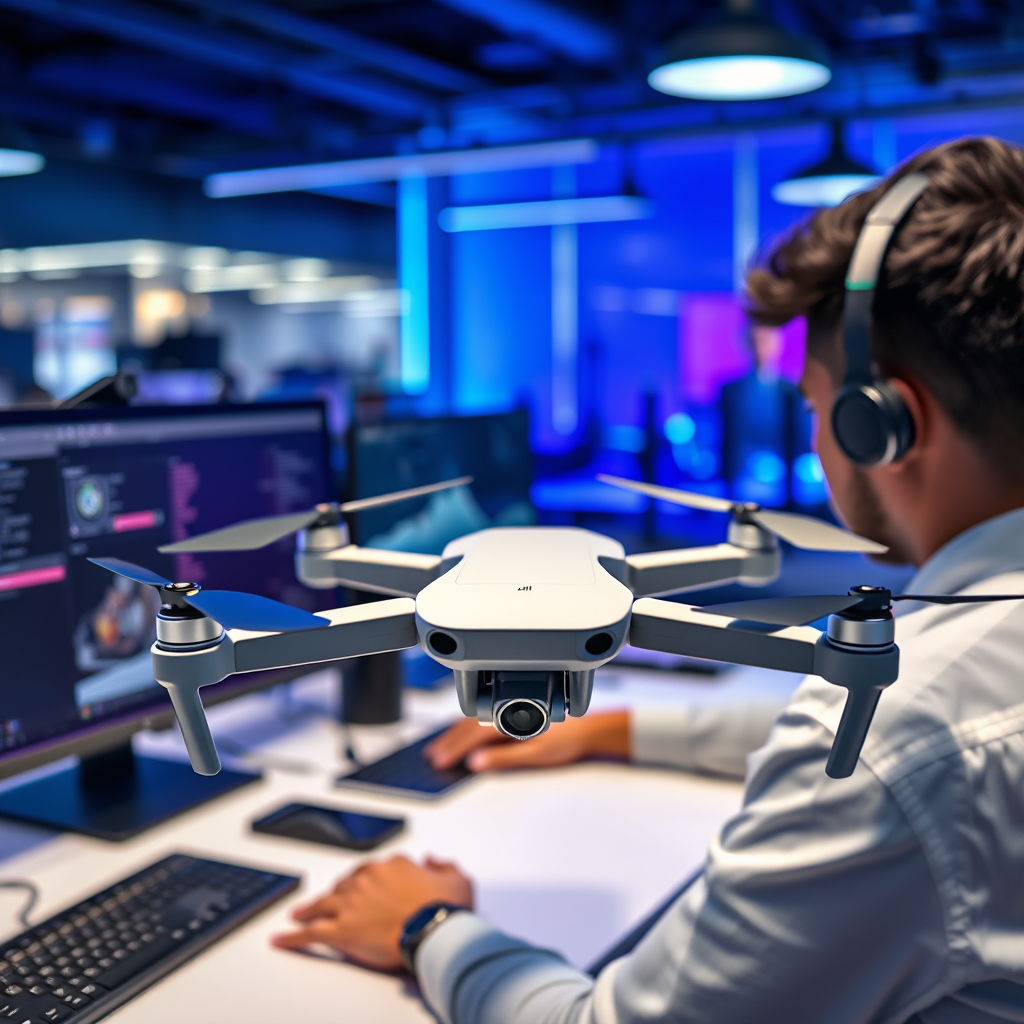
Yes, the DJI drone app is fully compatible with the Android Pixel 3, allowing users to effectively manage their drone flights and access a range of features. This compatibility ensures that Pixel 3 users can harness the advanced capabilities of their drones without any significant technical barriers. In this article, we’ll explore the app’s functionality, guide you through the installation process, and address common issues that may arise while using it on the Pixel 3.
Compatibility Overview
The DJI drone app, which serves as a critical interface for controlling DJI drones, supports a wide array of Android devices, including the Google Pixel 3. Compatibility with Pixel 3 means users can expect reliable performance, given the phone’s robust hardware specifications. However, to ensure optimal performance, it is crucial to regularly check for the latest version of the app on the Google Play Store. DJI continually updates its software to enhance functionality and resolve any bugs, so having the most current version is essential for a smooth user experience.
Installation Process
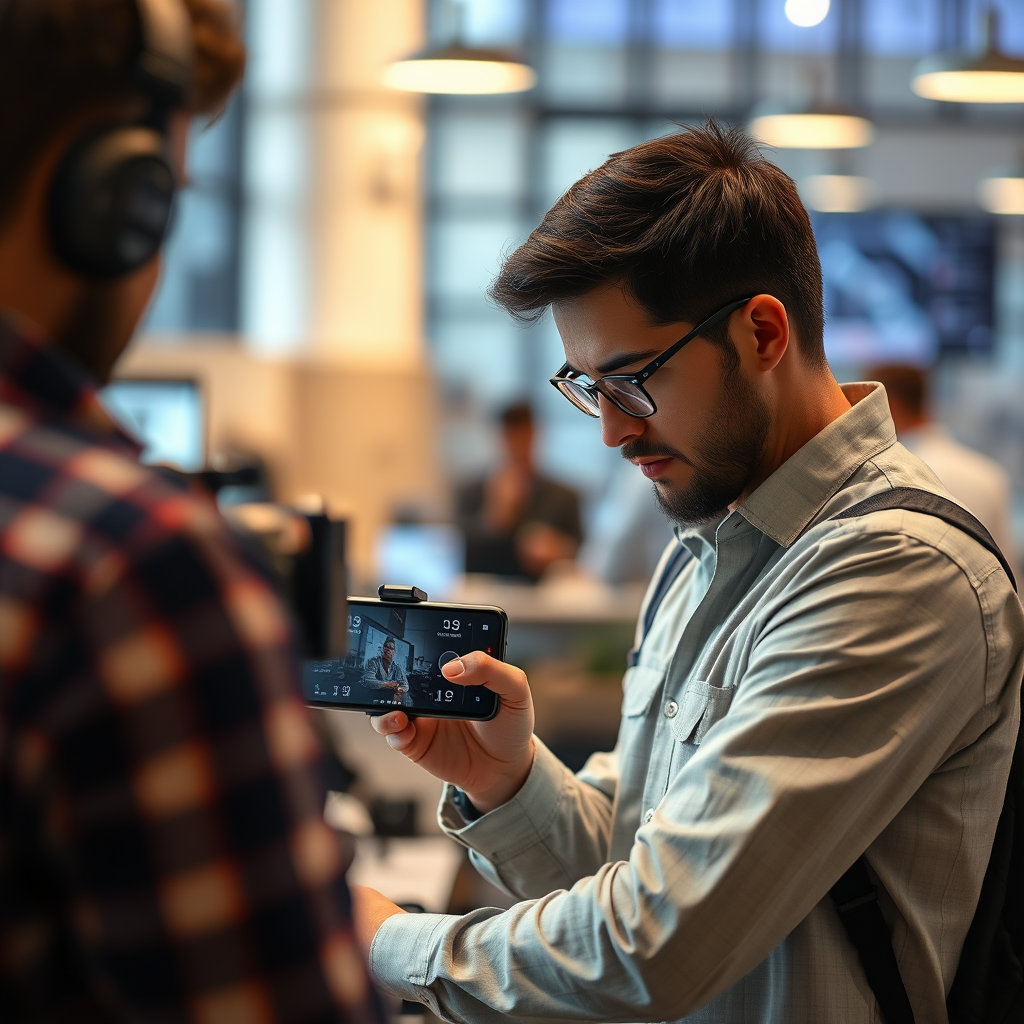
Installing the DJI drone app on your Pixel 3 is a straightforward process. First, navigate to the Google Play Store and search for the “DJI Fly” or “DJI GO” app, depending on your drone model. Once you locate the appropriate app, click on the “Install” button to download it to your device. After installation, open the app and follow the on-screen instructions to set up your account and connect your drone. You will need to enable permissions for the app to access your camera and location, as these features are necessary for optimal operation. Ensuring a stable Wi-Fi or mobile data connection during this process can further streamline the setup.
Features of the DJI Drone App
The DJI drone app is packed with features that enhance the flying experience for users of the Pixel 3. One of the most notable capabilities is access to various flight modes, including ActiveTrack, Waypoint navigation, and Tripod mode, which cater to different filming needs and skill levels. Additionally, users can control camera settings such as shutter speed, ISO, and white balance directly from the app, providing a high degree of customization. The live video feed feature allows pilots to see exactly what the drone’s camera is capturing in real-time, which is essential for framing shots accurately. Furthermore, the app facilitates firmware updates for the drone, ensuring that users benefit from the latest enhancements and safety features.
Troubleshooting Common Issues
While the DJI drone app generally performs well with the Pixel 3, users may encounter certain issues. Connectivity problems between the app and the drone can arise, often stemming from a weak signal or interference from other devices. To address this, ensure that your drone is powered on and within the recommended operational range. A simple restart of both the app and the drone can also resolve persistent connectivity issues. Performance lag or crashes may occur, particularly if the app is not updated or if the Pixel 3 is operating low on memory. Clearing the app cache or uninstalling and reinstalling the app can help mitigate these issues. It’s also advisable to close any unnecessary background applications to free up resources.
User Experiences with Pixel 3
User feedback regarding the DJI drone app on the Pixel 3 has generally been positive, with many praising its reliability and feature set. Users have reported smooth operation and an intuitive interface that makes flying drones accessible even to beginners. However, some users have noted unique challenges, such as occasional lag when transitioning between different camera modes. Others have mentioned that while the app works seamlessly for most functionalities, there were sporadic instances of freezing when using advanced features like ActiveTrack in complex environments. Overall, the consensus is that the app provides a solid user experience on the Pixel 3, though awareness of these potential quirks can help manage expectations.Updates and Support
Keeping the DJI drone app updated is crucial for maintaining the best user experience. Regular updates not only introduce new features but also fix known bugs and enhance security protocols. Users should enable automatic updates in the Google Play Store settings to ensure they are always using the latest version. For additional support, DJI offers a comprehensive help center on their website, which includes troubleshooting guides, FAQs, and user manuals. Engaging with user communities on forums or social media can also provide insights and solutions from fellow users who may have encountered similar challenges.
The DJI drone app works seamlessly with the Android Pixel 3, providing users with a reliable and feature-rich experience. By following the installation steps and troubleshooting tips outlined here, you can maximize your drone flying experience. Be sure to keep the app updated and explore user forums for shared insights and support. Whether you are a seasoned drone pilot or a newcomer to the hobby, the combination of the DJI app and Pixel 3 offers a powerful toolset for capturing stunning aerial footage.
Frequently Asked Questions
Does the DJI drone app support Android Pixel 3?
Yes, the DJI drone app is compatible with the Android Pixel 3. Users can download the DJI Fly app or the DJI GO 4 app from the Google Play Store, depending on the model of the drone they are using. However, it’s crucial to ensure that your Pixel 3 is running on a compatible version of Android (preferably Android 8.0 or higher) to avoid any functionality issues.
How do I install the DJI app on my Android Pixel 3?
To install the DJI app on your Android Pixel 3, simply open the Google Play Store and search for “DJI Fly” or “DJI GO 4,” depending on your drone model. Once you find the app, tap the ‘Install’ button, and wait for the download to complete. After installation, you may need to grant permissions for the app to access your camera and location, which is essential for optimal performance.
Why is my DJI drone app not connecting to my Pixel 3?
If your DJI drone app is not connecting to your Pixel 3, it could be due to several reasons. First, ensure that your drone’s firmware is up to date and that the app is the latest version. Additionally, check your phone’s Bluetooth and Wi-Fi settings, as the app requires these features to communicate with the drone. If problems persist, consider restarting both the drone and your phone to refresh the connection.
What features of the DJI app can I use with my Android Pixel 3?
With the DJI app on your Android Pixel 3, you can access a variety of features, including live video feeds, flight telemetry, camera settings, and intelligent flight modes. The app also allows you to edit and share your drone footage directly from your phone. Furthermore, the intuitive interface makes it easy to navigate through these features, enhancing your overall flying experience.
Which DJI drones are compatible with the Pixel 3 and the DJI app?
The DJI drone app is compatible with several models when used with the Android Pixel 3, including the DJI Mavic Mini, Mavic Air 2, and DJI Phantom 4 series. It’s important to check the specific app requirements for each drone model, as some may require the DJI GO 4 app, while others may work with the DJI Fly app. Always refer to the DJI website for the most accurate compatibility information for your specific drone model.
References
- https://en.wikipedia.org/wiki/Drone_app
- DJI Support for Products Repairs Services and Technical Help – DJI United States
- https://www.androidcentral.com/dji-fly-app
- https://www.techradar.com/news/how-to-fly-your-dji-drone
- https://www.theverge.com/2021/11/9/22773444/dji-drone-app-compatibility-android-ios
- https://support.google.com/pixelphone/answer/9155755?hl=en
- https://www.cnet.com/tech/mobile/dji-fly-app-how-to-get-started-with-your-drone/
- https://www.polygon.com/2019/9/4/20850721/dji-fly-app-drone-features-android-ios
