
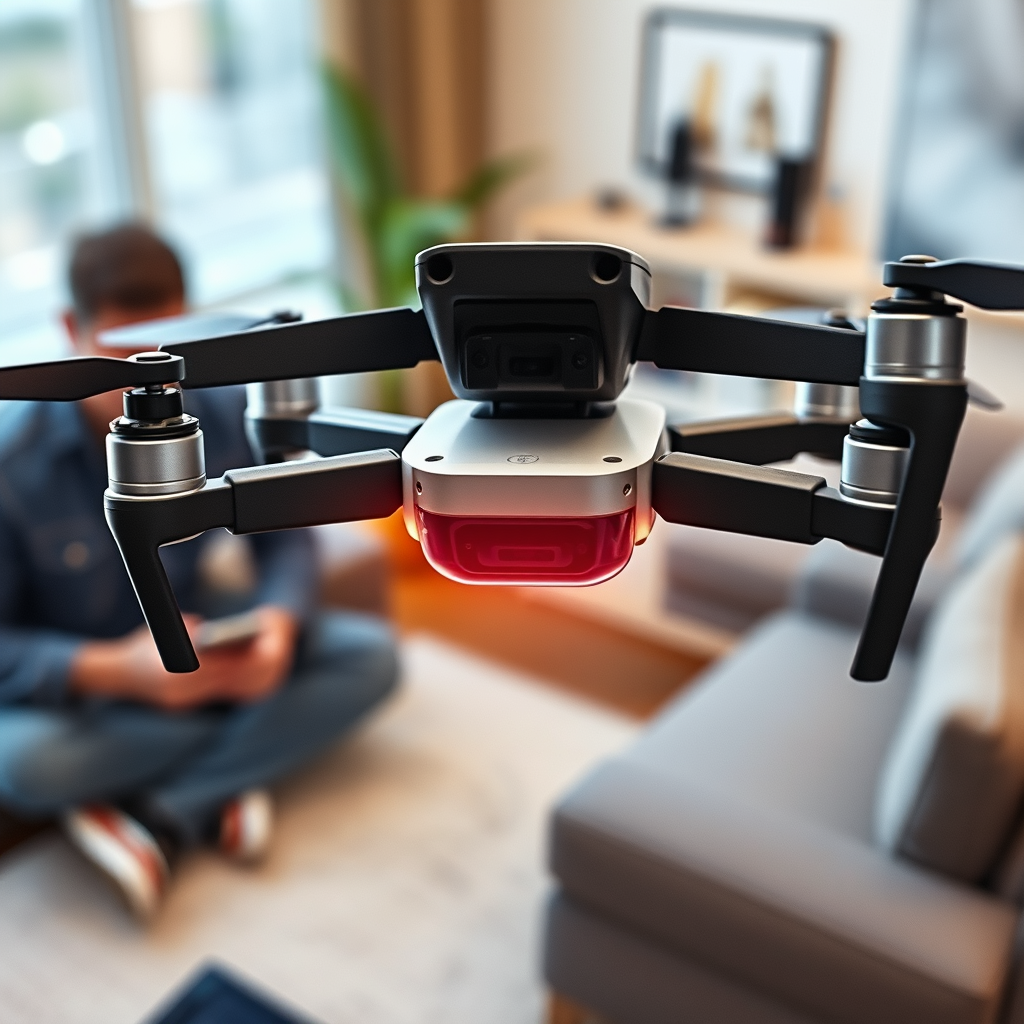
The DJI Tello drone does not come equipped with electronic image stabilization (EIS). Instead, it uses a fixed lens to capture video and images, which can lead to shaky footage during flight. While this limitation may deter some potential users, understanding its implications and exploring alternative techniques can enhance the overall filming experience. This article will delve into the nuances of EIS, examine the DJI Tello’s camera features, discuss the impacts of its lack of stabilization on footage quality, explore alternative stabilization techniques, and offer tips for capturing better footage with the Tello.
Understanding Electronic Image Stabilization
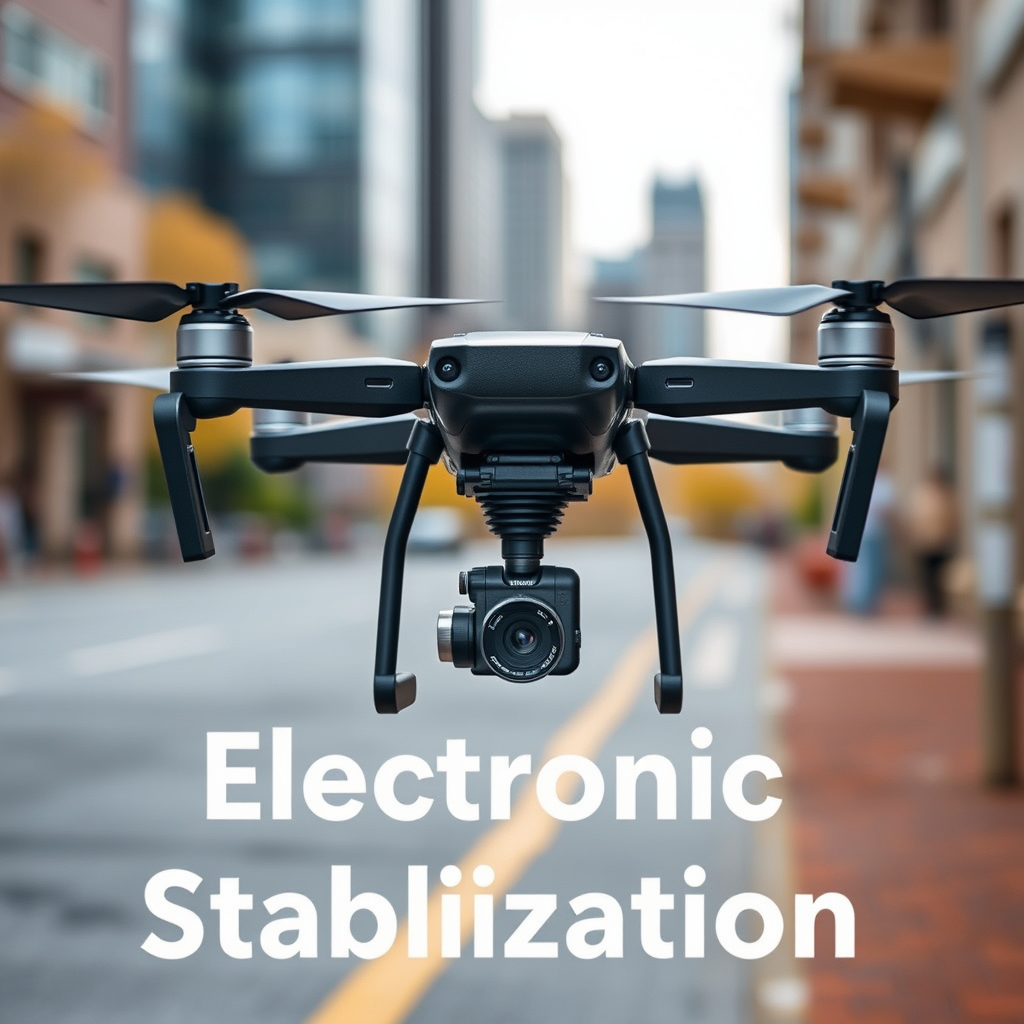
Electronic Image Stabilization (EIS) is a technology designed to enhance video quality by reducing blurriness and shakes. It works by analyzing the footage in real-time, detecting unwanted movements, and then adjusting the video frame accordingly. This allows for smoother playback and a more professional look, especially in dynamic environments. EIS is commonly found in higher-end drones and cameras, where the demand for high-quality, stable footage is paramount. By digitally cropping the image and re-centering the frame, EIS can make a significant difference in the final product, particularly when filming during fast movements or in challenging conditions.
DJI Tello’s Camera Features
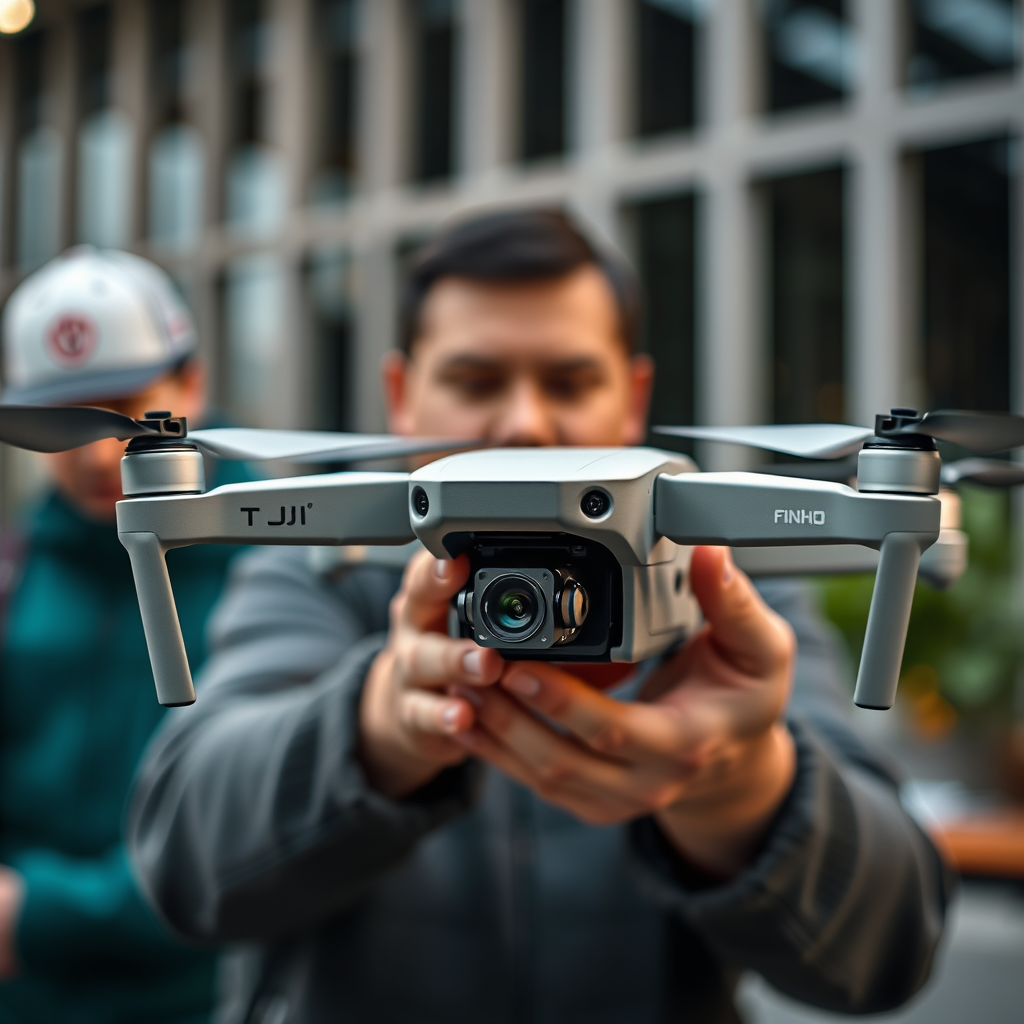
The DJI Tello drone features a 5 MP camera capable of capturing 720p video at 30 frames per second. This resolution is suitable for casual users and offers decent image quality for social media sharing or personal projects. However, the Tello utilizes a fixed lens design, which lacks EIS. This means that while the camera can take clear pictures and record video, any vibrations or movements during flight are directly translated into the footage, resulting in a potentially shaky viewing experience. The absence of EIS is a notable limitation for those looking to use the Tello for professional-grade videography, as the fixed lens does not compensate for the drone’s movements.
Impacts of Lack of EIS on Footage Quality
The lack of EIS in the DJI Tello can significantly impact the quality of the footage captured. Without stabilization, any erratic movements, whether caused by pilot error, wind gusts, or rapid maneuvers, can lead to shaky video. This is particularly pronounced during fast-paced flights or when the drone is subjected to external factors like wind, which can cause footage to appear jittery. For hobbyists capturing moments for personal use, this may not be a significant concern. However, for those considering the Tello for professional videography, the absence of stabilization can limit the drone’s effectiveness and the overall quality of the finished product.
Alternative Stabilization Techniques
Despite the Tello’s lack of EIS, there are alternative stabilization techniques that can be employed to enhance video quality. One effective method is the use of gimbals or handheld stabilizers. These devices counteract unwanted movements and maintain a level horizon, providing a smoother filming experience. While gimbals are typically associated with more expensive camera systems, there are affordable options available that can be adapted for use with the Tello.
Another approach is to incorporate software stabilization during post-production. Many video editing programs, such as Adobe Premiere Pro and Final Cut Pro, include stabilization features that can effectively reduce shaky footage. By analyzing the video and applying digital corrections, these programs can help create a more polished final product. While this approach may not entirely eliminate the effects of shake, it can significantly improve the overall viewing experience.
Tips for Capturing Better Footage with Tello
To maximize the potential of the DJI Tello despite its lack of EIS, consider the following tips for capturing better footage:
1. Fly in Calm Weather: Wind can exacerbate the effects of camera shake, so flying on a calm day can help you achieve smoother shots. Choose a location with minimal turbulence for the best results.
2. Practice Slow, Steady Movements: Abrupt maneuvers can lead to noticeable shakes in your footage. Practice executing slow and controlled movements while flying the Tello. This not only reduces shake but also allows for more deliberate framing of your shots.
3. Utilize the Tello’s Flight Modes: The Tello offers various flight modes, including “Rocket,” “Dronie,” and “Circle.” Experimenting with these modes can help you capture unique angles and perspectives while maintaining a steadier flight pattern.
4. Experiment with Angles: Changing the angle of your shots can help minimize the perception of shake. Try capturing footage from different altitudes and perspectives to add visual interest without compromising stability.
5. Plan Your Shots: Before flying, plan your shots carefully. Consider the composition, the movements you’ll make, and how to best utilize the drone’s capabilities. Having a clear vision can help you execute smoother flights.
User Experiences and Reviews
Many users of the DJI Tello drone have noted the trade-off between the drone’s affordability and the absence of professional-grade stabilization. While the Tello is an entry-level drone, it offers excellent value for its price, allowing users to explore aerial photography and videography without a significant financial commitment. Community feedback often highlights various workaround techniques for improving footage quality, such as using third-party stabilization software or employing creative flying techniques. Many users have shared tips and tricks on forums and social media, helping each other enhance their experiences with the Tello.
In conclusion, while the DJI Tello drone does not feature electronic image stabilization, understanding its limitations and employing alternative techniques can still yield impressive results. By utilizing external stabilization tools, practicing controlled flight, and leveraging post-production software, users can capture engaging footage that showcases the capabilities of this affordable drone. As with any creative endeavor, embracing the unique characteristics of the Tello can lead to innovative solutions and stunning aerial imagery.
Frequently Asked Questions
Does the DJI Tello drone have electronic image stabilization (EIS)?
The DJI Tello drone does not feature electronic image stabilization (EIS). Instead, it utilizes a fixed lens and optimized software for video processing. While this means that the Tello may not deliver the same level of stabilization as higher-end drones with EIS, it still offers decent video quality for casual users, especially in stable flying conditions.
How can I improve video stability when flying the DJI Tello?
To enhance video stability while using the DJI Tello, you can focus on flying the drone in calm weather conditions and minimizing abrupt movements during flight. Additionally, consider using the Tello’s built-in flight modes, like 8D flips or bounce mode, which can help maintain smoother motion. Lastly, post-processing software can also be used to stabilize footage in editing.
Why is electronic image stabilization important for drones?
Electronic image stabilization (EIS) is important for drones because it reduces the effects of camera shake, resulting in smoother, more professional-looking footage. This is particularly beneficial for capturing high-speed movements or flying in windy conditions. Drones with EIS can provide a more enjoyable viewing experience, making them ideal for videographers and content creators.
What are the best alternatives to the DJI Tello if I need EIS?
If you’re looking for a drone with electronic image stabilization, consider the DJI Mini SE or the DJI Mavic Mini, both of which provide enhanced stabilizing features. These drones are still relatively compact and user-friendly while offering improved camera capabilities, including EIS for smoother video capture. Evaluate your budget and specific needs to choose the best alternative for your aerial photography.
Which features make the DJI Tello suitable for beginners despite lacking EIS?
The DJI Tello drone is highly suitable for beginners due to its user-friendly interface, lightweight design, and intuitive controls. It offers features like automatic takeoff and landing, a 720p HD camera for decent image quality, and flight modes like “Throw & Go” that make flying easy. Additionally, the Tello app provides various fun features and educational coding options, making it a great starting point for new drone enthusiasts.
References
- Ryze Tello
- Ryze Tello review | TechRadar
- https://www.pcmag.com/reviews/dji-tello
- https://www.dji.com/tello/downloads
- https://www.theverge.com/2018/1/8/16867122/dji-tello-drone-ces-2018-review
- https://www.guidingtech.com/dji-tello-review/
- https://www.techadvisor.com/review/drones/dji-tello-review-3684895/
- https://www.digitaltrends.com/drone-reviews/dji-tello-review/
