
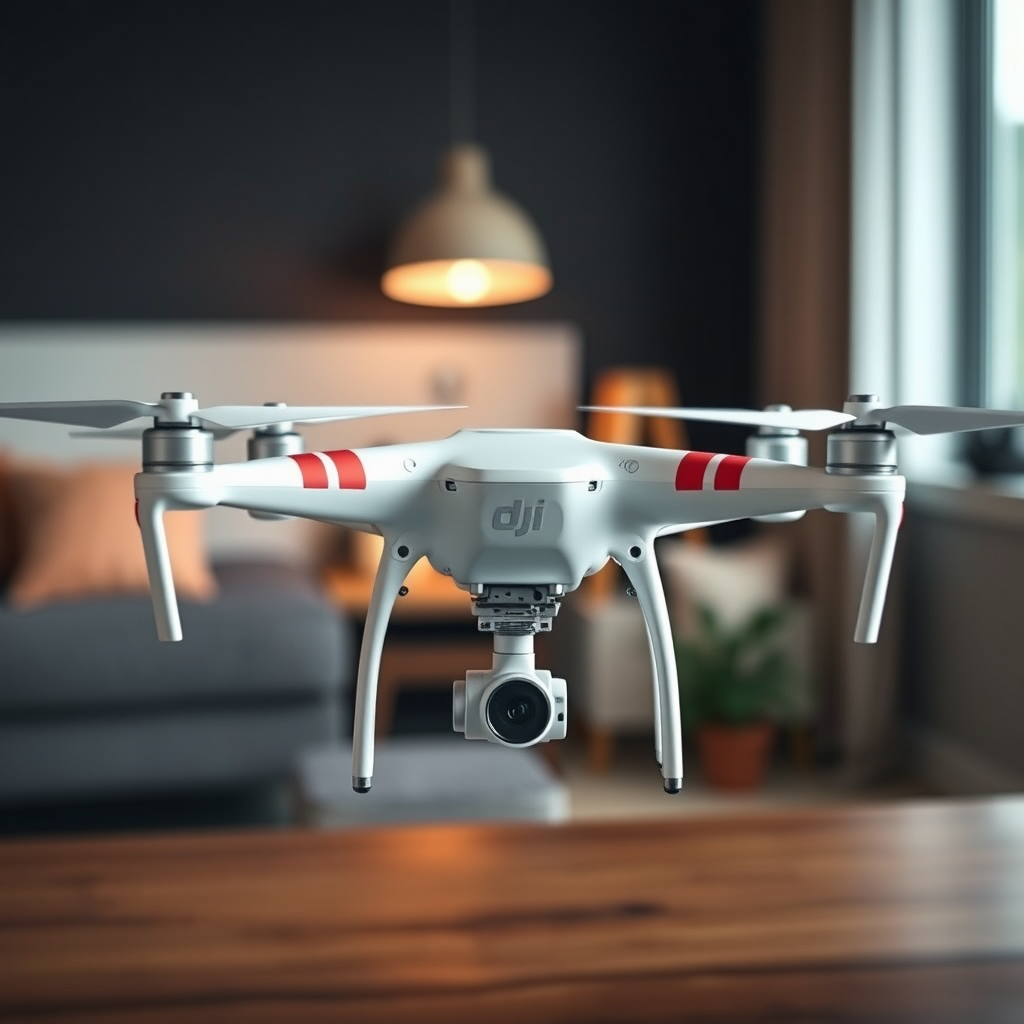
To turn left with a DJI Phantom 4 drone, you need to gently move the left control stick (the yaw control) to the left while maintaining altitude. This maneuver allows the drone to rotate and change direction smoothly, providing a seamless flying experience. Understanding the intricacies of drone controls, mechanics of turning, and factors influencing performance will significantly enhance your piloting skills. In this article, we’ll explore how to execute a left turn effectively and offer tips to optimize your drone flying experience.
Understanding Drone Controls
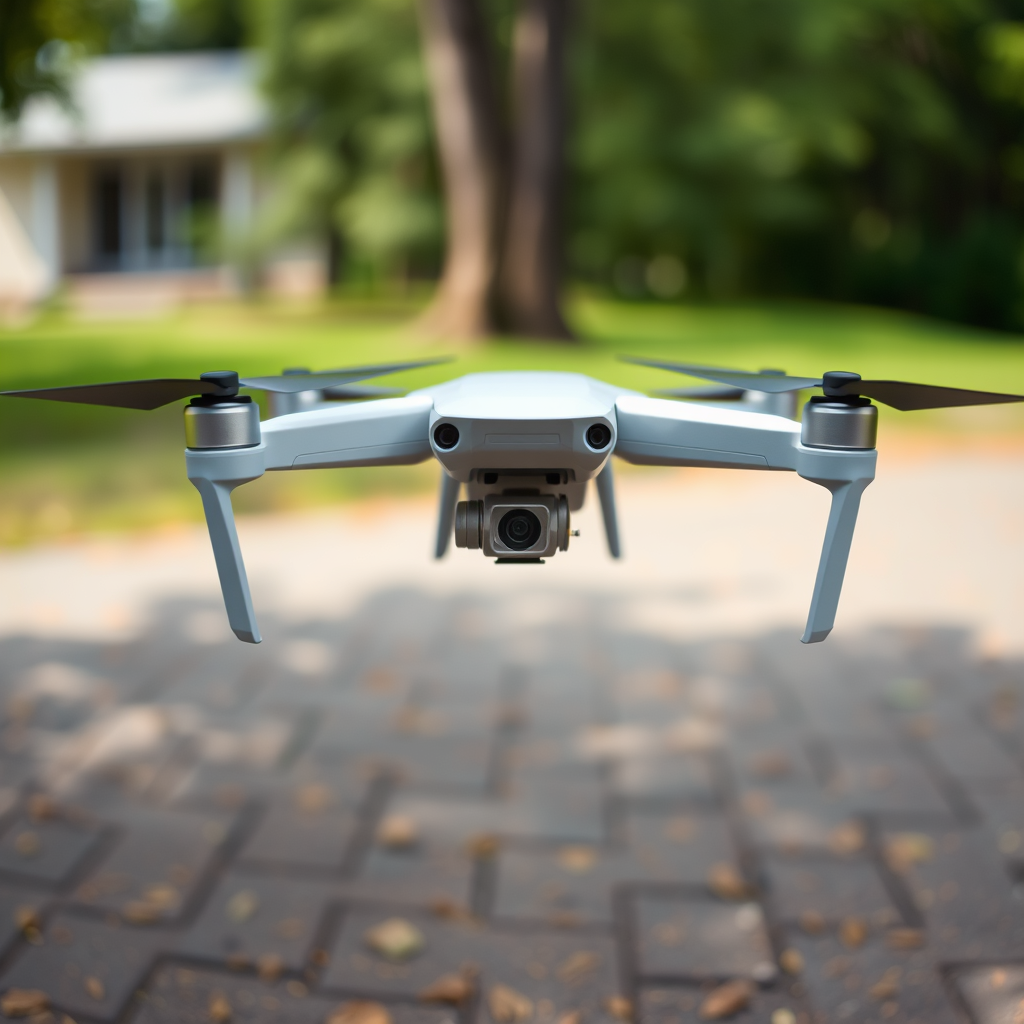
The DJI Phantom 4 drone is equipped with a sophisticated control system that allows pilots to navigate with precision. The left stick on the controller is responsible for yaw and altitude control. Yaw refers to the rotation of the drone around its vertical axis, while the altitude control enables the pilot to ascend or descend. This dual functionality means that careful manipulation of the left stick is essential for executing smooth turns.
Conversely, the right stick controls pitch and roll. Pitch moves the drone forward or backward, and roll tilts the drone left or right. Understanding these controls is crucial for coordinating movements. For instance, while turning left, you may need to adjust the right stick to maintain balance and forward momentum, especially in dynamic flying conditions. Learning to manipulate these controls fluidly contributes to an overall better flying experience.
The Mechanics of Turning Left
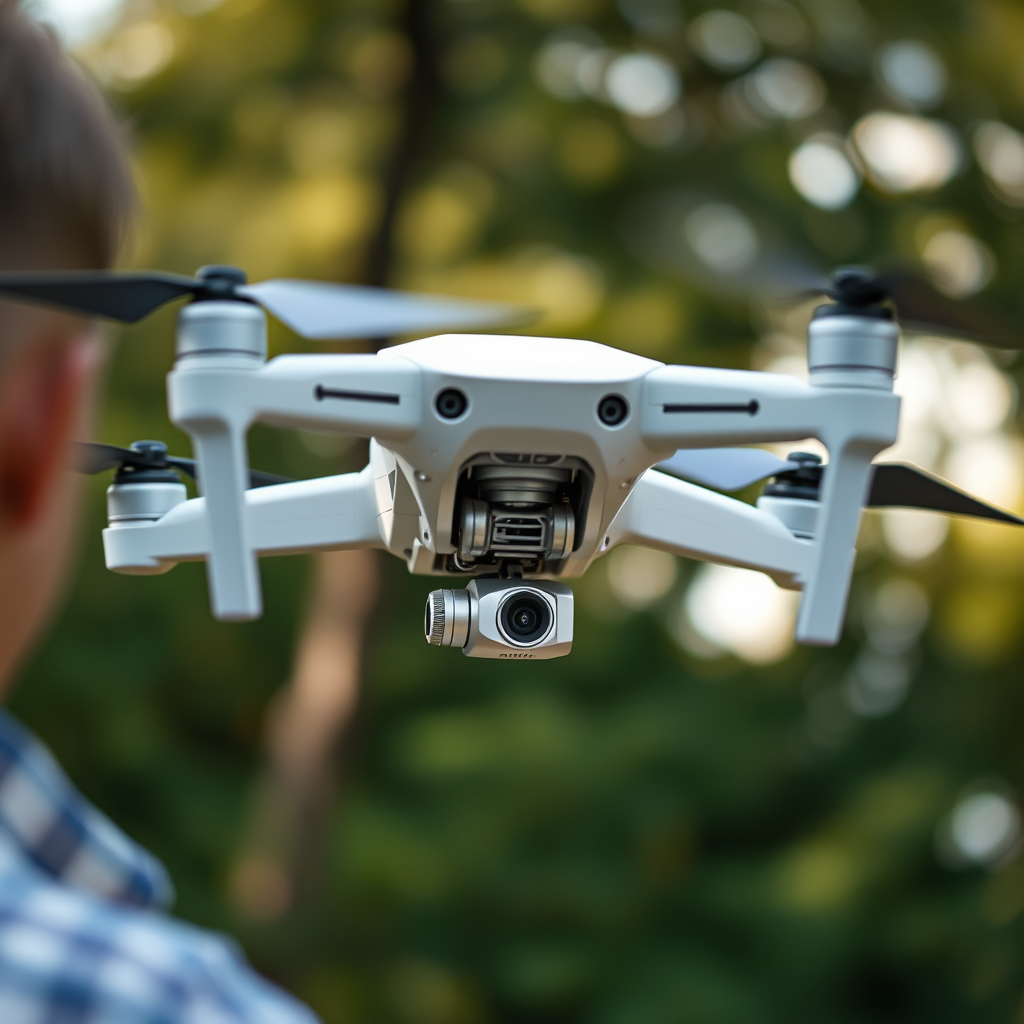
When you initiate a left turn with the DJI Phantom 4, the drone rotates around its vertical axis. This is achieved by adjusting the yaw control on the left stick. As you push the stick left, the drone’s propellers adjust their thrust to pivot the body of the drone in that direction. Importantly, this rotation does not change the drone’s position horizontally; rather, it alters its orientation while keeping it stable in its flight path.
For example, if you’re flying forward and decide to turn left, moving the left stick to the left will rotate the drone 90 degrees to face that direction, allowing it to continue flying forward but now on a new trajectory. This maneuver can be particularly effective when navigating around obstacles or capturing dynamic aerial shots.
Factors Affecting the Turn
Several external factors can significantly influence how your DJI Phantom 4 turns left. One of the primary considerations is wind conditions. Strong winds can affect the stability and responsiveness of the drone, making it more challenging to execute precise turns. For instance, if there’s a gust of wind coming from the right, it may push the drone off course as you attempt to turn left, necessitating additional adjustments to maintain your intended flight path.
Another important factor is the drone’s battery levels. A low battery can result in diminished power and responsiveness, which may hinder your ability to perform sharp or precise turns. As the battery depletes, the drone’s performance may degrade, leading to slower response times when you move the control sticks. This is why it’s crucial to monitor battery levels closely and ensure that your drone is fully charged before embarking on a flight.
Tips for Smooth Left Turns
To achieve smooth left turns with your DJI Phantom 4, practice is essential. Begin in open areas where you can freely maneuver the drone without obstacles. This will allow you to gain confidence in your turning capabilities. Start with slow, gradual movements of the left stick. Abrupt or aggressive inputs can lead to erratic flight behavior, making it difficult to control the drone during turns.
Additionally, consider practicing coordinated turns. This involves using both the left and right sticks in tandem to maintain altitude and forward momentum while turning. For example, if you’re executing a left turn while flying forward, you may need to gently pull back on the right stick to maintain altitude and avoid descending during the maneuver. Over time, these coordinated movements will become second nature, resulting in smoother and more controlled flights.
Common Mistakes to Avoid
Even seasoned pilots can make mistakes when turning their DJI Phantom 4 drones. One common error is over-rotating during a turn. This can lead to instability and make it difficult to regain control of the drone. Small adjustments to the left stick are key; it is better to make a series of gradual movements rather than one large input.
Another mistake is forgetting to maintain altitude while turning. It’s essential to keep an eye on the drone’s altitude during maneuvers to prevent unintentional descents. Many pilots become so focused on the direction of the turn that they neglect altitude control, leading to potential crashes or rough landings. By being mindful of both yaw and altitude, you can execute turns that are not only smooth but also safe.
Troubleshooting Turning Issues
If your DJI Phantom 4 does not turn as expected, it may be time to troubleshoot potential issues. One of the first steps is to check if the drone is calibrated correctly. Calibration ensures that the drone’s sensors are aligned and functioning properly, which is crucial for accurate control. You can recalibrate the drone through the DJI Go app, following the on-screen instructions.
Additionally, ensure that the firmware is up-to-date. Firmware updates often include performance enhancements and bug fixes that can improve control responsiveness. Regularly checking for updates will help you maintain optimal performance and prevent control problems that could arise from outdated software.
In summary, mastering the art of turning your DJI Phantom 4 drone left involves understanding the controls, mechanics, and various factors that influence performance. By applying the tips and insights shared in this article, you can enhance your flying skills and enjoy a smoother, more controlled flying experience. With practice, you’ll find that executing precise turns becomes a natural part of your piloting repertoire.
In conclusion, turning left with your DJI Phantom 4 is a fundamental skill that opens up a world of creative possibilities in drone flying. By following the guidelines outlined here, you can improve your maneuvering abilities, ensure safe flights, and create captivating aerial footage with confidence. Happy flying!
Frequently Asked Questions
How do I turn my DJI Phantom 4 drone left while flying?
To turn your DJI Phantom 4 drone left, gently push the left control stick (the throttle stick) to the left while keeping the right control stick neutral. This action will initiate a left yaw motion, causing the drone to pivot in place. Ensure that your drone is in GPS mode for more stability during turns, and practice in an open area to better understand the controls.
Why does my DJI Phantom 4 drone not turn left smoothly?
If your DJI Phantom 4 drone isn’t turning left smoothly, it may be due to several factors such as wind conditions, improper calibration, or a low battery. Be sure to calibrate your drone before flight and check for firmware updates. Additionally, flying in strong winds can affect control, so try turning in calmer conditions for smoother maneuvers.
What is the best way to practice turning my DJI Phantom 4 drone left?
The best way to practice turning your DJI Phantom 4 drone left is to choose a spacious, open area free from obstacles, where you can safely experiment with control inputs. Start by hovering the drone at a low altitude and practice small left turns by gradually pushing the left stick. As you become more comfortable, try combining turns with altitude changes to enhance your piloting skills.
Which control mode should I use for easier left turns with my DJI Phantom 4?
For easier left turns with your DJI Phantom 4, consider using the “Beginner Mode” if you are new to flying drones. This mode limits the drone’s speed and altitude, making it easier to control. As you gain confidence and experience, you can switch to “GPS Mode” for more advanced flying capabilities while maintaining stability during turns.
What should I do if my DJI Phantom 4 drone turns left automatically?
If your DJI Phantom 4 drone is turning left automatically, it may be experiencing a calibration issue or a problem with the gyroscope. First, try recalibrating the drone’s compass and IMU following the manufacturer’s instructions. If the issue persists, check for any mechanical obstructions or contact DJI support for assistance, as it may require professional servicing.
References
- DJI Phantom
- DJI – The World Leader in Camera Drones/Quadcopters for Aerial Photography
- https://www.nytimes.com/2020/07/29/technology/drones.html
- https://www.theguardian.com/technology/2021/aug/10/drones-using-technology-to-rethink-the-future
- https://www.faa.gov/uas/getting_started/part_107/
- https://www.ncbi.nlm.nih.gov/pmc/articles/PMC6621929/
- https://www.sciencedirect.com/science/article/pii/S2351978918301774
