
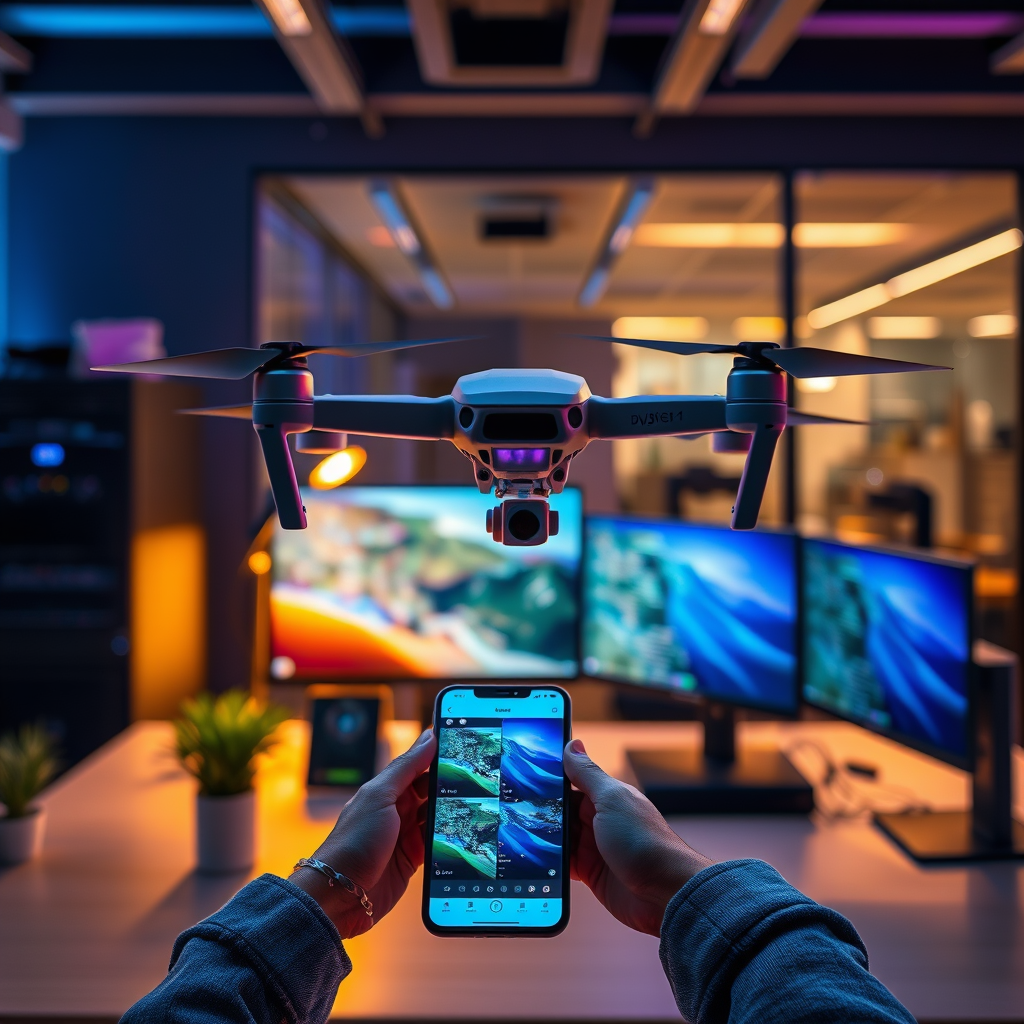
The DJI Go app is generally accurate in helping users locate their drones, especially when they are within a reasonable distance and have a clear line of sight. However, various factors can affect its effectiveness. Understanding how the app functions, the factors that influence its accuracy, and strategies for improving your chances of locating a lost drone can greatly enhance your flying experience. In this article, we’ll explore the accuracy of the DJI Go app in tracking lost drones, the limitations you might encounter, and tips for improving your chances of a successful recovery.
Understanding the DJI Go App’s Functionality

The DJI Go app is an essential tool for drone enthusiasts, offering a range of functionalities that include flight controls, camera settings, and live telemetry data. One of its most important features is its ability to utilize GPS data to provide real-time location tracking of the drone. When the drone is powered on and within range, the app displays the drone’s current position on a map, allowing users to track its movement seamlessly.
Additionally, the app provides access to the drone’s last known position, which can be crucial for retrieval efforts if the drone goes out of range or loses connection. This last known position is plotted based on the GPS coordinates at the moment the connection was lost, serving as a starting point for locating the drone. The app also features a “Find My Drone” function that helps users navigate to the last known location, further enhancing the chances of a successful recovery.
Factors Affecting Accuracy

While the DJI Go app is designed to be accurate, several factors can hinder its effectiveness in tracking drones. Environmental conditions play a significant role; obstacles such as trees, buildings, and even weather conditions like heavy rain or fog can disrupt GPS signals. These obstructions can lead to inaccuracies in the drone’s reported location, making recovery more challenging.
Moreover, the distance between the drone and the user’s device can impact tracking precision. If the drone flies beyond a certain range, the connection may weaken, and the GPS signal may become unreliable. Users should be aware that as they move further away from their drone, the app’s ability to provide an accurate location diminishes. In urban settings, where signal interference is more common due to tall structures, users often report difficulties in pinpointing their drones.
User Experiences and Testimonials
User experiences with the DJI Go app vary widely, with many reporting success in locating their drones, particularly in open areas with minimal interference. For instance, a user flying their DJI Mavic Pro over a rural landscape recounted how the app guided them to their drone’s last known position after it lost connection due to a low battery. The clear visibility of the area allowed for a relatively easy recovery.
Conversely, urban users have shared stories highlighting the challenges faced when trying to locate drones in densely populated areas. One user detailed a frustrating experience where their drone was lost in a city park surrounded by tall buildings, which obstructed the GPS signal and rendered the app less effective. These testimonials underscore the importance of understanding the local environment when flying drones and the app’s limitations in urban settings.
Tips for Enhancing Tracking Success
To maximize the effectiveness of the DJI Go app in locating your drone, consider the following tips:
1. Keep Software Updated: Regularly update your drone’s firmware and the DJI Go app to ensure optimal performance and access to the latest features. Updates often include improvements to GPS accuracy and overall reliability.
2. Familiarize Yourself with App Features: Take the time to explore the app’s functionalities, particularly the “Find My Drone” feature. Knowing how to use this tool effectively can make a significant difference in recovery efforts.
3. Fly Within Sight: Whenever possible, keep your drone within visual line of sight. This not only enhances your ability to monitor its position but also helps prevent potential disconnections that can occur at longer distances.
4. Choose Flying Locations Wisely: When planning your flights, consider the environment. Open fields or areas with fewer obstacles will generally yield better results in terms of GPS tracking than urban environments with tall buildings and dense foliage.
5. Practice Emergency Procedures: Familiarize yourself with emergency protocols, such as initiating the Return-to-Home (RTH) feature. This can be particularly beneficial if you lose sight of your drone, as it will attempt to return to its takeoff point automatically.
What to Do If You Can’t Find Your Drone
If you find yourself unable to locate your drone despite using the DJI Go app, there are alternative recovery methods you can explore. One effective strategy is to analyze the last recorded flight path. The app provides data on where the drone has flown, which may give clues about its final location, especially if it landed unexpectedly.
Additionally, consider investing in third-party tracking devices for future flights. These devices can be attached to your drone and offer additional tracking capabilities, often utilizing cellular networks or other technologies to provide more reliable location data.
Additional Resources and Support
If you encounter issues with tracking your drone using the DJI Go app, don’t hesitate to seek assistance through DJI’s official support channels. They offer troubleshooting resources for various problems, including GPS inaccuracies. Furthermore, online forums and community groups dedicated to drone enthusiasts can be invaluable sources of information. These platforms often share valuable insights and tips on drone recovery, enhancing your understanding of common challenges and solutions.
In summary, the DJI Go app is a useful tool for finding your drone, but its accuracy can vary based on several factors. To maximize your chances of a successful recovery, keep your app and drone updated, understand the limitations, and consider additional resources for future flights. If you frequently fly in challenging environments, you might also want to invest in extra tracking solutions. By taking these steps, you can enjoy a more secure and satisfying drone flying experience.
Frequently Asked Questions
How accurate is the DJI Go app’s “Find My Drone” feature?
The “Find My Drone” feature in the DJI Go app is designed to help users locate their drones using GPS technology. Its accuracy depends on several factors, including the drone’s GPS signal strength and environmental conditions. Generally, users can expect an accuracy range of about 1-5 meters, assuming the drone is powered and connected to the app. However, obstacles like buildings or trees can potentially hinder GPS signals, affecting the precision of the location displayed.
What should I do if the DJI Go app cannot find my drone?
If the DJI Go app fails to locate your drone, first ensure that the drone is powered on and within range of your mobile device. Check your device’s GPS settings, as a weak signal can impede the app’s ability to determine the drone’s location accurately. If the app still does not work, try moving to an open area to enhance signal reception or consider using the last known coordinates if the drone has lost connection.
Why is my drone not appearing on the DJI Go app’s map?
There are several reasons your drone may not show up on the DJI Go app’s map. Common issues include low battery levels, a lost GPS signal, or a firmware malfunction. Additionally, ensure that your drone and mobile device are properly connected via Wi-Fi or Bluetooth, and verify that the app is updated to the latest version, as outdated software can lead to connectivity problems.
What is the best way to increase the chances of finding my lost drone using the DJI Go app?
To improve your chances of recovering a lost drone with the DJI Go app, ensure that you have enabled the “Find My Drone” feature before flying. Familiarize yourself with your drone’s last known location and use the app to navigate to that point. Furthermore, always fly in open, clear areas to minimize the risk of losing GPS signal, and consider attaching a tracking device or beacon to your drone for added security.
Which DJI drones support the “Find My Drone” feature in the DJI Go app?
The “Find My Drone” feature is supported by a variety of DJI models, including the Mavic series, Phantom series, and Spark. However, it’s essential to confirm that your specific drone model is compatible with the DJI Go app and its latest features. For the most accurate information, consult the user manual or DJI’s official website, as compatibility may vary with firmware updates and specific product lines.
References
- DJI
- Unmanned Aircraft Systems (UAS) | Federal Aviation Administration
- https://www.nytimes.com/2020/10/15/technology/drones-dji.html
- https://www.theguardian.com/technology/2021/jul/20/dji-drones-tracking-privacy
- https://www.wired.com/story/dji-drone-find-my-drone/
- https://www.techradar.com/news/how-to-find-your-lost-drone
- https://www.sciencedirect.com/science/article/pii/S2352864817300548
