
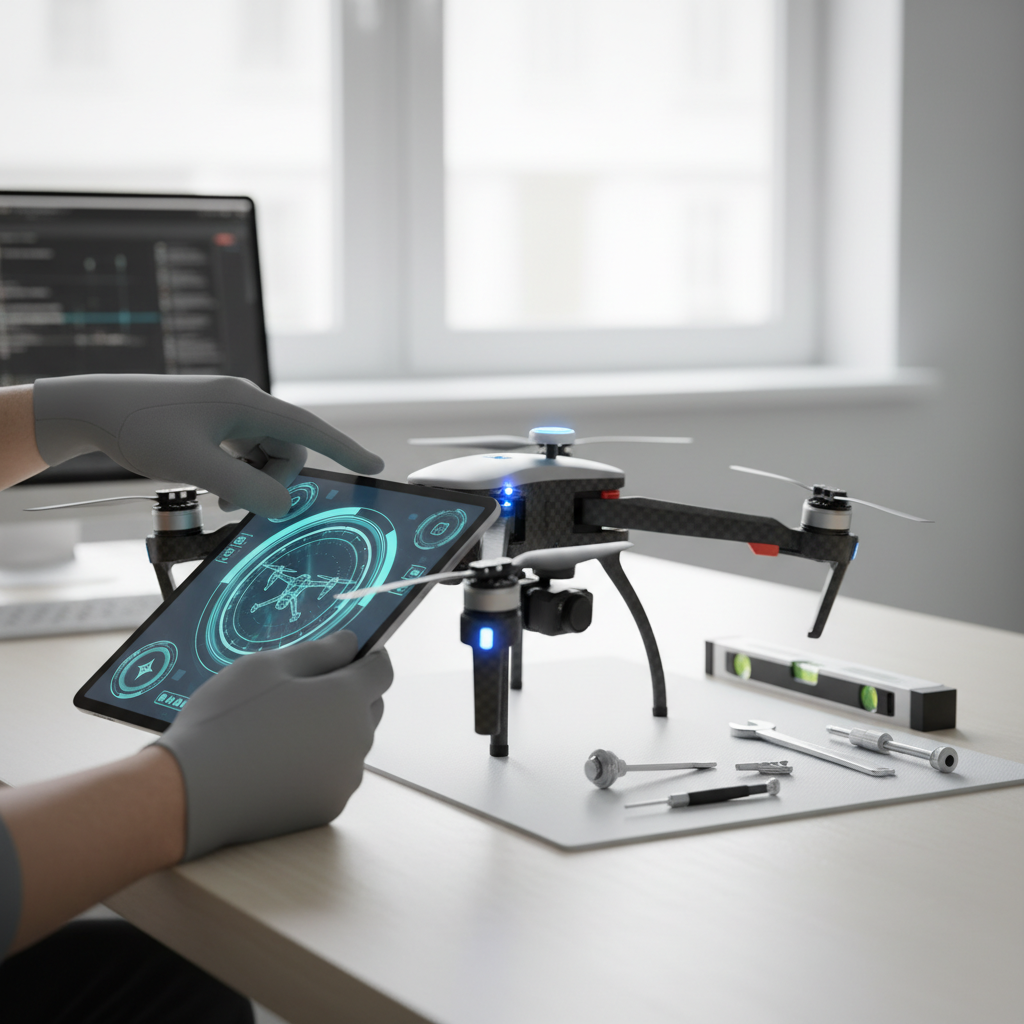
To calibrate a drone effectively, you must follow a series of methodical steps that adjust the sensors and ensure the flight controller is properly configured. This calibration process is essential for achieving stable and reliable flight performance, which is crucial for both recreational and professional drone users. Whether you’re a hobbyist capturing breathtaking aerial shots or a commercial pilot conducting surveys, ensuring your drone is well-calibrated can significantly enhance its operational efficiency and safety.
Understanding Drone Calibration
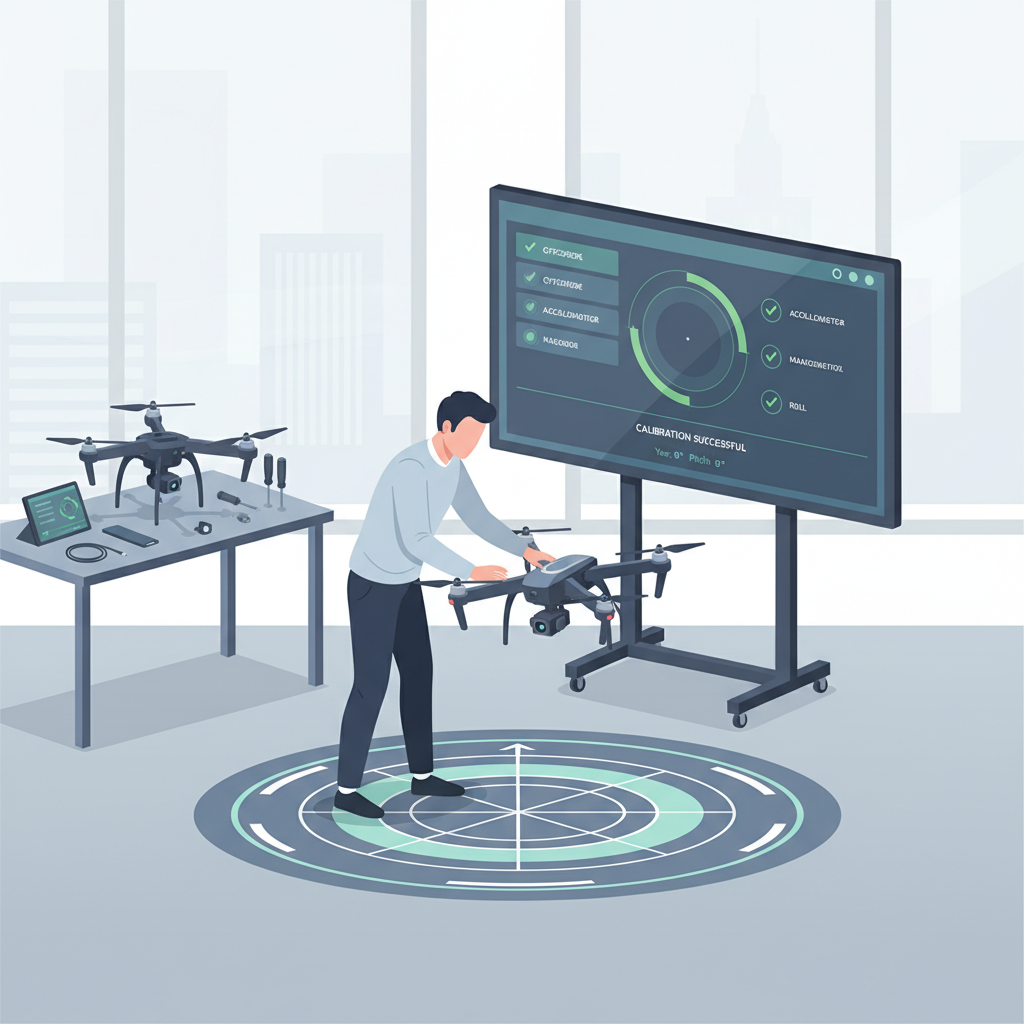
Calibration is a fundamental process that ensures your drone’s sensors provide accurate readings, which directly influences its flight stability and responsiveness. The importance of calibration cannot be overstated, as it allows the drone to interpret environmental factors such as altitude, orientation, and magnetic interference correctly. Each drone model may have different calibration requirements and procedures, reflecting its unique design and technology. For instance, while many consumer drones require simple compass and gyroscope calibration, professional-grade drones may involve more intricate calibration steps, including advanced sensor checks and software updates.
Tools Required for Calibration
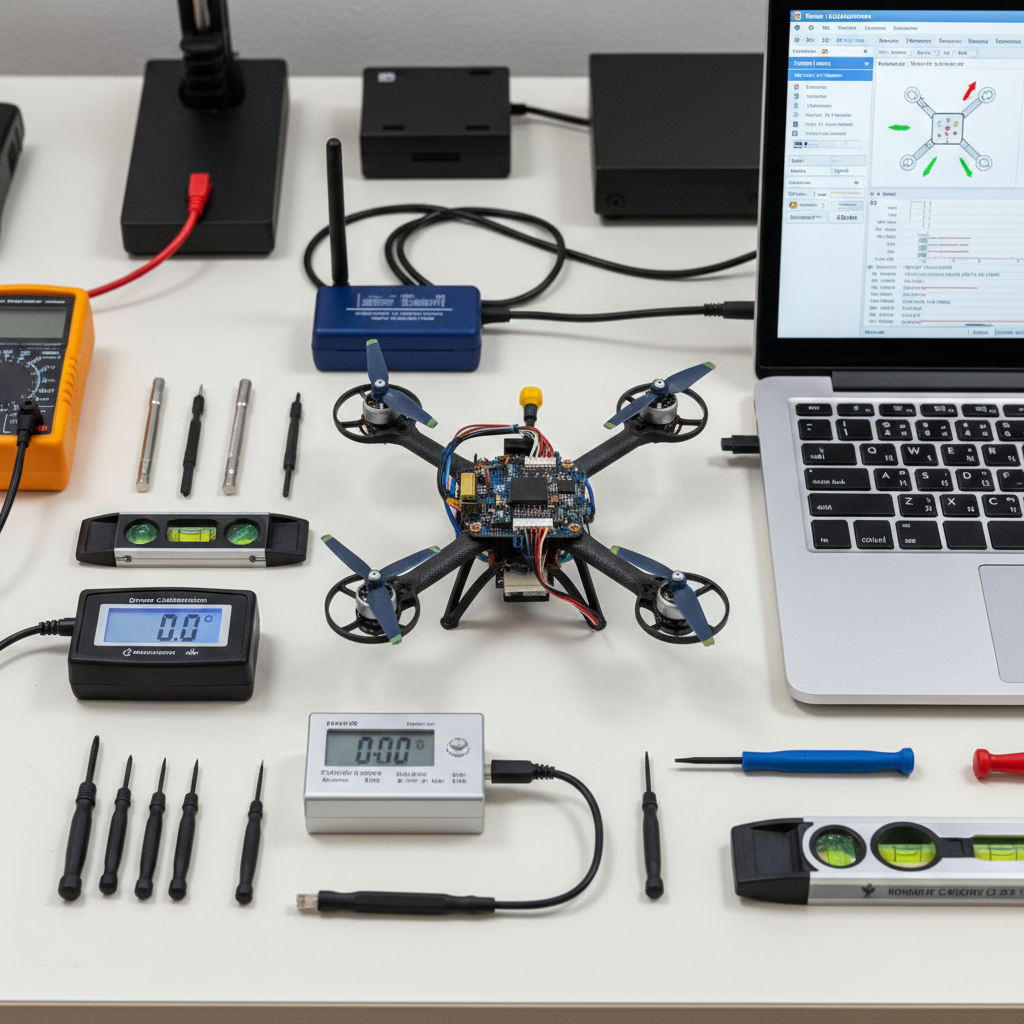
Before you begin the calibration process, it’s essential to gather the necessary tools. You will need a smartphone or tablet equipped with the drone’s app, as most modern drones rely on accompanying applications for setup and calibration. Additionally, you should have access to a flat, open area that is free from physical obstructions and electromagnetic interference. This location should be away from metal structures, power lines, and other potential sources of magnetic disruption, which can skew calibration data and affect flight performance.
Steps to Calibrate Your Drone
The initial steps for calibrating your drone are straightforward but critical. Begin by powering on both the drone and the remote controller. Next, open the drone’s app on your smartphone or tablet, which will guide you through the calibration process. Most apps will have a dedicated section for calibration, where you can find instructions tailored to your specific model. It is crucial to follow the app’s prompts carefully to ensure that all calibration steps are completed accurately.
Performing Compass Calibration
Compass calibration is vital for ensuring that the drone accurately understands its orientation relative to the Earth’s magnetic field. To perform this calibration, you will typically need to rotate the drone both horizontally and vertically, often referred to as the “figure eight” method. This rotation allows the drone to gather data from its compass sensors. It is important to perform this calibration in an area that is free from magnetic interference. For example, conducting calibration near large metal objects or electronic devices can result in erroneous readings, leading to potential flight instability and navigational errors.
Gyroscope Calibration Process
The gyroscope calibration is another critical step that involves setting the drone’s internal sensors to accurately reflect its orientation and movement. To begin this process, place the drone on a flat, stable surface, ensuring that it is level and undisturbed. Follow the app’s prompts, which may instruct you to keep the drone still for a few moments. This pause allows the gyroscope sensors to reset and establish a baseline for accurate readings. If the gyroscope is not calibrated properly, the drone may exhibit erratic behavior during flight, such as unintended yaw or roll.
Checking Calibration Accuracy
After completing the calibration processes for both the compass and gyroscope, it is essential to check the accuracy of your calibration. Conduct a test flight in a controlled environment, preferably a spacious area away from obstacles and people. During this test flight, observe the drone’s behavior closely. Look for any signs of instability, such as drifting or difficulty maintaining altitude. If the drone appears to be unstable, it may indicate that recalibration is necessary, or that environmental factors, such as wind conditions, might be affecting its performance.
Troubleshooting Common Calibration Issues
Despite careful calibration, you may encounter issues during or after the process. If you notice that your drone drifts during flight or fails to respond accurately to your commands, it may require re-calibration. Check for environmental factors that could affect flight stability, such as wind or magnetic interference. Additionally, consult the drone’s manual for specific error codes or messages that may provide insight into calibration issues. Some drones may also have built-in troubleshooting tools within their apps to assist with identifying and resolving calibration-related problems.
In conclusion, calibrating your drone is a crucial step for optimal performance and safety during flights. By following the outlined steps, from understanding the importance of calibration to troubleshooting common issues, you can ensure your drone is ready for action. Calibration is not a one-time task but should be part of your regular pre-flight checklist to maintain accuracy and reliability. Always refer to your specific drone’s manual for precise calibration instructions tailored to your model, and remember that a well-calibrated drone is key to achieving the best flying experience. Happy flying!
Frequently Asked Questions
What is the process of calibrating a drone?
Calibrating a drone typically involves adjusting its sensors to ensure accurate flight performance. The process usually includes compass calibration, which requires rotating the drone in a series of specific orientations, and IMU (Inertial Measurement Unit) calibration, which is often done by placing the drone on a flat surface. Following the manufacturer’s guidelines is crucial for successful calibration, as it helps in minimizing flight errors and ensuring stable operation.
How often should you calibrate your drone?
You should calibrate your drone every time you change locations, especially if you move to a place with significantly different magnetic fields or elevations. Additionally, calibrating before your first flight of the day is a good practice. Regular calibration can help maintain accurate GPS positioning and flight stability, which is essential for capturing high-quality aerial footage.
Why is calibrating a drone important for safe flying?
Calibrating a drone is critical for safe flying because it ensures that the drone’s sensors, particularly the compass and IMU, function correctly. Incorrect calibration can lead to navigational errors, resulting in loss of control, crashes, or flyaways. By ensuring your drone is properly calibrated, you enhance its reliability and your safety during flight operations.
Which drones require calibration before flying?
Most consumer and professional drones, such as DJI, Parrot, and Yuneec models, require calibration before flying, especially those equipped with GPS functionality. While some drones may have advanced features that reduce the need for frequent calibration, it is still a good practice to calibrate anytime you notice unusual flight behavior or after making hardware changes. Always consult your specific drone’s user manual for calibration requirements.
What are common signs that indicate your drone needs calibration?
Common signs that indicate your drone needs calibration include erratic flight behavior, unresponsive controls, or drifting while hovering. If your drone experiences issues like sudden altitude drops or inaccurate GPS positioning, these are also strong indicators that calibration is necessary. Regularly checking these factors can help prevent potential crashes and ensure a smoother flying experience.
References
- https://en.wikipedia.org/wiki/Drone#Calibration
- https://www.faa.gov/uas/getting_started/registration/
- https://www.nasa.gov/centers/dryden/pdf/87440.pdf
- https://www.mdpi.com/2504-446X/4/2/32
- https://www.unm.edu/~drone/docs/Drone_Calibration_Guide.pdf
- https://www.uvm.edu/extension/agriculture/precision-agriculture/drone-calibration-guide
- https://www.societyofaviationengineers.org/resources/Drone_Calibration_Whitepaper.pdf
