
Editing drone footage like a pro requires a solid grasp of the right software, techniques, and creative strategies to turn raw aerial visuals into captivating stories. By understanding the essential tools and methodologies, you can enhance your footage’s quality and engage your audience effectively. This guide will walk you through software selection, footage organization, basic editing techniques, color grading, audio integration, and more, ensuring your drone videos stand out in today’s competitive landscape.
Choosing the Right Editing Software
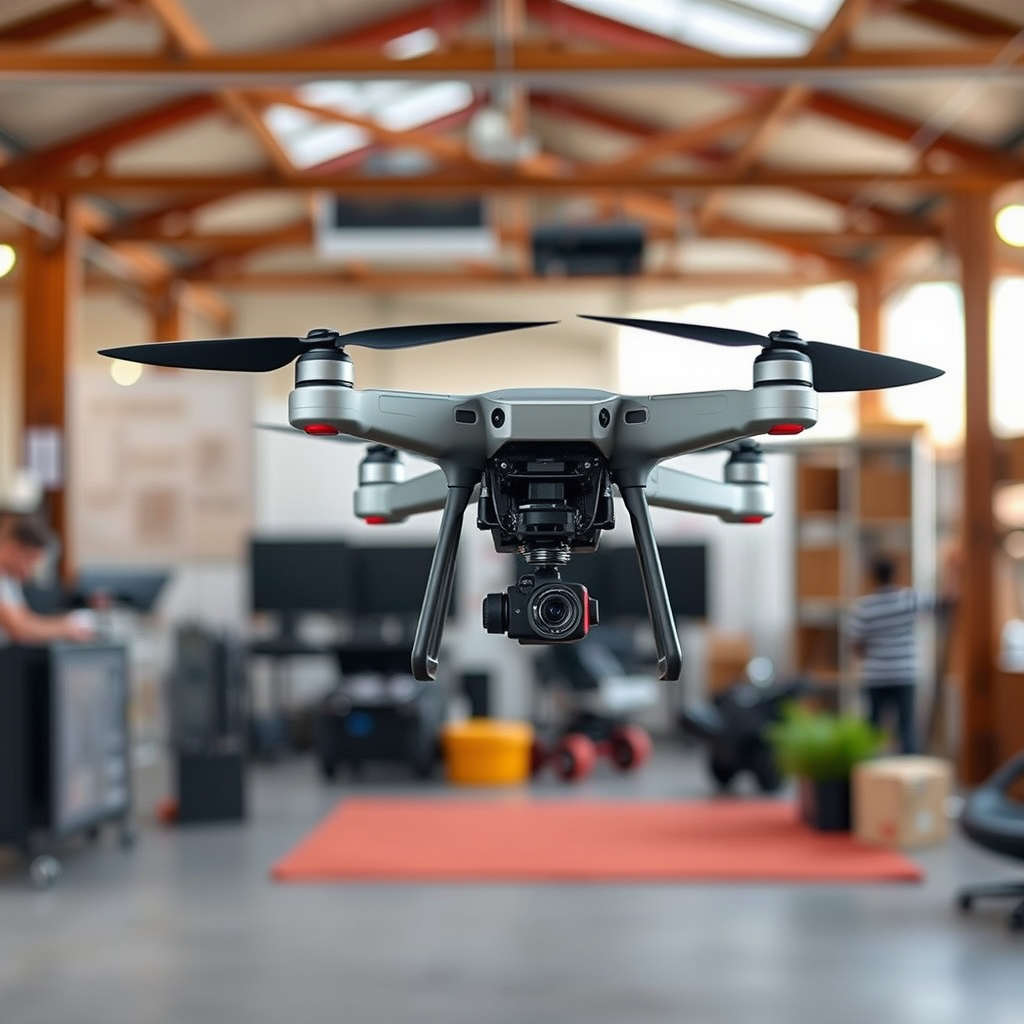
Selecting the appropriate editing software is crucial for effectively processing drone footage. Popular options include Adobe Premiere Pro, Final Cut Pro, and DaVinci Resolve, each offering unique features tailored for aerial videography.
Adobe Premiere Pro is renowned for its extensive capabilities and flexibility, making it a preferred choice among professionals. It supports various file formats and offers robust color grading and stabilization tools, essential for drone footage. Final Cut Pro, favored by Mac users, provides a user-friendly interface and fast rendering times, ideal for those who prioritize efficiency. DaVinci Resolve stands out for its advanced color grading options, making it a go-to for creators looking to achieve cinematic looks. When choosing software, consider factors such as user-friendliness, compatibility with your operating system, and the specific features that can enhance your drone editing experience.
Importing and Organizing Your Footage
An organized approach to importing and categorizing your drone footage can significantly streamline your editing process. Begin by transferring your files from the drone to a dedicated folder on your computer. Use a systematic naming convention, such as the date followed by the location or the type of shot, to make it easier to locate specific clips later.
Creating subfolders based on various categories—such as location, date, or shot type (e.g., aerial, close-up, wide shots)—can enhance accessibility. This method not only saves time during editing but also ensures you have a structured archive for future projects. Implementing a consistent organization system will enable you to focus on creativity rather than searching for clips.
Basic Editing Techniques
Once your footage is organized, it’s time to dive into basic editing techniques. Start by trimming and cutting clips to remove any unnecessary sections, ensuring a narrative flow that keeps your audience engaged. Maintain a rhythm that aligns with the visuals; for instance, quick cuts can generate excitement during dynamic sequences, while longer cuts may suit tranquil landscapes.
Experiment with transitions to create seamless connections between different scenes. While simple cuts are often effective, adding fades or wipes can enhance storytelling by guiding viewers smoothly from one shot to another. Additionally, consider the pacing of your edits—some moments may benefit from slower transitions to build anticipation, while others may require rapid cuts to convey action.
Color Grading and Correction
Color grading and correction are pivotal in elevating the visual quality of your drone footage. Begin with color correction, which ensures that your footage accurately represents the colors captured by your drone. Adjust exposure, contrast, and white balance to achieve a balanced look; this is particularly important for drone shots, which can often appear washed out due to the high altitude and wide angles.
Once your footage is corrected, delve into color grading to create a specific mood or style. For instance, a warm color palette can evoke feelings of nostalgia and warmth, while cooler tones might convey a sense of calm or melancholy. Tools within your editing software, such as LUTs (Look-Up Tables), can expedite this process, allowing you to apply predefined color settings that give your footage a professional finish. Experiment with various grading techniques to find the style that best suits your project.
Adding Music and Sound Effects
The auditory experience is just as important as the visual when it comes to video editing. Selecting the right background music and sound effects can significantly enhance the overall impact of your drone footage. Opt for music that complements the visuals; for example, uplifting tracks can amplify the beauty of aerial landscapes, while dramatic scores may heighten tension in action sequences.
Ensure that audio levels are carefully adjusted, allowing music and sound effects to support rather than overpower the visuals. Syncing sounds with visual elements—such as matching a beat drop with a stunning aerial reveal—can create an immersive experience for viewers. Additionally, consider incorporating ambient sounds recorded during your drone flights, adding authenticity to your footage.
Exporting and Sharing Your Final Video
Once your editing is complete, understanding the export settings is essential to ensure optimal quality for your final video. Most editing software offers various export options, including different file formats, resolutions, and bitrates. For online sharing, exporting in formats like MP4 is advisable due to its balance of quality and file size.
Decide on the resolution based on your intended platform; for instance, 1080p is generally sufficient for YouTube, while 4K may be preferable for high-end presentations or film festivals. After exporting, explore platforms for sharing your edited footage. YouTube and Vimeo are excellent for reaching a broad audience, while social media platforms like Instagram and Facebook can help showcase your work to specific communities.
Tips for Continuous Improvement
The journey of mastering drone footage editing is ongoing. Seeking feedback from peers, either through online forums or local groups, can provide valuable insights and help refine your skills. Constructive criticism can unveil areas for improvement that you may not have noticed.
Additionally, staying updated on new editing techniques and trends is crucial in the rapidly evolving world of video production. Follow industry leaders, participate in workshops, and explore online tutorials to keep your skills sharp and your work innovative. Engaging with the community can inspire new ideas and approaches that enhance your editing style.
Editing drone footage like a professional is an attainable skill with the right tools and techniques at your disposal. By following the steps outlined in this guide—from choosing the right software and organizing your footage to mastering editing techniques and sharing your final product—you can transform your aerial videos into visually stunning narratives. Embrace the process, keep learning, and start editing today to unlock the full potential of your drone footage!
Frequently Asked Questions
What are the essential tools required for editing drone footage like a pro?
To edit drone footage effectively, you’ll need reliable software like Adobe Premiere Pro, Final Cut Pro, or DaVinci Resolve, which offer advanced editing features. Additionally, a high-performance computer with sufficient RAM and a dedicated graphics card is vital for smooth playback and rendering. Don’t forget to have quality headphones or speakers for accurate audio editing, as well as a good monitor that can display true colors.
How can I stabilize shaky drone footage during the editing process?
Stabilizing shaky drone footage is crucial for achieving a professional look. Most editing software, like Adobe Premiere Pro and Final Cut Pro, include stabilization tools such as Warp Stabilizer or SmoothCam, respectively, which analyze your clips and reduce unwanted movements. For best results, apply stabilization effects selectively and combine them with manual keyframing to maintain creative control over your shots.
Why is color grading important in drone footage editing?
Color grading is important because it enhances the visual appeal and mood of your drone footage, making it look more cinematic and professional. By adjusting colors, contrast, and brightness, you can create a consistent look across different clips and emphasize specific elements in your scenes. Utilizing tools like Lumetri Color in Premiere Pro or the Color Grading panel in DaVinci Resolve can help you achieve stunning results that captivate your audience.
What are some tips for creating a compelling storyline with drone footage?
To create a compelling storyline with drone footage, start by planning your shots around a clear narrative arc. Use a mix of wide shots to establish context and close-ups for emotional impact. Incorporating transitions, music, and sound effects enhances the storytelling experience, so consider how each element contributes to the overall flow. Additionally, editing in a way that builds tension or highlights key moments can keep viewers engaged throughout the video.
Which common mistakes should I avoid when editing drone footage?
Common mistakes to avoid include overusing transitions, which can distract from the content, and neglecting audio quality, as poor sound can detract from the visuals. Additionally, be cautious with excessive color grading, which can lead to unnatural-looking footage. Lastly, ensure that your clips are well-organized in the editing timeline, as this will streamline your workflow and enhance overall efficiency during the editing process.
References
- https://www.wired.com/story/how-to-edit-drone-footage/
- https://www.techradar.com/how-to/how-to-edit-drone-footage-like-a-pro
- https://www.polygon.com/2019/10/14/20913137/drone-footage-editing-tips
- https://www.nytimes.com/2021/04/09/style/drone-videos.html
- https://www.digitaltrends.com/photography/how-to-edit-drone-footage/
- https://www.theguardian.com/technology/2019/nov/21/drone-filming-tips-for-beginners
- https://www.faa.gov/uas/getting_started/part_107/
- https://www.nationalgeographic.com/environment/article/drones-what-they-can-do-and-how-to-use-them
