
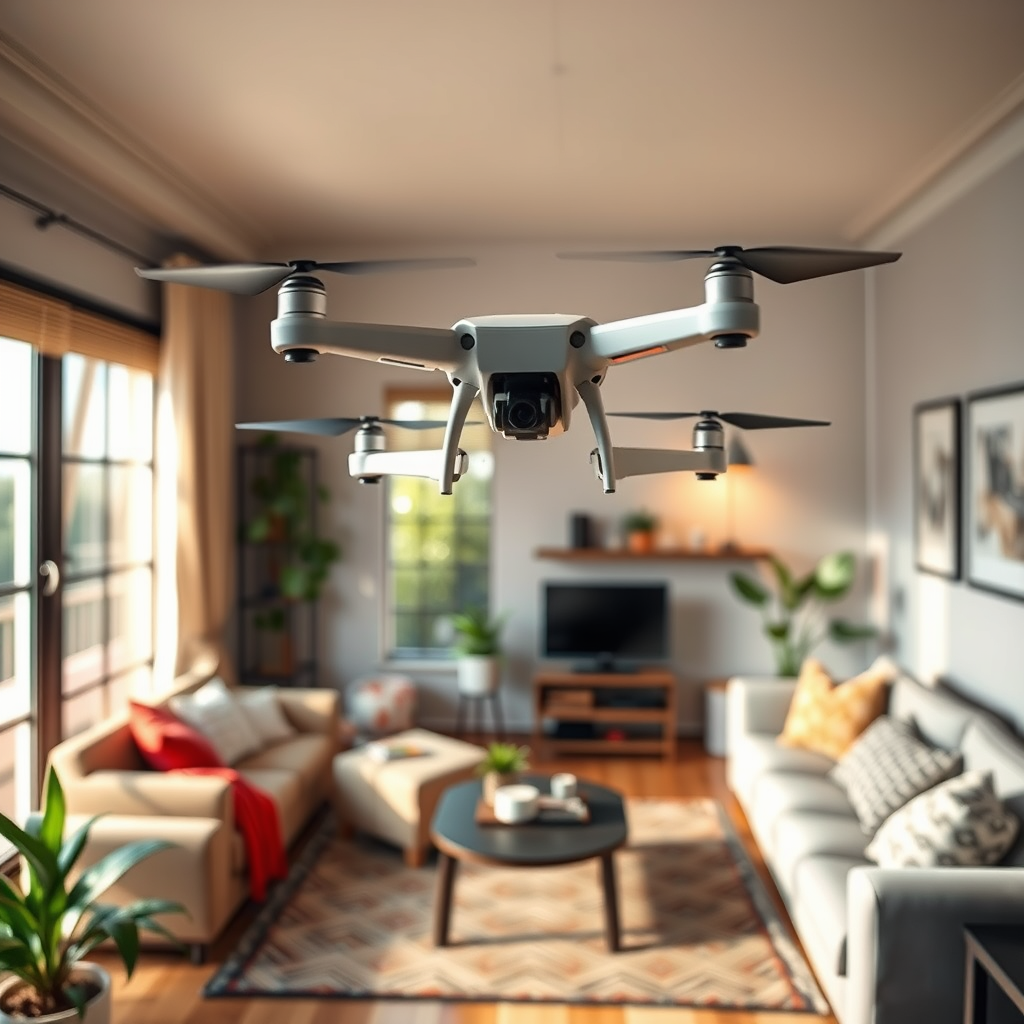
To make a drone at home, you will need to gather essential components, follow a clear assembly process, and ensure safety measures are in place. This guide will walk you through each step, helping you build your own drone effectively. Constructing a drone not only provides an opportunity to learn about aerodynamics and electronics but also enables you to customize a flying machine tailored to your specific needs, whether for recreational use, photography, or racing.
Understanding Drone Components
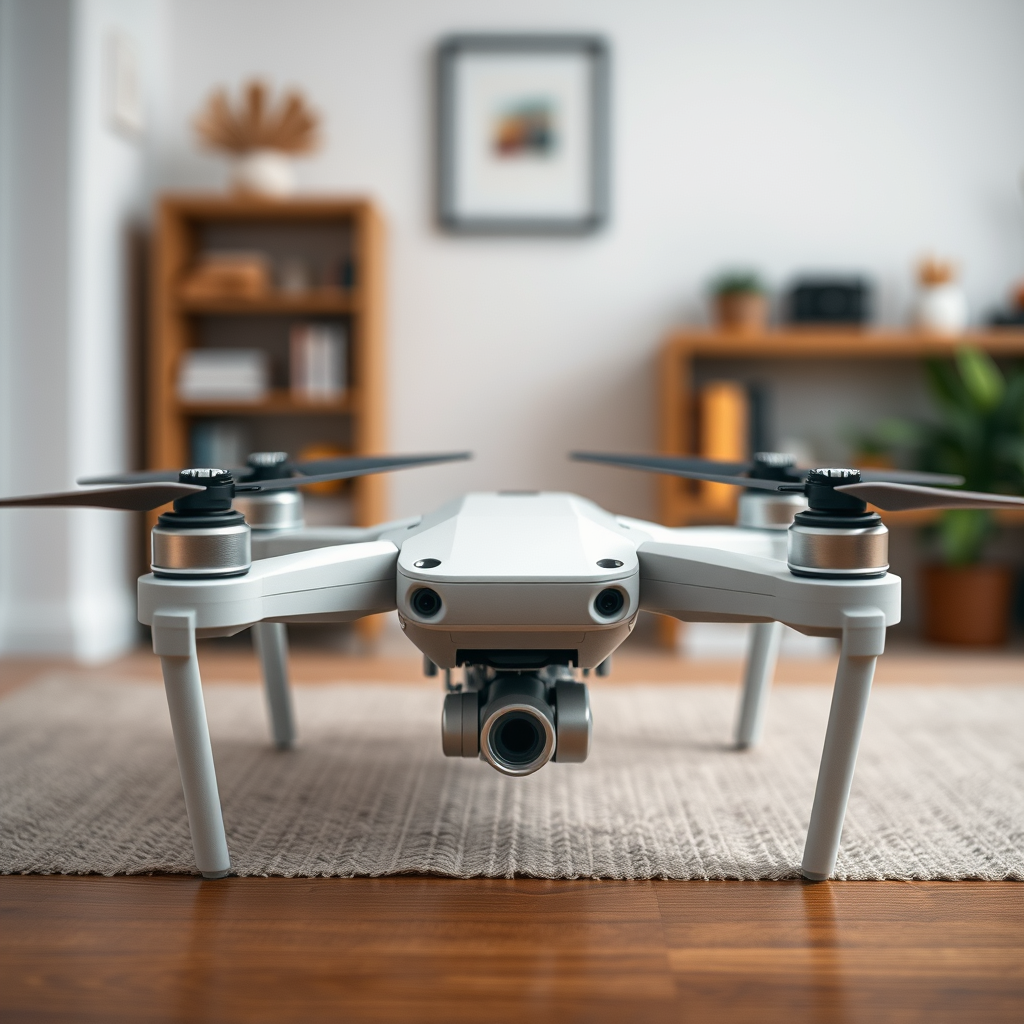
Before delving into the assembly process, it is vital to understand the various components that will comprise your drone. Each part plays a critical role in ensuring that your drone operates efficiently and effectively.
– Frame: The frame serves as the foundation of your drone and can significantly impact its performance. Lightweight materials such as plastic or carbon fiber are excellent choices due to their durability and minimal weight, which enhances flight efficiency. When selecting a frame, consider the size and design; quadcopters are popular for beginners due to their stability and ease of control.
– Motors: Brushless motors are highly recommended for drone applications because they offer superior efficiency and longevity compared to their brushed counterparts. These motors convert electrical energy into mechanical energy more effectively, providing better thrust and allowing for smoother flights. Be sure to select motors that match your drone’s weight and intended use.
– Propellers: The propellers are essential for generating lift, so it is crucial to match their size and pitch with the specifications of your motors. Propeller sizes typically range from 5 to 12 inches for most hobbyist drones; the larger the propeller, the more lift it can generate, but this may require more powerful motors. Consider the materials as well, as plastic propellers are common for beginners while carbon fiber offers enhanced durability for more advanced applications.
Gathering Necessary Tools and Materials
Having the right tools and materials is fundamental to a successful drone build.
– Basic Tools: Essential tools for assembling your drone include a soldering iron for electrical connections, screwdrivers for securing components, and pliers for handling wires and connectors. A heat shrink tube is also useful for insulating soldered joints, ensuring that your connections are safe and secure.
– Electronics: Key electronic components include a flight controller, battery, and receiver. The flight controller is the brain of your drone, processing sensor data and managing motor speed. Choose a flight controller suitable for your skill level; for beginners, models like the KK2 or APM are user-friendly. Lithium Polymer (LiPo) batteries are commonly used due to their high energy density, but ensure that you choose one with an appropriate voltage and capacity for your drone’s specifications.
Assembling the Drone Frame
With your components ready, it’s time to start assembling your drone.
– Frame Setup: Begin by following the design of your chosen frame. Lay out all parts and familiarize yourself with the assembly instructions. Most frames come with pre-drilled holes for easy motor and electronic component attachment. Assemble the frame structure first, ensuring that all connections are secure and stable.
– Mounting Motors: Once the frame is assembled, mount the motors onto their designated spots. Use screws provided in the frame kit to secure the motors firmly. It’s essential to position the motors with the correct orientation so that the propellers can rotate in the right direction. This step is crucial, as incorrect motor orientation can lead to unstable flight or failure to lift off.
Wiring and Connecting Electronics
Electrical connections are critical for the drone’s operation; this step requires precision.
– Electrical Connections: Start by soldering connections between the flight controller, motors, and battery. Ensure that you follow the wiring diagrams provided by your flight controller’s manufacturer to avoid any mistakes. Use quality solder and make clean joints to enhance reliability. It’s also helpful to use color-coded wires to keep track of connections easily.
– Receiver Setup: The receiver allows you to control your drone remotely. Connect the receiver to the flight controller, ensuring that the channels are correctly matched for your remote control setup. Follow the manufacturer’s instructions for binding the receiver to your transmitter, which typically involves powering on both devices and following a specific sequence.
Programming the Flight Controller
Once your drone is physically assembled, you’ll need to configure the flight controller.
– Software Installation: Most flight controllers require specific software for setup and calibration. Download the relevant software from the manufacturer’s website. Popular options include Betaflight and INAV, which provide user-friendly interfaces for configuration.
– Configuration: After installing the software, connect your flight controller to your computer via USB. Calibrate the controller settings, including the accelerometer and gyroscope, to ensure flight stability and responsiveness. Adjust PID settings (Proportional, Integral, Derivative) based on your flying style; these settings control how the drone reacts to changes in orientation and speed.
Performing Initial Tests
Before taking your drone for a full flight, initial tests are a crucial step to ensure that everything is functioning as intended.
– Check Connections: Thoroughly inspect all wiring and connections to ensure that they are secure and correctly configured. Look for any loose wires or unintended short circuits that could cause malfunction during flight.
– Short Flights: Conduct short test flights in a safe, open area. Begin with hover tests to assess stability; ensure the drone maintains a stable altitude and doesn’t drift significantly. Gradually progress to more dynamic maneuvers as you gain confidence in the drone’s control and responsiveness.
Safety Precautions and Tips
Safety should always be a priority when flying drones.
– Location: Choose an open area away from people, pets, and obstacles for your test flights. Ideal locations include parks or unpopulated fields where you can ensure the safety of bystanders. Be aware of local regulations and restrictions regarding drone flying to avoid any legal issues.
– Battery Safety: Monitor battery levels during flights and avoid overcharging them, as LiPo batteries can be volatile if not handled correctly. Use a dedicated LiPo charger and always check for any signs of swelling or damage before use. Store batteries in a fireproof container to minimize risk.
Building a drone at home can be an enjoyable and educational experience. By following these steps and prioritizing safety, you’ll be well on your way to successfully creating your own drone. Not only will you gain practical skills in electronics and aerodynamics, but you’ll also have the satisfaction of piloting a device you’ve built yourself. Happy flying!
Frequently Asked Questions
What materials do I need to make a drone at home?
To build a drone at home, you’ll need several essential materials including a frame (which can be made from lightweight materials like plastic or carbon fiber), motors, propellers, an electronic speed controller (ESC), a flight controller, a battery, and a transmitter. Additionally, tools like a soldering iron, wire, and screws may be required for assembly. It’s also helpful to have a suitable workspace and safety gear while working with electronic components.
How do I assemble the components of my homemade drone?
Assembling a homemade drone involves several steps: first, securely attach the motors to the drone frame, making sure they are oriented correctly. Next, connect the electronic speed controllers (ESCs) to the motors and the flight controller. After that, install the flight controller and connect it to the transmitter, battery, and GPS module if applicable. Be sure to follow a schematic or guide specific to your model to ensure all connections are correct for optimal performance.
Why should I consider building my own drone instead of buying one?
Building your own drone allows for customization based on your specific needs, whether that’s for photography, racing, or recreational flying. It can also be a more budget-friendly option, as you can choose components based on your price range. Furthermore, the process of assembling a drone can be educational, providing valuable insights into the technology and mechanics behind drone operation, which can enhance your flying experience.
What is the best type of drone for beginners to build at home?
The best type of drone for beginners is typically a quadcopter due to its stability and ease of control. Kits that include all necessary components and detailed instructions can make the building process more manageable. Look for starter kits that come with pre-soldered components, as this can help you avoid common pitfalls and make the assembly process smoother.
Which software should I use to program my homemade drone?
The choice of software for programming your homemade drone largely depends on the flight controller you are using. Popular options include Betaflight, Cleanflight, and ArduPilot, all of which offer user-friendly interfaces for configuring flight settings. These software options provide a variety of features, from basic flight control to advanced tuning, and can be easily downloaded and installed on your computer for setup and customization.
References
- https://en.wikipedia.org/wiki/Drone
- https://www.nasa.gov/mission_pages/tdm/educators/Drone_Challenge.html
- https://www.arduino.cc/en/Tutorial/HomePage
- https://www.sciencedirect.com/science/article/pii/S221201731730422X
- https://www.dronelife.com/2020/11/10/how-to-build-a-drone/
- https://www.wired.com/story/how-to-build-a-drone/
