

To register your drone with DJI, you’ll need to create an account on their official website and follow the specific registration process for your drone model. This guide will walk you through the steps needed to ensure your drone is properly registered, allowing you to enjoy flying without any legal issues. Proper registration not only helps you comply with regulations but also protects your investment and provides access to important updates and support from DJI.
Create a DJI Account
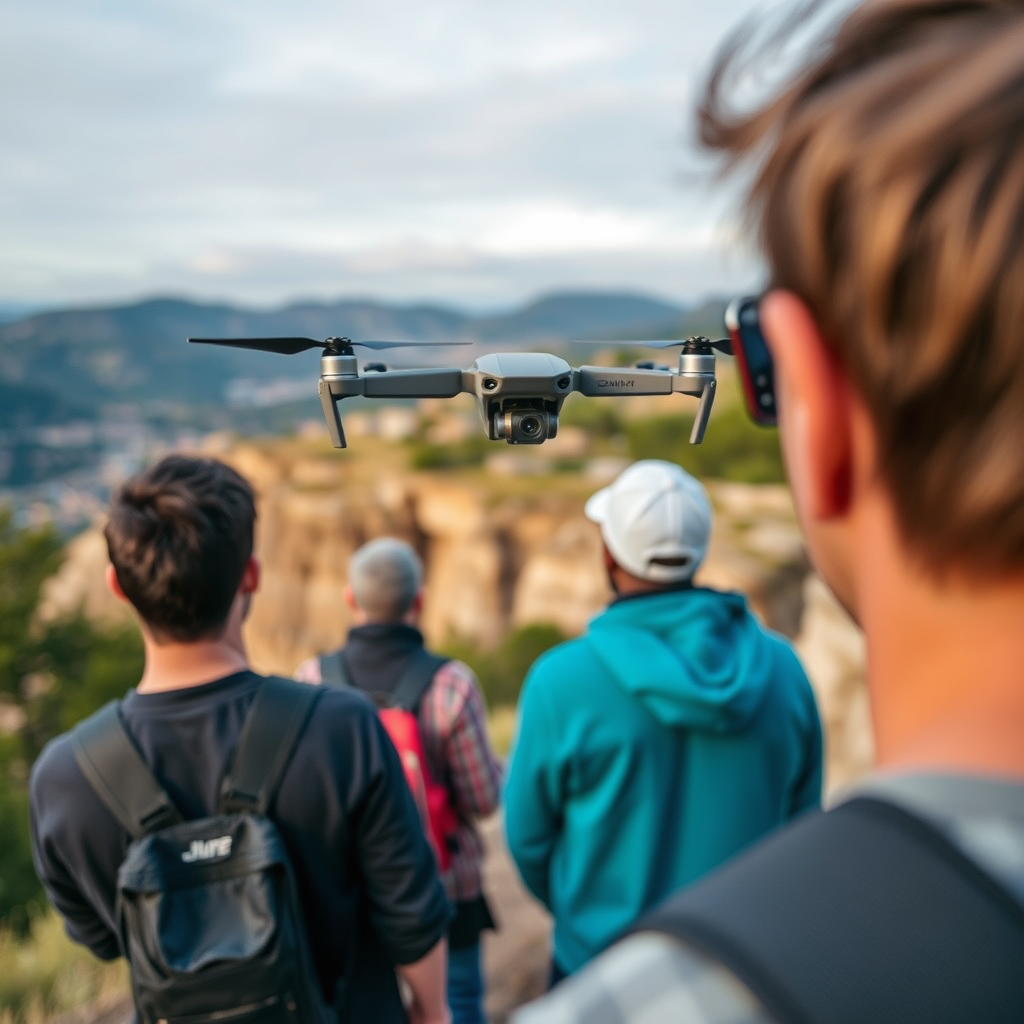
The first step in the registration process is to create a DJI account. This will serve as your gateway to all DJI services, including drone registration, software updates, and customer support. To begin, visit the official DJI website and locate the “Sign Up” button, typically found in the upper right corner of the homepage.
Once you click on “Sign Up,” you will be prompted to provide your email address and create a secure password. It is crucial to choose a strong password that combines letters, numbers, and special characters to enhance the security of your account. After submitting your details, you may need to verify your email address through a confirmation link sent to your inbox. Completing this step is essential, as it ensures that your account is secure and accessible.
Access the Registration Portal
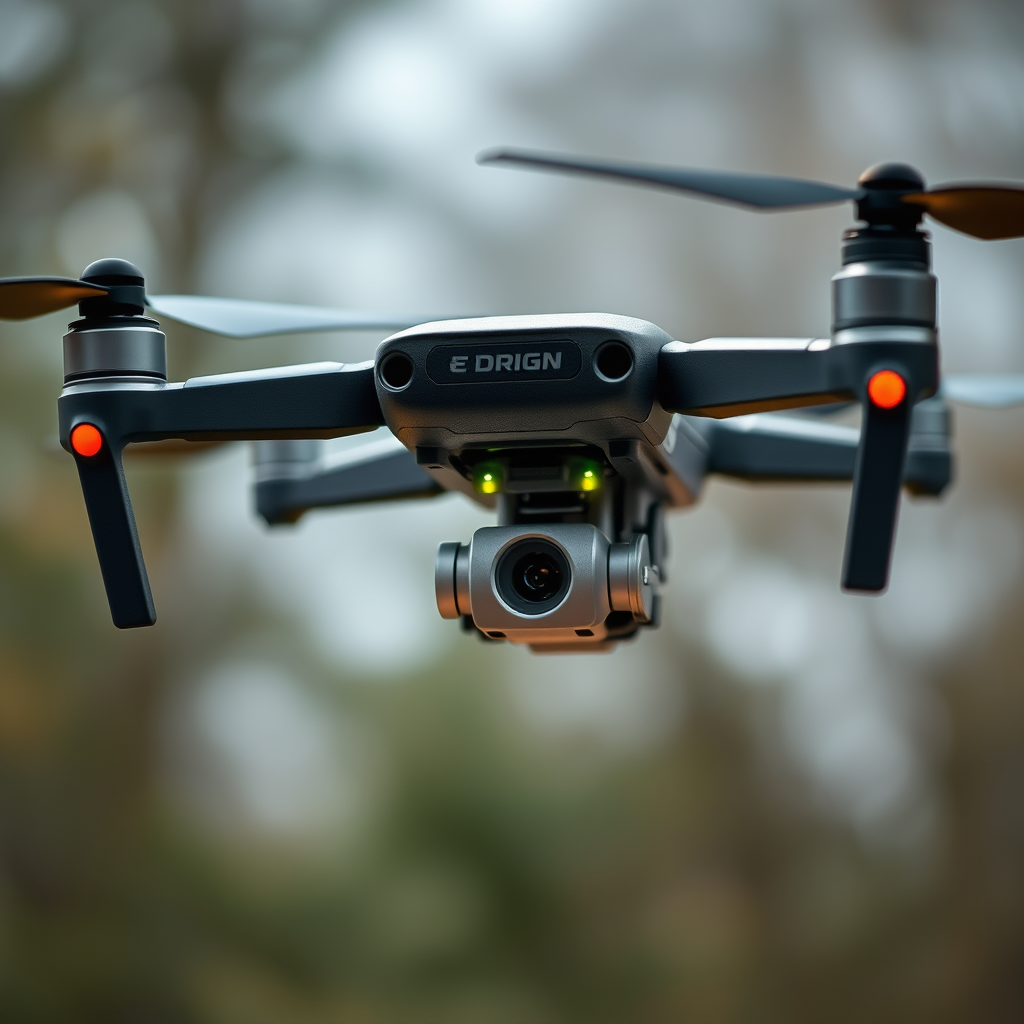
After successfully creating your DJI account, the next step is to log in. Use your email address and password to access your account. Once logged in, navigate to the drone registration section, which is typically found under “Support” or “My Account.” DJI’s website is designed with user-friendliness in mind, so you should find the registration portal without much difficulty.
Within this section, you will encounter various options related to your account and products. Select the option that pertains to drone registration to proceed with the process. This portal is where you will manage all aspects of your drone ownership, including registration, warranty claims, and product support.
Gather Required Information
Before you begin filling out the registration form, it is essential to gather all the necessary information and documentation. This will streamline the process and reduce the likelihood of errors or delays. First, prepare your drone’s serial number, which is typically found on the drone body or in the user manual. Additionally, have the model details handy, as different models may have specific registration requirements.
Next, you will need to provide personal identification, such as your name, address, and contact information. To further support your registration, have any necessary documentation ready for submission, such as proof of purchase. This could be a receipt, invoice, or other forms of documentation that verify your ownership of the drone.
Complete the Registration Form
With all your information compiled, you can now fill out the online registration form. This form will require you to input details such as the drone’s serial number, model, and your personal information. It is crucial to double-check all entered information for accuracy before proceeding to the next step. Incorrect information can lead to delays in processing your registration or even result in complications when flying your drone.
Take your time to ensure that everything is filled out correctly, and don’t hesitate to consult the user manual or DJI’s support resources if you encounter any uncertainties. Accurate entries are vital not only for registration but also for compliance with local regulations regarding drone operation.
Submit Your Registration
Once you have completed the registration form and reviewed your application for accuracy, it’s time to submit your registration. Take a moment to ensure that all details are correct, as this is the final step before your information is sent to DJI for processing. After submitting the form, you will receive a confirmation message on the screen, and an email will be sent to you shortly thereafter.
This confirmation is important, as it signifies that your registration is being processed. Depending on the volume of applications, you may need to wait a few hours to a few days for your registration status to be updated in your DJI account. Keep an eye on your email for updates, including any additional information or requirements needed to finalize your registration.
Understand the Registration Guidelines
Understanding registration guidelines is crucial for any drone operator. Familiarize yourself with local regulations that govern drone usage in your area, as compliance is key to avoiding legal issues. DJI also provides specific guidelines for each of its drone models, which can vary based on the intended use of the drone (e.g., recreational vs. commercial flying).
Reviewing these guidelines helps ensure that you are fully aware of your responsibilities as a drone owner. For instance, in many regions, drone operators are required to maintain visual line-of-sight with their drones, avoid flying in restricted airspace, and adhere to altitude limits. Keeping documentation of your registration is also essential for future reference and compliance checks, whether you are flying recreationally or for commercial purposes.
Check for Updates and Renewals
Finally, it is essential to regularly check for updates regarding registration requirements, as regulations can change frequently. Visit the DJI website periodically to stay informed about any updates related to your drone model or changes in the legal landscape governing drone operations.
Additionally, ensure that your registration remains active, particularly if there are changes in ownership or modifications to your drone’s specifications. Some jurisdictions may require re-registration if significant changes are made to the drone or if it is sold to a new owner.
By proactively managing your registration status and staying informed about new regulations, you can enjoy a worry-free flying experience while ensuring compliance with all necessary requirements.
In conclusion, registering your drone with DJI is a straightforward process that involves creating an account, accessing the registration portal, and gathering the required information. By following the steps outlined above, you can successfully register your drone and enjoy the benefits of legal compliance and enhanced support from DJI. Should you encounter any questions or issues during the registration process, do not hesitate to reach out to DJI’s customer support for assistance. Taking these steps will help you maximize your drone flying experience while adhering to the necessary legal frameworks.
Frequently Asked Questions
What is the process for registering my drone with DJI?
To register your drone with DJI, visit the DJI official website and create a DJI account if you don’t have one. Once logged in, navigate to the “Product Registration” section, where you will need to enter your drone’s serial number and provide some personal details. After completing the form, submit it, and you’ll receive a confirmation email once your registration is successful.
How do I find my drone’s serial number for registration?
You can find your drone’s serial number in several ways. For most DJI drones, the serial number is located on the drone’s body, often on the underside or inside the battery compartment. Additionally, you can check your drone’s settings through the DJI app, where the serial number is usually displayed in the “About” section.
Why is it important to register my drone with DJI?
Registering your drone with DJI is crucial for several reasons. Firstly, it enables you to receive important firmware updates and customer support, ensuring your drone operates safely and efficiently. Additionally, registration helps protect your investment by offering warranty services and the ability to track your drone if it gets lost or stolen.
Which DJI drones require registration?
Most DJI drones require registration, especially those that weigh over 0.55 pounds (250 grams) as per FAA regulations in the United States. This includes popular models like the DJI Mavic series, Phantom series, and Inspire series. Always check the specific requirements based on your location, as regulations may differ globally.
What should I do if I encounter problems while registering my drone with DJI?
If you experience issues during the registration process, first ensure that you have entered the correct serial number and your personal information accurately. If problems persist, consult the DJI Support Center for troubleshooting tips or reach out to their customer service via email or chat for personalized assistance. Providing detailed information about the issue will help them assist you more effectively.
