
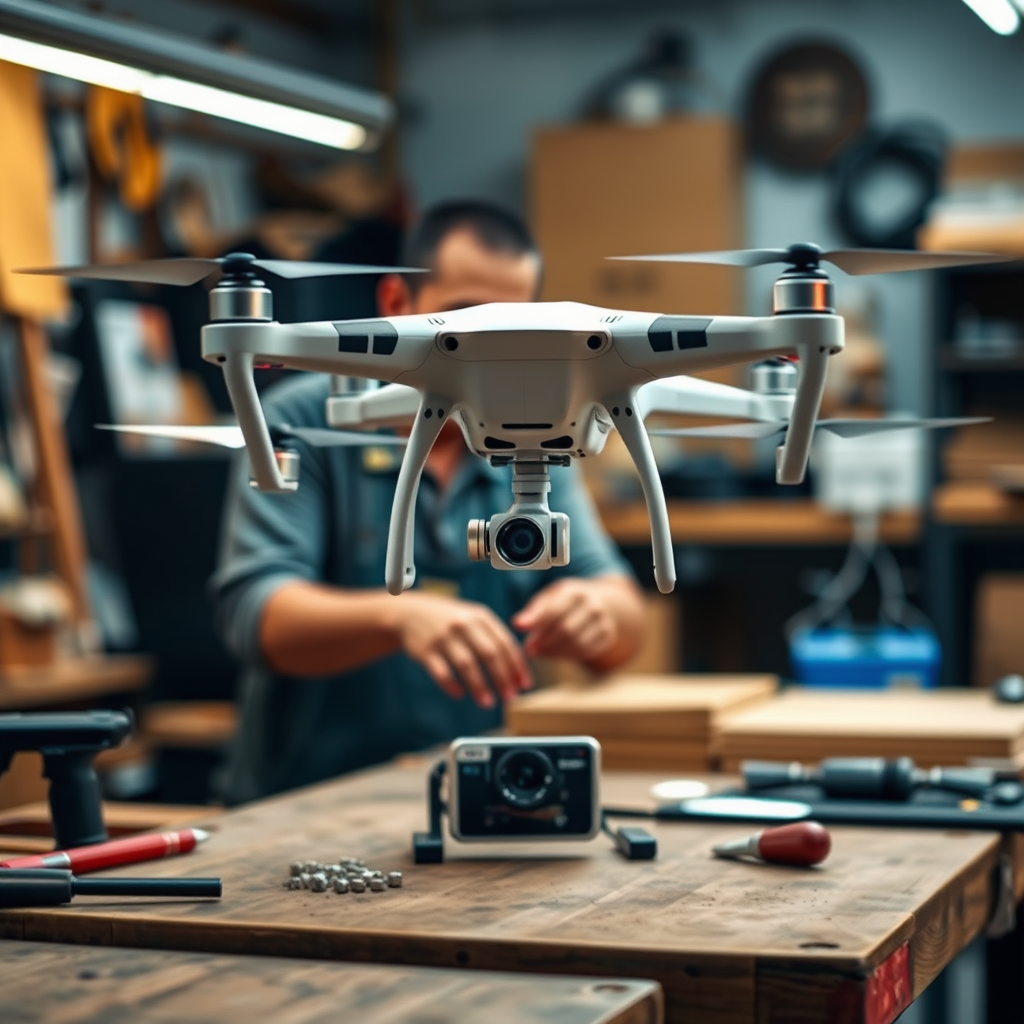
Drones can revolutionize your timelapse projects by offering breathtaking aerial perspectives and capturing high-resolution images over time. By using drones, you can create visually stunning sequences that showcase the passage of time in ways that traditional photography simply cannot achieve. In this article, you’ll learn how to effectively use drones for creating remarkable timelapse videos, from meticulous planning to flawless execution.
Understanding Timelapse Photography
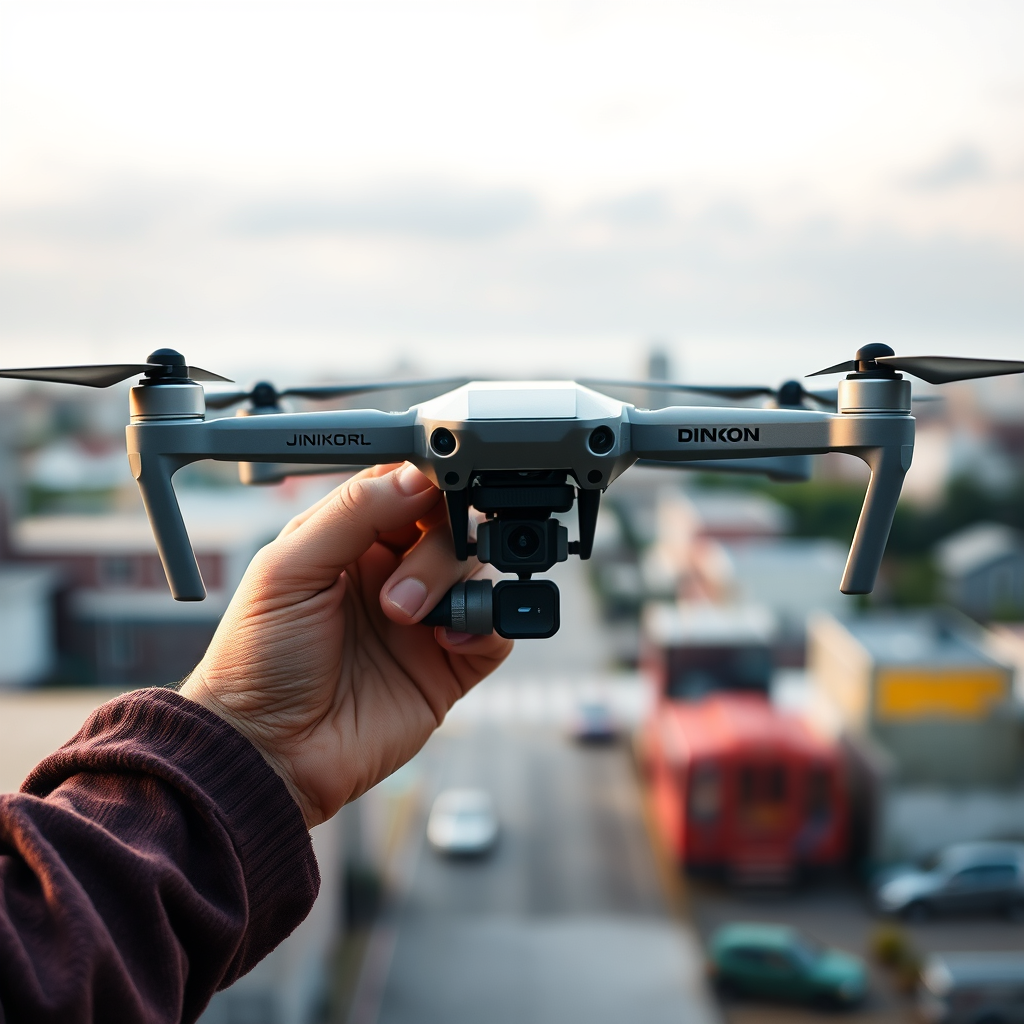
Timelapse photography is a technique that involves capturing a series of images at set intervals over a period of time, which are then played back at normal speed to create the illusion of time moving faster. This technique is used to document changes in a scene, such as the blooming of flowers, the movement of clouds, or the hustle and bustle of a city. By integrating drones into timelapse photography, creators can elevate their projects by capturing dynamic aerial views that provide context and depth, transforming mundane scenes into captivating visual narratives. Drones offer the unique ability to ascend to heights that reveal sweeping landscapes and intricate details, making the timelapse experience more immersive.
Choosing the Right Drone
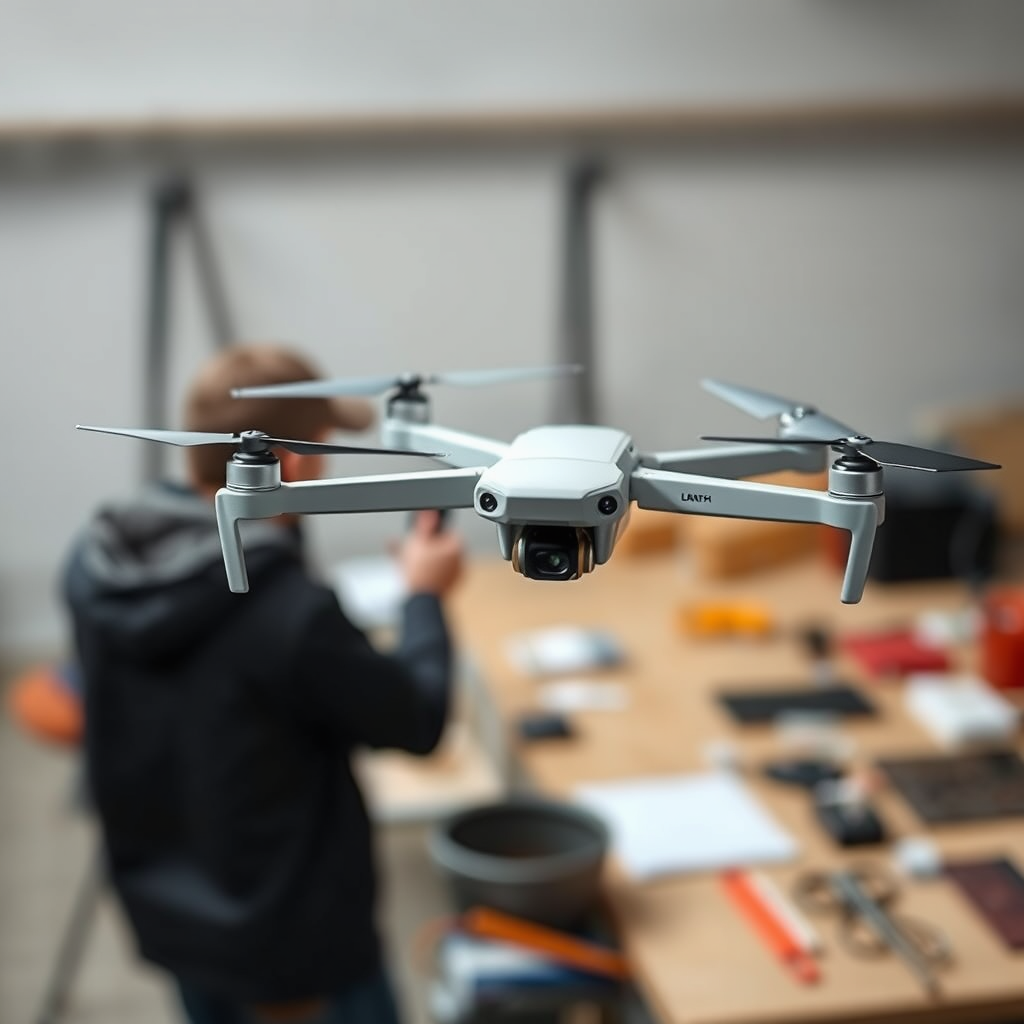
When embarking on a timelapse project with drones, selecting the right model is crucial for achieving high-quality footage. Key features to consider include:
– Camera Quality: Look for drones equipped with high-resolution cameras (at least 4K) and effective image stabilization systems. This will ensure that the images captured are sharp and visually appealing.
– Flight Duration: Longer battery life is essential, as timelapse projects often require extended shooting times. A drone that can fly for at least 20-30 minutes on a single charge will provide more flexibility during shoots.
– GPS and Stability: A drone with robust GPS capabilities and stability features will help maintain a steady position during image capture, which is crucial for consistent results.
Some recommended drone models for timelapse photography include the DJI Mavic Air 2, known for its excellent camera and flight time, and the DJI Phantom 4 Pro, which offers superior stabilization and image quality. The Autel Robotics EVO Lite+ is also a commendable choice, featuring an impressive camera and extended flight duration.
Planning Your Timelapse Project
Proper planning is essential for the success of any timelapse project. Start by scouting your location thoroughly to identify the best vantage points and ensure that you have permission to fly your drone in that area. Consider factors such as lighting, interesting foreground elements, and the potential for movement within the scene.
When determining the duration and intervals for capturing images, think about the story you want to tell. For instance, a project documenting the sunset may require shooting every few seconds, while capturing the growth of a plant might be more effective with longer intervals of several minutes or even hours. Using a smartphone app, such as Litchi or DroneLink, can assist in planning your shot sequences and managing intervals more effectively.
Setting Up Your Drone
To prepare your drone for a timelapse shoot, follow these essential steps:
1. Charge the Batteries: Ensure your drone’s batteries are fully charged, along with any spare batteries you may need.
2. Check the Firmware: Update the drone’s firmware and camera settings to optimize performance and take advantage of the latest features.
3. Calibrate the Compass: Before takeoff, calibrate the drone’s compass to ensure accurate navigation.
4. Set Camera Parameters: Adjust the camera settings for your timelapse, including resolution, frame rate, and exposure settings. It’s often beneficial to use manual settings to maintain consistency throughout the shoot.
5. Conduct Pre-Flight Checks: Review all components, including propellers, gimbal, and landing gear, to ensure everything is functioning correctly and safely.
By meticulously preparing your drone, you can minimize the risk of issues during the shoot and focus on capturing stunning footage.
Capturing the Timelapse Footage
Achieving smooth and stable drone movements is crucial for successful timelapse footage. Here are some techniques to consider:
– Use Smooth Flight Paths: Employ the drone’s waypoint function to create smooth and predictable flight paths. This will help maintain a consistent composition throughout the capture.
– Avoid Sudden Movements: Sudden changes in direction or altitude can create jarring transitions in timelapse videos. Aim for gradual movements to ensure fluidity.
– Consider Gimbal Settings: Utilize the gimbal to keep the camera steady and level, even as the drone moves. This will help maintain a professional look in your final video.
– Capture Consistent Shots: Maintain the same camera settings for each shot taken during the timelapse to avoid abrupt changes in exposure or color.
By following these best practices, you can create cohesive and visually appealing timelapse footage that captivates viewers.
Editing Your Timelapse Footage
Editing is a critical step in the timelapse creation process, allowing you to stitch together your images into a seamless video. Consider using software such as Adobe Premiere Pro, Final Cut Pro, or specialized tools like LRTimelapse, which is designed specifically for timelapse editing.
When stitching images together, ensure that you maintain consistent exposure and color correction across all frames. Adjusting contrast, brightness, and saturation can significantly enhance the visual quality of your timelapse. Additionally, you may wish to incorporate transitions, music, or text overlays to create a more engaging narrative.
For those seeking to take their edits further, consider adding motion effects to create a “Ken Burns” effect, which adds dynamic movement to still images, enhancing viewer engagement.
Sharing Your Timelapse Project
Once your timelapse video is complete, it’s time to share your work with the world. Popular platforms for showcasing timelapse projects include YouTube, Vimeo, and social media sites like Instagram and Facebook. Each platform offers unique features, so consider your audience and the best way to present your video.
Engaging with your audience is crucial for building a following. Encourage viewers to leave comments, share their thoughts, or ask questions. Responding to feedback can create a sense of community and provide valuable insights for future projects.
Additionally, consider submitting your work to film festivals or online competitions that focus on drone photography or timelapse films. This can not only enhance your visibility but also provide opportunities for networking with other creators.
By leveraging various sharing methods and engaging with your audience, you can maximize the reach and impact of your timelapse projects.
By following the steps outlined above, you can create breathtaking timelapse projects using drones. Remember to experiment with different techniques and settings to find what works best for your unique vision. Start your drone journey today, and elevate your timelapse creations to new heights!
Frequently Asked Questions
What equipment do I need to create a drone-based timelapse project?
To successfully create a drone-based timelapse project, you will need a reliable drone equipped with a high-quality camera that can shoot in intervals (like the DJI Mavic series). Additionally, a stable gimbal is beneficial for smooth footage, and a remote controller helps manage your drone’s flight path. Don’t forget extra batteries for extended shooting sessions and a storage card with ample space to accommodate high-resolution images.
How do I set up my drone for a timelapse shot?
To set up your drone for a timelapse shot, first, choose your desired location and plan your flight path. Use your drone’s camera settings to select the interval for taking photos, typically ranging from 2 to 10 seconds, depending on the speed of the scene’s activity. Make sure to adjust the exposure settings to ensure consistent lighting throughout the shoot, and conduct a test flight to fine-tune the altitude and angle for optimal framing.
Why is it important to plan a flight path for drone timelapse photography?
Planning a flight path for drone timelapse photography is crucial because it helps ensure smooth transitions and consistent framing throughout the duration of the shoot. A well-thought-out flight path reduces the risk of sudden movements or obstacles, which can disrupt your timelapse sequence. Additionally, this planning allows you to capture dynamic changes in the scene, enhancing the storytelling aspect of your timelapse project.
What are the best practices for shooting drone timelapse videos?
Some best practices for shooting drone timelapse videos include selecting the right time of day for optimal lighting, such as during the golden hour, and ensuring your drone is calibrated and updated with the latest software. Keep the drone steady by avoiding strong winds and maintaining a consistent altitude. Lastly, regularly check battery levels and memory card space to prevent interruptions during your shoot.
Which software is recommended for editing drone timelapse footage?
For editing drone timelapse footage, popular software options include Adobe Premiere Pro, Final Cut Pro, and DaVinci Resolve, all of which provide powerful tools for color grading and sequencing. Adobe Lightroom can be effective for batch processing your images before importing them into video editing software. Make sure to choose software that supports high-resolution images and allows you to adjust playback speed, transitions, and effects seamlessly.
References
- Aerial photography
- https://www.nasa.gov/feature/nasa-uses-drones-to-support-timelapse-research
- Unmanned Aircraft Systems (UAS) | Federal Aviation Administration
- https://www.sciencedirect.com/science/article/pii/S221067071930391X
- https://www.geospatialworld.net/blogs/understanding-the-timelapse-using-drones/
- https://www.usgs.gov/land-resources/national-land-imaging-program/national-timelapse-initiative
- https://www.nap.edu/catalog/23524/drones-in-research-and-education
- Rebel Nationals wanting new coal-fired power stations face battle with Liberals and markets – ABC…
