
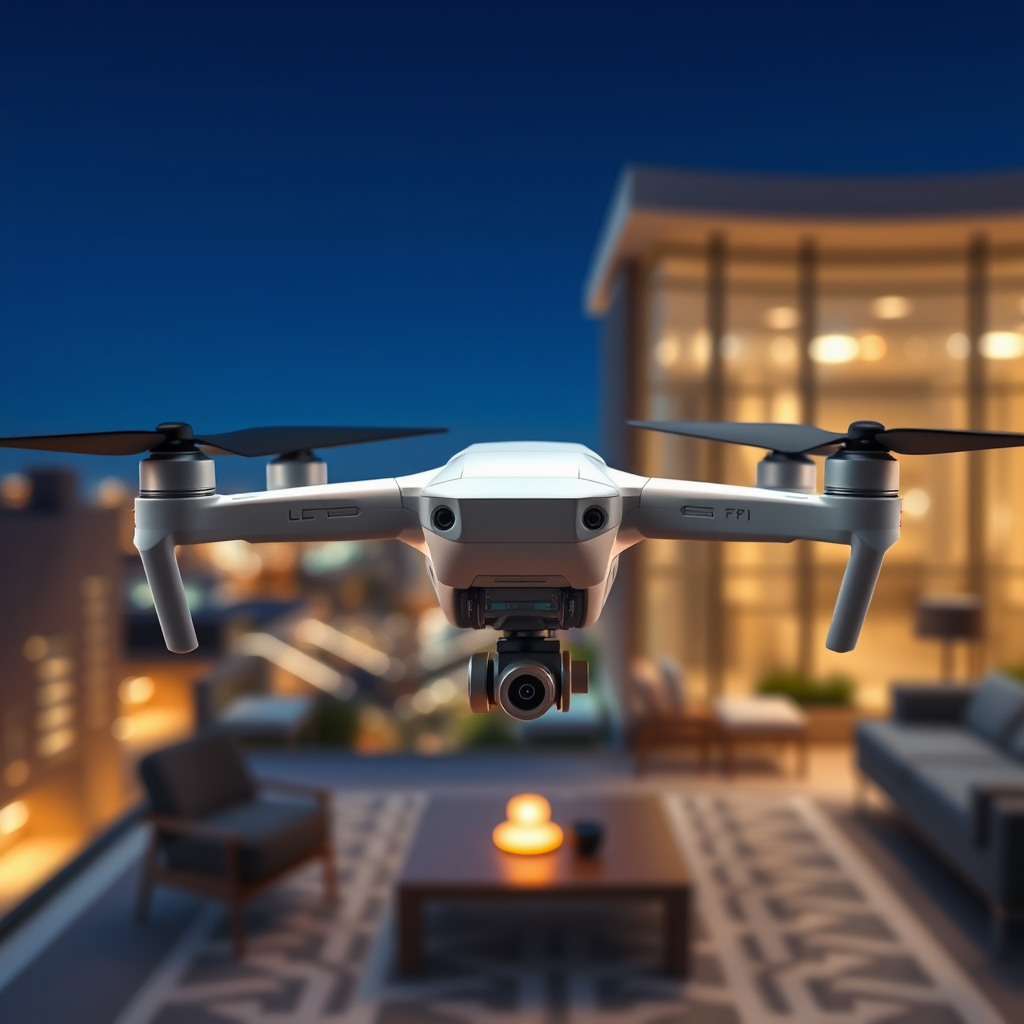
The RAW format is the best choice for drone photography because it preserves the highest quality and maximum detail of your images. By capturing unprocessed data directly from the camera’s sensor, RAW files provide greater flexibility in post-processing, allowing for stunning results that enhance the beauty of aerial shots. In this article, we’ll explore the benefits of using RAW format over JPEG and how it can elevate your drone photography.
Understanding RAW Format
RAW files are essentially the digital negative of your images. Unlike JPEG, which compresses image data to save space, RAW files contain uncompressed image data directly from the camera sensor. This results in superior quality, as RAW files preserve more detail and tonal range, making them an ideal choice for any serious photographer. For drone photography, where images often include vast landscapes and intricate details, the advantages of RAW are even more pronounced. When capturing images in RAW, you have the potential to retain far more information in the highlights and shadows, which is critical for achieving the best results in post-processing.
Moreover, the inherent quality of RAW files means they can withstand significant adjustments in editing without introducing artifacts or degrading the image. This level of detail and quality is essential when working with aerial images where every nuance of light and color can make a substantial difference in the final output.
Enhanced Post-Processing Flexibility
One of the standout benefits of using RAW files in drone photography is the enhanced flexibility they offer during post-processing. RAW images provide a broader latitude for adjustments in exposure, contrast, and color balance. For instance, if your aerial shot comes out slightly overexposed, RAW files allow you to recover lost details in the highlights that would otherwise be irretrievable in a JPEG file. This capability is vital for photographers aiming to achieve the perfect balance in their images, particularly when shooting in unpredictable lighting conditions.
Additionally, RAW files enable photographers to fine-tune color grading and tonal adjustments more effectively. This means you can manipulate the image to achieve a desired aesthetic without sacrificing quality. Whether you want to enhance the vibrancy of a sunset or bring out the texture of a cloudscape, RAW gives you the tools to do so while maintaining the integrity of the original image.
Improved Dynamic Range
Dynamic range refers to the range of brightness levels in an image, from the darkest shadows to the brightest highlights. RAW format excels in this area by capturing a wider range of tones. This feature is particularly beneficial for drone photography, where the contrast between bright skies and deep shadows can be extreme.
For example, consider a drone flight over a forest at sunset. The sunlight filtering through the leaves creates bright spots, while the forest floor remains in deep shadow. A RAW file can capture the subtle variations in both areas, allowing you to bring out details that would be lost in a JPEG due to the file’s limited dynamic range. As a result, images taken in RAW can reflect the true essence of the scene, showcasing intricate details that make aerial photography so captivating.
Better Color Depth
Color depth refers to the number of colors that can be represented in an image. RAW files typically maintain more color information compared to JPEGs, which often compress color data to save space. This attribute is crucial for capturing the vibrant hues of landscapes and environments from the air.
When you photograph a colorful scene, such as a blooming field or a vibrant cityscape, RAW files ensure that the colors are rich and true to life. For example, when editing a RAW image of a sunset over the ocean, you may notice that the gradients between colors are smoother and more natural compared to a JPEG. This makes RAW an excellent choice for photographers who prioritize color fidelity and artistic expression in their work.
Higher Resolution and Detail Retention
Resolution and detail retention are fundamental aspects of any high-quality photograph. RAW images retain significantly more detail than JPEG files, making them ideal for large prints or cropping without loss of quality. This is especially important for drone photographers who often capture expansive landscapes that require high-resolution outputs.
For instance, if you’re shooting an aerial view of a mountain range and later decide to crop the image to focus on a particular peak, a RAW file will allow you to do this without compromising the image quality. This capability is essential for professional presentations, marketing materials, or any scenario where high-quality images are necessary. By using RAW, you ensure that your images are not only beautiful but also versatile enough for various applications.
Professional Standards and Workflow
Many professional photographers opt for RAW format due to its compatibility with advanced editing software. Programs like Adobe Lightroom and Photoshop are designed to work seamlessly with RAW files, providing a plethora of editing options that enhance the editing workflow. This compatibility ensures that photographers can achieve professional results that meet industry standards.
Furthermore, using RAW aligns with the expectations of clients and audiences who demand high-quality, meticulously crafted images. In competitive fields, where the quality of work can set you apart, RAW files become not just a preference but a necessity. Adopting RAW as your standard workflow can elevate your photography to a level that satisfies both personal and professional aspirations.
Tips for Shooting in RAW
While the advantages of shooting in RAW are clear, there are practical considerations to keep in mind. First, ensure you have sufficient storage space, as RAW files are significantly larger than JPEGs. This means investing in high-capacity SD cards and external storage solutions to accommodate your growing collection of images.
Additionally, familiarize yourself with post-processing software to make the most of your RAW images. Learning how to utilize tools like exposure correction, color grading, and sharpening will enhance your ability to create stunning final products. Consider taking online courses or watching tutorials to build your skills and understanding of RAW editing.
Finally, make it a habit to regularly back up your RAW files. Data loss can be devastating, especially for unique drone shots that cannot be replicated. Implement a robust backup strategy that includes both cloud and physical storage solutions to keep your images safe.
The choice of RAW format for drone photography is critical for achieving the best possible images. By understanding its advantages—such as enhanced flexibility, improved dynamic range, and better color depth—you can elevate your aerial photography to new heights. Embrace the RAW format and start capturing stunning images that truly reflect the beauty of your aerial adventures!
Frequently Asked Questions
Why is shooting in RAW format beneficial for drone photography?
Shooting in RAW format is beneficial for drone photography because it preserves the highest level of detail and dynamic range in your images. Unlike JPEG files, which compress data and can lose quality, RAW files retain all the information captured by the camera sensor. This allows for greater flexibility in post-processing, enabling photographers to correct exposure, adjust colors, and recover details in shadows and highlights without degrading image quality.
How does RAW format improve post-processing for drone images?
RAW format improves post-processing for drone images by providing more extensive data for editing. With RAW files, you can make significant adjustments to exposure, contrast, and saturation without introducing noticeable artifacts or loss of quality. This is crucial for drone photography, where lighting conditions can vary greatly; having the ability to fine-tune these aspects can lead to stunning final images that accurately reflect the scene.
What are the downsides of using RAW format for drone photography?
The primary downsides of using RAW format for drone photography include larger file sizes and the need for more storage space, as RAW files can be several times larger than JPEGs. Additionally, RAW images require post-processing before they can be used, which can be time-consuming for photographers who prefer quick workflows. However, the advantages in image quality often outweigh these inconveniences, especially for serious drone photographers.
Which drones support RAW image capture, and is it worth it?
Many modern drones, such as the DJI Mavic series, Phantom series, and professional options like the DJI Inspire, support RAW image capture. Investing in a drone that shoots in RAW is worth it for photographers focused on high-quality imagery, as it allows for more creative control and better results in challenging lighting conditions. The ability to produce professional-grade images makes it a worthwhile consideration for both enthusiasts and professionals.
How can I best utilize RAW files from my drone for stunning visuals?
To best utilize RAW files from your drone for stunning visuals, start by using editing software like Adobe Lightroom or Photoshop that can handle RAW formats. Focus on adjusting exposure, contrast, and color balance to enhance your images. Additionally, consider using HDR techniques to combine multiple exposures for greater dynamic range, and always keep an organized workflow to manage your RAW files effectively, allowing you to revisit and refine your work as needed.
References
- Raw image format
- https://www.nature.com/articles/s41598-020-68949-3
- https://www.digitalcameraworld.com/tutorials/what-is-raw-file-format
- https://www.usa.gov/photography-tips
- https://www.cio.com/article/3535502/what-is-raw-image-format.html
- https://www.ox.ac.uk/research/why-raw-data-matters
- https://www.researchgate.net/publication/318168930_The_Impact_of_Raw_Data_on_Research_Quality
- https://www.wired.com/story/what-is-raw-image-format/
