
To register your DJI drone, visit the official FAA website or the relevant aviation authority in your country. This process involves providing details about your drone and paying a registration fee, which helps ensure compliance with local regulations and promotes safety in the skies. Whether you’re a hobbyist capturing breathtaking aerial photos or a commercial operator using drones for business, understanding the registration process is essential to avoid legal pitfalls and enhance safety.
Understanding the Registration Requirement
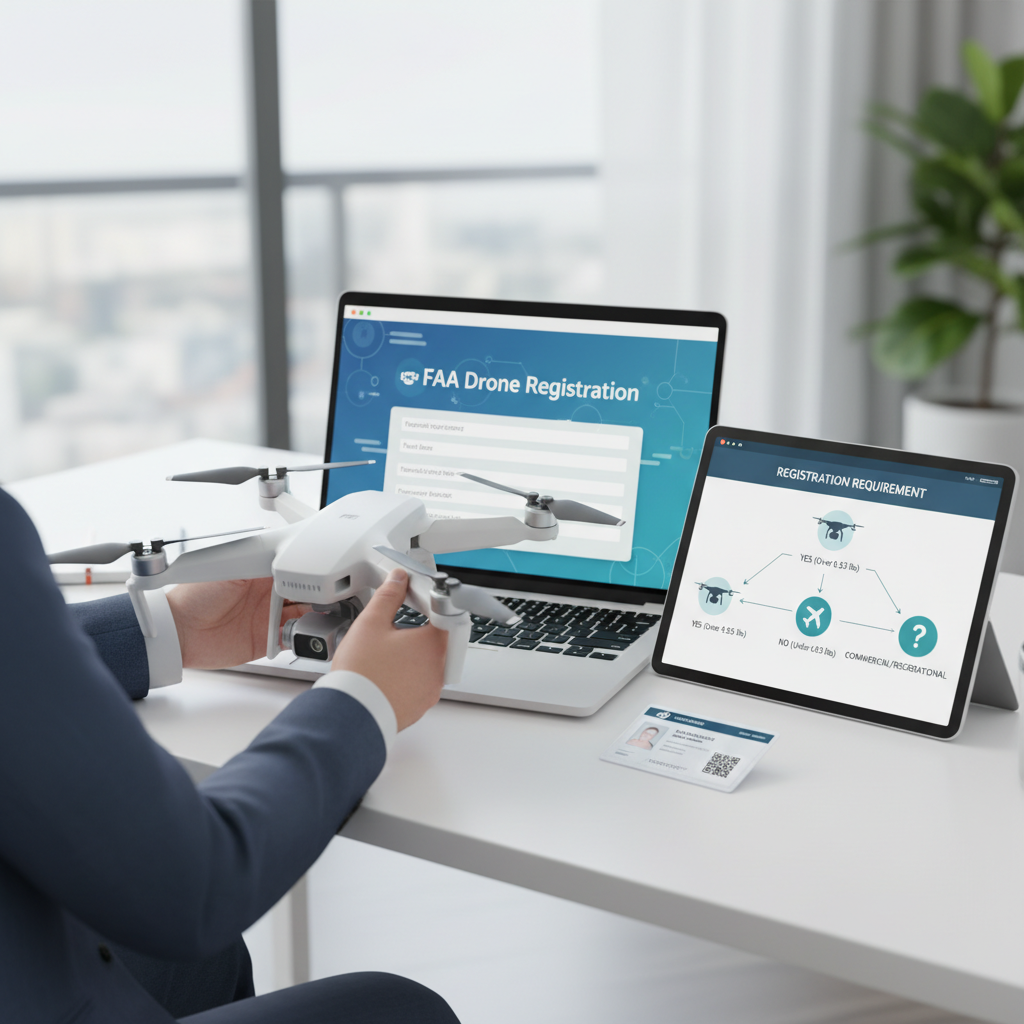
Drone registration is not just a bureaucratic formality; it is a critical component of airspace safety management. In the United States, the Federal Aviation Administration (FAA) mandates that all drones weighing over 0.55 pounds (approximately 250 grams) must be registered. This requirement is designed to allow authorities to track drone ownership and operations, facilitating accountability and safety in the increasingly crowded airspace. In other countries, similar regulations may apply, so it’s vital to familiarize yourself with local laws if you’re flying outside the U.S.
Failure to register your drone can lead to hefty fines and legal ramifications, including potential criminal charges. Thus, registering your drone not only keeps you compliant with the law but also contributes to the broader effort of ensuring safe drone operations, particularly in urban environments where the risk of accidents can escalate.
Preparing for Registration

Before embarking on the registration process, it is essential to gather all necessary information to streamline the procedure. Key details you will need include:
– Drone Model: Knowing the specific model of your DJI drone is crucial, as this will determine the registration requirements and any specific operating conditions associated with that model.
– Weight: Accurately measure your drone’s weight, including any attached accessories. This information is critical as it determines whether you need to register under the standard rules or potentially under more stringent commercial regulations.
– Your Contact Details: Be prepared to provide your name, address, and email. A valid email address is particularly important, as this is where you’ll receive confirmation of your registration and any future updates.
Having this information at hand will make the registration process more efficient and reduce the likelihood of errors that could delay your approval.
Registering Your Drone Online
Once you have all necessary information, the next step is to register your drone online. For U.S. residents, the FAA provides a straightforward registration portal that you can access through their official website. Here’s how to navigate the process:
1. Visit the FAA Website: Go to the FAA’s drone registration page.
2. Create an Account: If you don’t already have one, you will need to create an account. This will involve providing some basic information about yourself and your drone.
3. Complete the Online Form: Fill in the required fields with your drone’s specifications (model, weight) and your personal information. Review your entries to ensure accuracy.
4. Submit Your Application: After verifying your information, submit the application. The online system usually processes applications promptly, often in a matter of minutes.
This digital approach to registration not only saves time but also ensures that your data is securely handled in accordance with privacy regulations.
Payment Process
As part of the registration procedure, you will be required to pay a small registration fee, typically around $5 in the United States. The fee is designed to cover administrative costs and is relatively nominal, especially when considering the benefits of compliance and safety. Here’s what to expect during the payment process:
– Payment Methods: The FAA accepts various payment methods, including credit and debit cards, as well as electronic payment systems. Choose the method that is most convenient for you.
– Confirmation of Payment: After completing the payment, ensure you keep a record of the transaction. This may be useful in case of any discrepancies or future inquiries.
Once the payment is processed, you will move on to receiving your registration number, which is a critical part of the process.
Receiving Your Registration Number
Upon successful registration and payment, you will receive a unique registration number assigned to your drone. This number is crucial as it serves as proof of your compliance with local regulations. Here’s what you need to do next:
– Document Your Registration Number: Print or write down your registration number clearly. It’s a good practice to keep a digital copy as well.
– Affix the Number to Your Drone: According to FAA regulations, you must display this registration number on your drone. It should be easily visible, and you can place it on the drone’s body using a label or permanent marker. This ensures that in the event of a mishap or if your drone is lost, authorities can identify it quickly.
Failing to display your registration number can result in penalties, so be diligent in this step.
Keeping Your Registration Updated
Maintaining your drone registration is just as important as the initial registration process. Here are some key points to keep in mind:
– Update When Necessary: If you sell your drone, change your address, or if there are any modifications to your drone that affect its weight or specifications, you must update your registration information to reflect these changes.
– Stay Informed on Regulations: Drone regulations can evolve, so it’s prudent to regularly check for updates from the FAA or your local aviation authority. This will help you stay compliant and avoid any legal issues that may arise from new rules.
By actively managing your registration status, you contribute to a safer flying environment and ensure your drone operations remain legal and compliant.
Additional Resources for Drone Owners
As a drone owner, having access to comprehensive resources can greatly enhance your flying experience. Here are some valuable resources to consider:
– DJI’s Official Website: DJI provides a wealth of information about its models, including user manuals, operating guidelines, and tips for safe flying. Familiarizing yourself with these resources can improve your proficiency and prolong the life of your drone.
– Online Forums and Local Clubs: Engaging with fellow drone enthusiasts can provide helpful insights and support. Online forums like those on Reddit or dedicated drone communities can be excellent platforms to ask questions, share experiences, and learn from others.
– Educational Courses: Consider enrolling in courses that cover drone operations, regulations, and safe flying practices. Many organizations offer certifications that can enhance your skills and contribute to safer drone operations.
By leveraging these resources, you’ll be better equipped to navigate the complexities of drone ownership and operation.
In summary, registering your DJI drone is a straightforward yet crucial process that enhances safety and ensures compliance with regulations. By following the steps outlined in this guide, you can ensure that your drone is legally registered, which not only protects you but also contributes to the overall safety of the airspace. Remember to keep your registration updated and stay informed about any evolving regulations to remain a responsible and informed drone operator.
Frequently Asked Questions
What are the steps to register my DJI drone?
To register your DJI drone, visit the FAA’s DroneZone website and create an account. After logging in, follow the prompts to provide details such as your drone’s make and model, along with your contact information. Once you submit your registration fee, you’ll receive a unique identification number that must be displayed on your drone, ensuring compliance with regulations.
How much does it cost to register a DJI drone?
The registration fee for most DJI drones is $5, which covers a three-year registration period. This small fee is a one-time payment and applies to drones weighing between 0.55 pounds and 55 pounds. Remember, registering your drone is crucial for legal flying and helps promote safe drone use.
Why is it important to register my DJI drone?
Registering your DJI drone is essential for compliance with FAA regulations, which helps ensure the safety of airspace and other aircraft. Failure to register can result in fines and penalties, as well as potential liability in case of accidents. Moreover, registration can help recover your drone if it is lost or stolen, making it a smart investment for any drone operator.
Which DJI drones need to be registered?
According to FAA regulations, all DJI drones that weigh more than 0.55 pounds (250 grams) must be registered. This includes popular models such as the DJI Mini, Mavic, and Phantom series. If your drone is under this weight limit, registration is not required, but it is still advisable to follow local laws and guidelines regarding drone usage.
What information do I need to provide when registering my DJI drone?
When registering your DJI drone, you’ll need to provide your name, address, and email, as well as the make and model of your drone. Additionally, you will need to supply the drone’s serial number, which can usually be found on the drone itself or within the DJI Go app. All this information helps ensure accurate registration and compliance with FAA guidelines.
References
- https://www.faa.gov/uas/getting_started/register_drone
- https://www.faa.gov/uas/getting_started/registration/
- https://www.dji.com/us/flying-in-the-us/registering-your-drone
- https://www.nist.gov/itl/antd/airborne-robotics/registration-and-operations-dji-drones
- https://www.wired.com/story/how-to-register-your-drone/
- https://www.nytimes.com/2020/12/29/technology/drones-faa-registration.html
- https://www.cnet.com/tech/mobile/how-to-register-your-drone-with-the-faa/
