

Yes, you can charge the DJI Avata while it is on the drone using the appropriate charging cable. This feature allows for added convenience, especially during quick setups or when you need to recharge on the go. However, to ensure safety and maintain the efficiency of your battery, it’s essential to follow specific guidelines. In this article, we will explore how to properly charge your DJI Avata, the benefits of charging it on the drone, and the necessary precautions to ensure a safe charging experience.
Understanding the DJI Avata Charging System
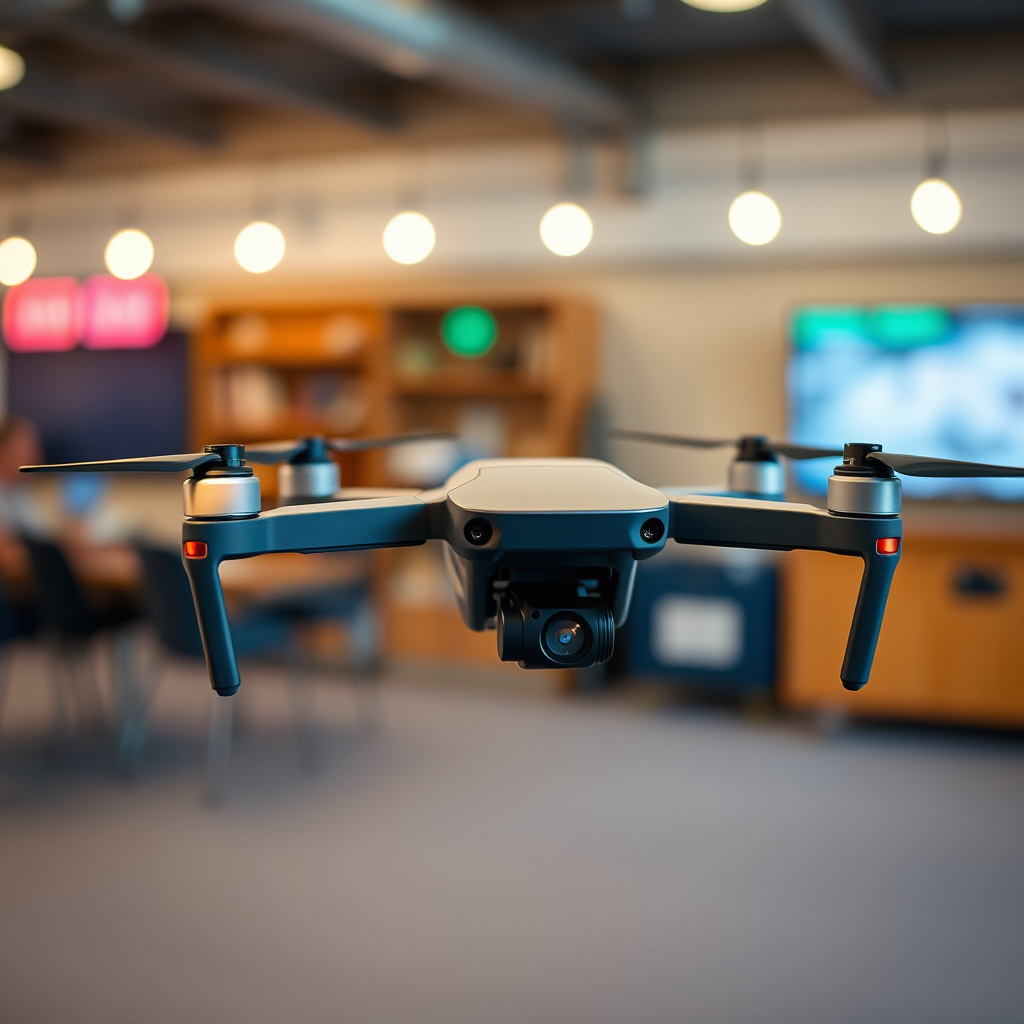
The DJI Avata employs a specialized battery type known as a LiPo (Lithium Polymer) battery, which requires a compatible charger designed specifically for this model. This battery type is favored in drone technology for its high energy density and lightweight properties, making it ideal for aerial applications. Charging directly on the drone is not only convenient but can also be an efficient way to keep your battery topped up between flights. However, it is crucial to ensure that the drone is powered down before initiating the charging process. This helps to avoid any potential electrical issues and guarantees that the battery is not under load while charging.
Additionally, DJI has integrated safety mechanisms within its charging system to help protect against overcharging and overheating, but these features are most effective when the drone is turned off. Therefore, understanding the nuances of the Avata’s charging system is key to maximizing battery performance and longevity.
Steps to Charge the DJI Avata on the Drone
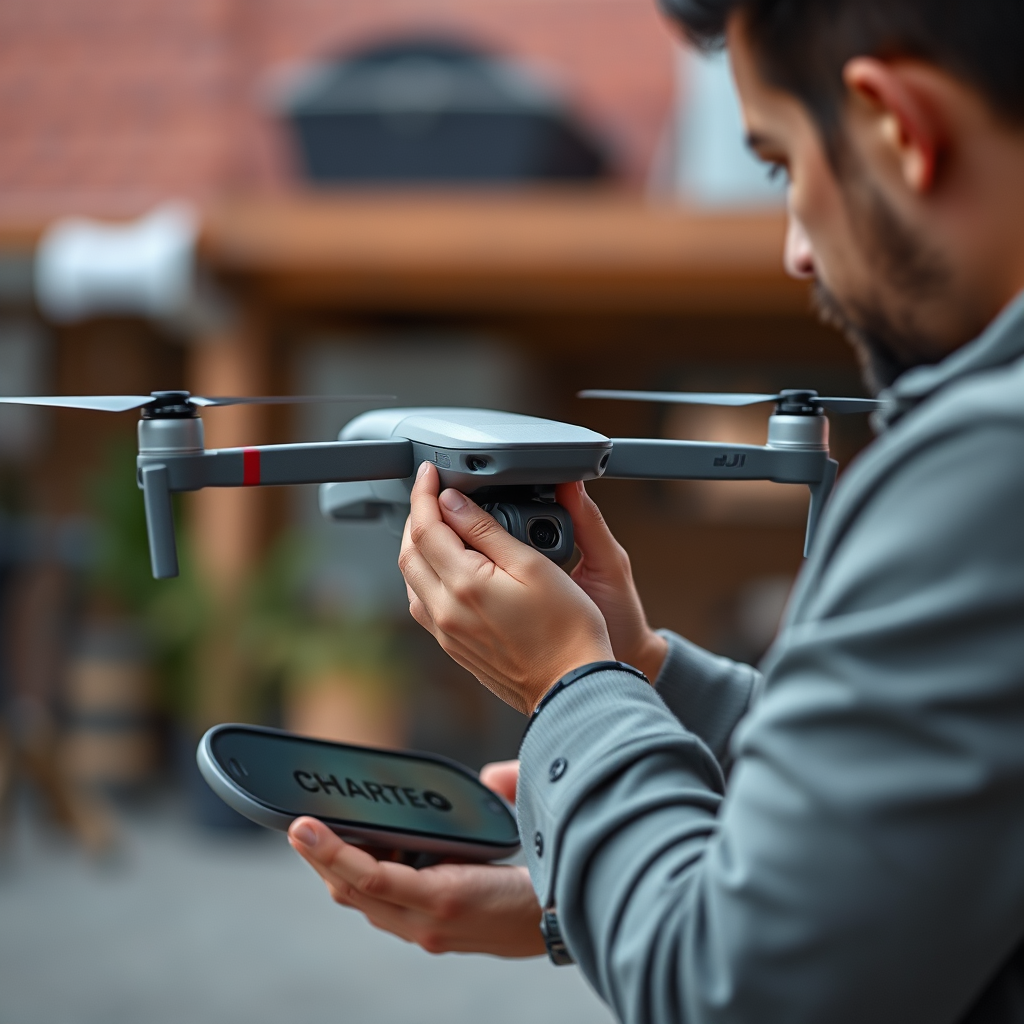
Charging your DJI Avata while it is on the drone requires a few straightforward steps to ensure a safe and effective process.
1. Connect the Charging Cable: Begin by connecting the appropriate charging cable to the drone’s charging port. Ensure that the connection is secure to prevent any interruptions during the charging process.
2. Check the Battery Indicator: After connecting the charging cable, look for the battery indicator lights on the drone. A solid light typically means that charging has commenced successfully. If the indicator does not light up or shows an unusual pattern, it may indicate a problem with the connection or the battery itself.
3. Monitor the Charge: While charging, it’s advisable to monitor the process. This allows you to catch any issues early, such as overheating or failure to charge, thereby protecting your equipment and ensuring optimal performance.
Following these steps ensures that your DJI Avata is charged efficiently and safely, enabling you to maximize your flying experience.
Benefits of Charging on the Drone
Charging the DJI Avata while it is mounted on the drone offers several advantages that enhance the overall user experience:
– Convenience: One of the most significant benefits is the convenience it provides. You can quickly recharge your drone’s battery without the hassle of removing it from the drone, especially useful when time is of the essence before a flight session.
– Streamlined Preparation: By eliminating the need to remove the battery, you can streamline your pre-flight preparation process. This is particularly beneficial for professional drone operators who may need to make frequent adjustments or changes between flights.
– Battery Health Monitoring: Charging while on the drone can also allow for better monitoring of the battery health through the drone’s built-in systems, ensuring that you are aware of any potential issues before takeoff.
These benefits make charging on the drone an attractive option for both casual users and professional drone operators, as it simplifies the flying experience.
Safety Precautions When Charging
While charging the DJI Avata on the drone can be convenient, safety should always be the top priority. Here are a few precautions to consider:
– Ventilation: Always charge the drone in a well-ventilated area. Lithium Polymer batteries can generate heat during the charging process, and proper airflow can help dissipate this heat, reducing the risk of overheating.
– Monitor Charging: Keep an eye on the charging process. If you notice any unusual smells, heat, or swelling of the battery, immediately disconnect the charger and discontinue use. Overcharging and overheating can lead to battery failure or, in extreme cases, fire hazards.
– Use the Right Equipment: Always use the charger that comes with your DJI Avata or a certified replacement. Using third-party chargers can void warranties and pose safety risks due to incompatibility.
Implementing these safety measures can significantly reduce the risks associated with charging your drone, ensuring a safer flying experience.
Alternative Charging Methods
While charging the DJI Avata on the drone is convenient, exploring alternative charging methods can offer added flexibility and efficiency:
– Separate Battery Charger: Using a dedicated battery charger allows for faster charging times and the ability to charge multiple batteries simultaneously. This is especially useful for professional users who require quick turnaround times between flights.
– Power Banks: Consider investing in high-capacity power banks designed for drone batteries. These external power sources can offer a reliable way to charge your Avata battery away from traditional power outlets, making them perfect for outdoor or remote operations.
– Charging Hubs: Some users may also find value in purchasing charging hubs that can accommodate multiple batteries, enabling quicker recharges and efficient management of battery resources.
These alternative methods can enhance your charging experience, offering versatility in various flying conditions.
Common Issues and Troubleshooting
Despite the straightforward nature of charging the DJI Avata, users may encounter some common issues. Here are a few troubleshooting tips to keep in mind:
– Charging Issues: If the drone does not charge when connected, check for loose connections in the charging port. Additionally, inspect for any debris or dirt that may obstruct the connection.
– Battery Indicators: Consult the user manual for specific error codes or indicator patterns that may suggest a problem. Understanding these signals can aid in diagnosing issues more efficiently.
– Software Updates: Ensure that your drone’s firmware is up to date. Sometimes, charging issues can stem from outdated software, which may affect the battery management system.
Addressing these common issues promptly can help maintain the functionality of your DJI Avata, ensuring a seamless flying experience.
In summary, charging the DJI Avata while it is on the drone is not only possible but can be a highly convenient practice when done correctly. By following the proper steps for charging, understanding the benefits and precautions, and exploring alternative methods, you can ensure the longevity and efficiency of your drone’s battery. Prioritizing safety during the charging process and staying informed about best practices will enhance your overall experience with the DJI Avata. Happy flying!
Frequently Asked Questions
Can you charge a DJI Avata battery while it’s still in the drone?
No, you cannot charge the DJI Avata battery while it is still mounted in the drone. The drone’s design requires the battery to be removed for charging. This is to ensure safety and proper charging conditions, as it helps prevent overheating and maintains battery health. To charge the battery, simply remove it from the drone and connect it to the provided charger.
How long does it take to charge the DJI Avata battery?
Charging the DJI Avata battery typically takes about 50 minutes to reach a full charge when using the official DJI charger. However, the exact charging time may vary based on the battery’s remaining power level and environmental conditions. It’s recommended to use the original charger to ensure optimal charging speed and safety for your battery.
Why is my DJI Avata battery not charging?
If your DJI Avata battery is not charging, it could be due to several reasons, including a faulty charger, damaged battery connectors, or the battery being too cold or hot. Ensure that you are using the official DJI charger and check for any visible damage on the battery and connectors. If the battery temperature is outside the safe range, allow it to cool or warm up before attempting to charge again.
What is the best way to maintain my DJI Avata battery for longevity?
To maintain your DJI Avata battery for longevity, store it in a cool, dry place and avoid extreme temperatures. Regularly cycle the battery by charging and discharging it every few months, and keep it at a storage charge level of around 50% if not used for extended periods. Additionally, always use the official DJI charger to ensure the battery is charged correctly and safely.
Which charger should I use for my DJI Avata battery?
It’s highly recommended to use the original DJI charger specifically designed for the Avata battery. This charger ensures compatibility and optimizes charging speed while maintaining battery health. Using third-party chargers can pose risks such as overheating or battery damage, so always opt for official DJI accessories to ensure safe and reliable performance.
