
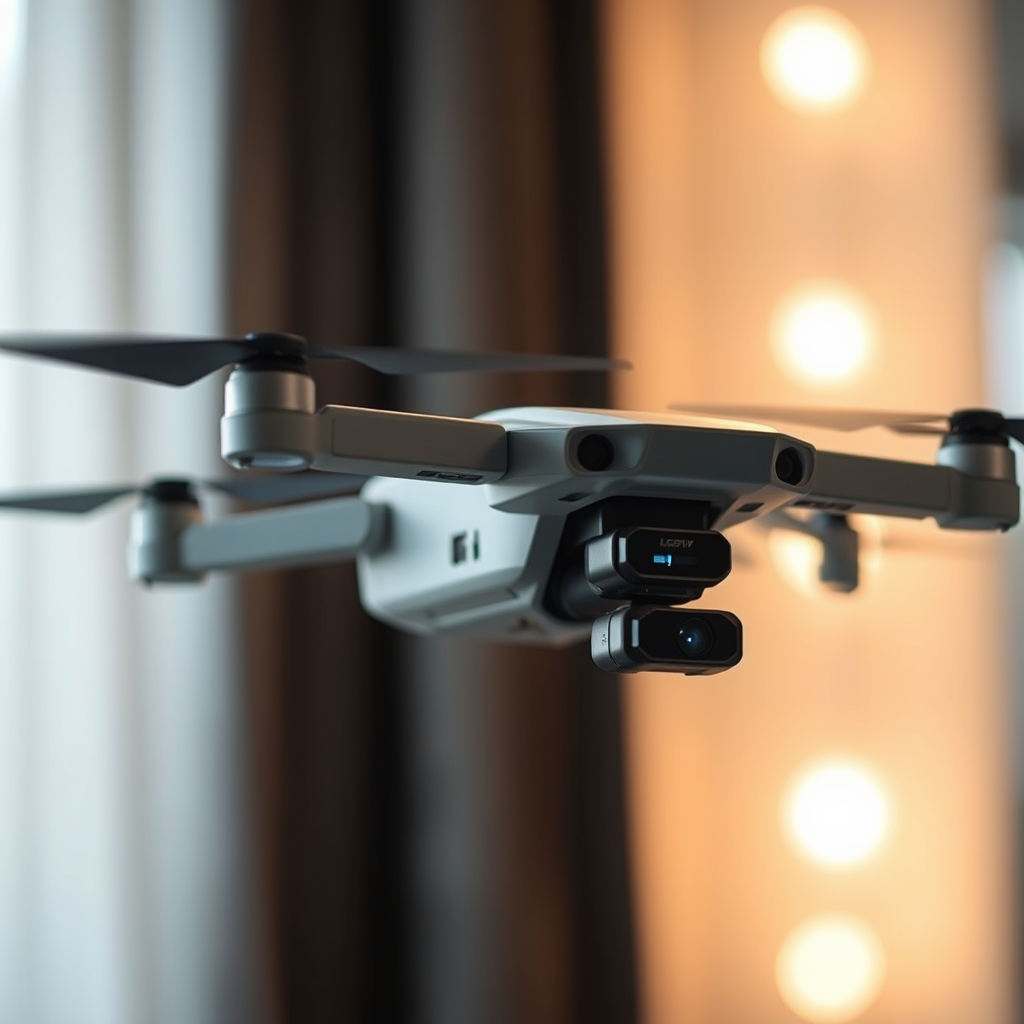
If you can’t find your drone’s WiFi, it may be due to interference, incorrect settings, or the drone being out of range. This guide will help you troubleshoot the issue and get your drone connected in no time. With the increasing popularity of drones for recreational and professional use, maintaining a reliable WiFi connection is essential for optimal operation. Understanding the common issues that can arise will empower you to address them effectively, ensuring you can enjoy your drone without interruptions.
Check Your Device Settings
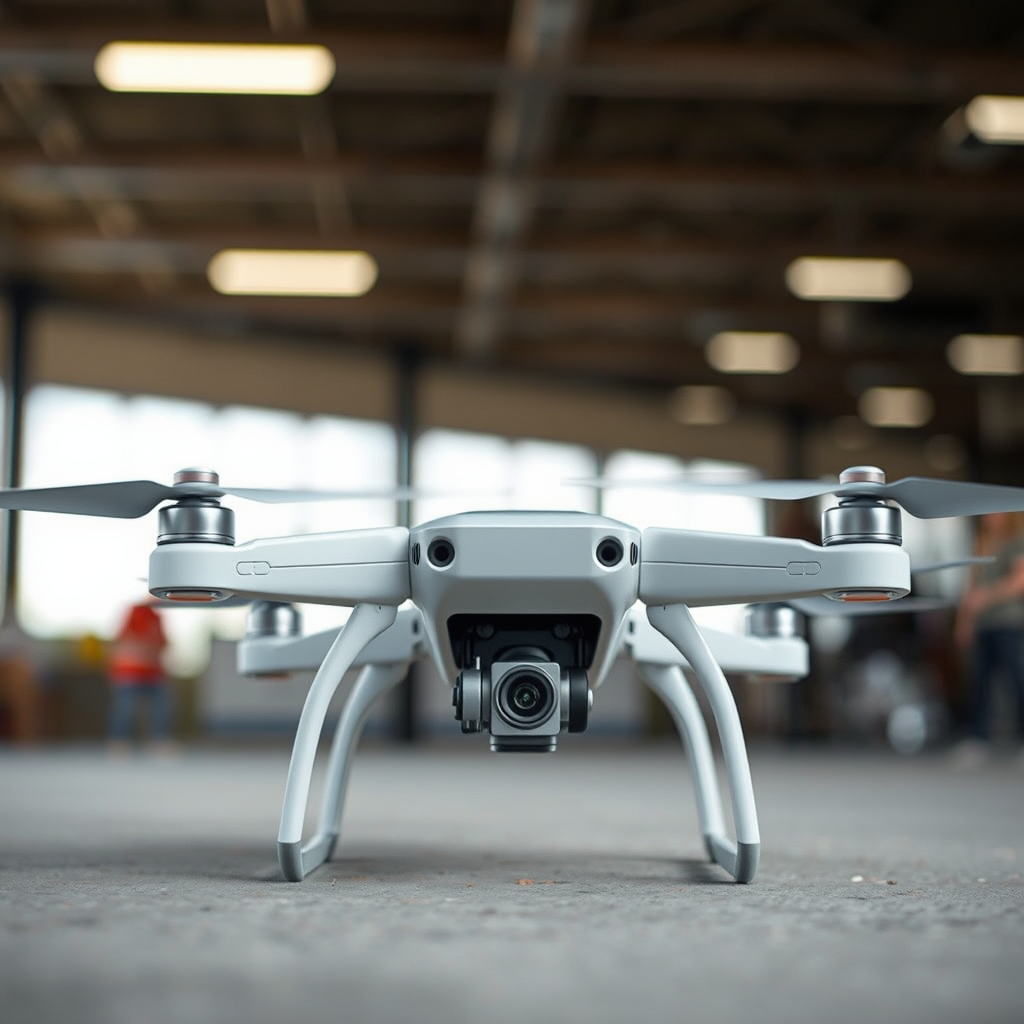
The first step in troubleshooting your drone’s WiFi connectivity is to verify your device settings. Begin by ensuring that WiFi is enabled on your smartphone or tablet. Sometimes, WiFi may inadvertently be turned off, or your device might be set to airplane mode, which disables all wireless communications. Make sure to toggle the WiFi setting back on.
Next, confirm that you are connected to the correct WiFi network for your drone. Many drones create their own specific network, which often includes the brand name or model in the SSID (Service Set Identifier). If you’ve previously connected to multiple networks, it’s easy to mistakenly connect to the wrong one. Disconnect from any other WiFi networks and reconnect to your drone’s network, ensuring that you enter the correct password if required.
Inspect the Drone’s Status
Once you’ve confirmed your device settings, it’s essential to inspect the drone’s status. Begin by ensuring that the drone is powered on and functioning correctly. Look for any lights on the drone, as these often indicate operational status. For instance, a steady green light typically indicates that the drone is ready for flight, while a blinking red light might signal a problem or that it is not connected to the WiFi.
Additionally, check for any error notifications on the drone. Many modern drones come equipped with diagnostic systems that will alert you to issues such as low battery, GPS connection problems, or firmware updates needed. Addressing these alerts promptly can directly impact your ability to connect to the drone’s WiFi.
Distance and Interference Issues
Distance and interference are critical factors that can affect your drone’s WiFi connectivity. Ensure that you are within the recommended operating range of your drone, as most consumer drones have a specified range—often between 300 to 500 meters, depending on the model and environmental conditions. If you are too far away, the signal may weaken significantly, leading to connectivity issues.
Moreover, consider potential sources of interference. WiFi signals can be disrupted by other electronic devices, such as routers, microwaves, or even other drones operating in the vicinity. Physical obstacles like trees, buildings, or hills can also impede the signal. When attempting to connect, move to an open space free from such obstructions to enhance connectivity.
Resetting the Drone’s WiFi
If you continue to experience problems after checking your device settings and inspecting the drone’s status, resetting the drone’s WiFi settings may be necessary. Refer to the manufacturer’s instructions for the specific reset procedure, as this can vary between models. Typically, you will need to power off the drone, then press and hold a specific button or combination of buttons to initiate the reset process.
Once the reset is complete, attempt to reconnect your device to the drone’s WiFi network. Sometimes, a fresh start can eliminate connectivity issues caused by previous settings or configurations that may have been corrupted.
Update Firmware and Software
Keeping your drone’s firmware and the associated mobile app up to date is crucial for maintaining optimal performance and connectivity. Manufacturers frequently release updates that enhance functionality, fix bugs, and improve compatibility with various devices. To check for updates, consult the drone manufacturer’s website or their dedicated app.
Installing updates is typically straightforward—download the firmware onto a microSD card or directly through the app, then follow the prompted instructions. Regular updates not only improve connectivity but also enhance overall safety features and flight stability, making them an essential part of drone maintenance.
Consult the User Manual
When faced with persistent connectivity issues, don’t overlook the importance of consulting the user manual. This document often contains specific troubleshooting steps tailored to your drone model. Look for sections addressing WiFi connectivity; they might provide insights into unique settings or common issues specifically related to your device.
Additionally, many manufacturers include FAQs or troubleshooting sections that can be invaluable for users experiencing similar problems. By understanding these unique specifications, you may discover a solution that is not immediately apparent elsewhere.
Contact Customer Support
If all else fails and you are still unable to find your drone’s WiFi, reaching out to the manufacturer’s customer support can be your best course of action. Prepare to provide them with relevant details about your issue, including the model of your drone, the specific problems you are experiencing, and any steps you have already taken to troubleshoot the situation. This information will help them provide tailored assistance, potentially leading to a quicker resolution.
Customer support teams are typically well-trained in handling various issues, and they can offer insights or solutions that may not be readily available in user manuals or online forums.
In conclusion, if you’re having trouble finding your drone’s WiFi, systematically check your device settings, inspect the drone’s status, consider distance and interference, reset the WiFi, update software, and consult the user manual. If the problem persists, don’t hesitate to contact customer support for further help. By following these steps, you can effectively troubleshoot your drone’s WiFi issues, ensuring a seamless flying experience.
Frequently Asked Questions
What should I do if I can’t find my drone’s WiFi network?
If you can’t find your drone’s WiFi network, start by ensuring that the drone is powered on and fully charged. Next, check your device’s WiFi settings to see if the drone’s network appears—sometimes, it may take a moment to show up. If it’s still missing, try rebooting both your drone and your mobile device, as this can often resolve connection issues. Additionally, make sure you are within the recommended range of the drone, as distance can affect WiFi visibility.
How can I troubleshoot my drone’s WiFi connection?
Troubleshooting your drone’s WiFi connection involves several steps. First, ensure that both the drone and your smartphone or tablet are updated to the latest firmware and software versions. If you’re still having trouble, reset the drone’s WiFi settings by following the manufacturer’s instructions. Also, check for potential interference from other electronic devices or WiFi networks nearby, as this can disrupt your connection.
Why can’t I connect to my drone’s WiFi network despite being in range?
There are several reasons you might be unable to connect to your drone’s WiFi network, even when you are in range. One common issue is that the drone’s firmware may be outdated, preventing proper connectivity. Additionally, ensure that your device’s WiFi is enabled and that you are attempting to connect to the correct network, as some drones have multiple SSIDs. If you encounter a password prompt, double-check that you are entering the correct password as provided in the user manual.
Which devices are compatible with my drone’s WiFi connection?
Compatibility with your drone’s WiFi connection typically depends on the drone model and the mobile platform you are using. Most modern drones support both iOS and Android devices, but it’s essential to consult the drone’s user manual to confirm compatibility. Moreover, ensure that your device’s operating system is up-to-date, as older versions may not support the connection needed for drone operation and app functionalities.
What is the best way to improve the WiFi signal for my drone?
To improve the WiFi signal for your drone, consider flying in open areas away from large obstacles like buildings and trees that can block the signal. Additionally, avoid locations with high electromagnetic interference from devices like routers or microwaves. You can also experiment with antenna positioning if your drone has external antennas or invest in a WiFi extender designed for drone use to enhance your connectivity range and reliability.
References
- https://en.wikipedia.org/wiki/Drone
- https://www.faa.gov/uas
- https://www.nytimes.com/2021/06/16/technology/drones-regulations.html
- https://www.techrepublic.com/article/how-to-fix-common-drone-problems/
- https://www.dronepilotgroundschool.com/drone-flying-tips/
- https://www.consumerreports.org/drones/how-to-fix-drone-wifi-issues/
- https://www.dji.com/support/faq
- https://www.wired.com/story/how-to-fly-drone/
