
Charging the DJI Avata directly on the drone is not possible. The battery must be removed from the drone and charged separately using the appropriate charging dock. This design choice enhances safety and efficiency, ensuring optimal performance during flights. In this article, we will explore the charging process, the recommended practices, and tips for maintaining battery health, providing you with a comprehensive understanding of the DJI Avata’s battery system.
Understanding the DJI Avata Battery System
The DJI Avata employs a removable battery system that facilitates easy swaps in the field. This design is particularly beneficial for drone enthusiasts who require extended flight times, as it allows for quick changes between fully charged batteries without needing to wait for recharging. The Avata’s battery is designed with multiple safety features, including overcharge protection and temperature management, to ensure longevity and reliable performance.
To charge the DJI Avata battery, it is essential to use either the DJI charging hub or the standard charger specified by the manufacturer. These devices are engineered to deliver the correct voltage and current to the battery, ensuring efficient charging while minimizing risks associated with overheating or electrical faults. Using third-party chargers can compromise safety and may void the warranty, making it crucial to stick with official equipment when maintaining your drone.
How to Remove the Battery from the DJI Avata
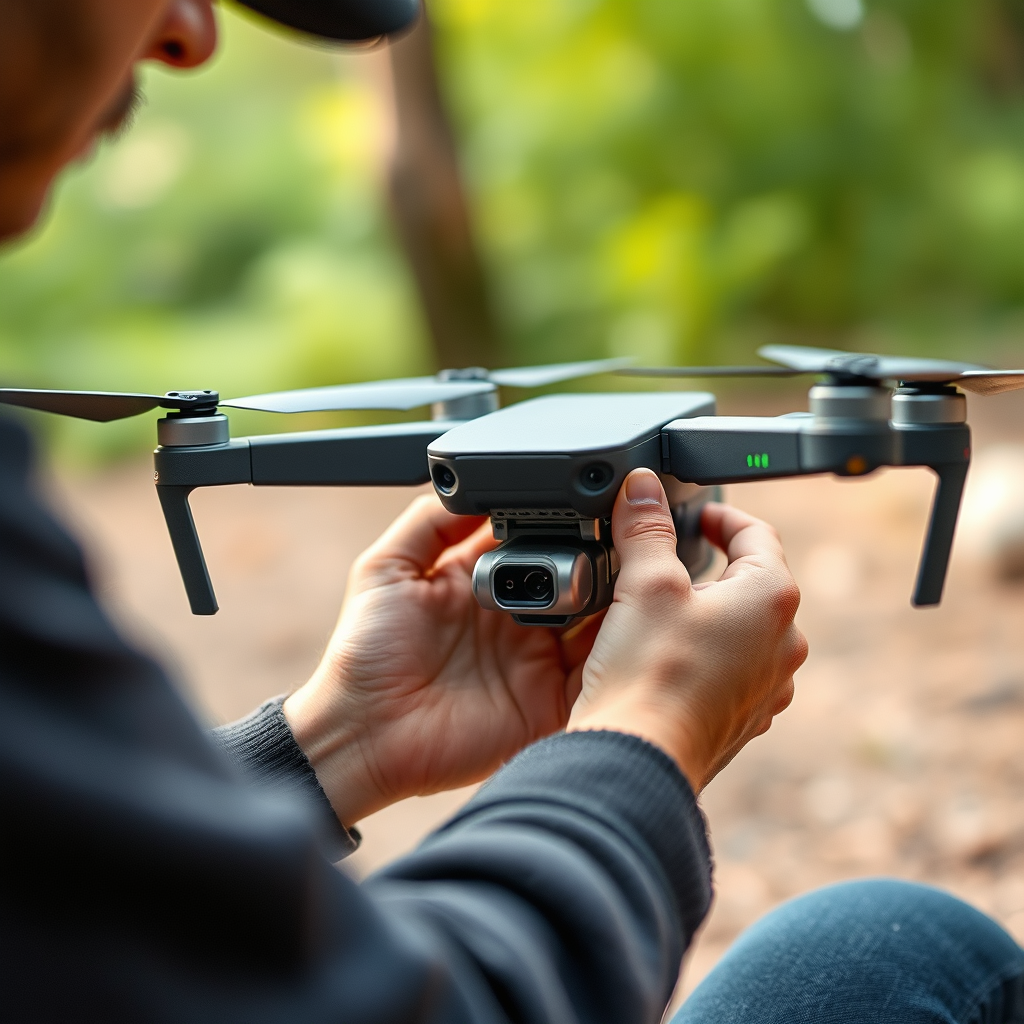
Removing the battery from the DJI Avata should be executed with care to avoid any damage to the drone or the battery itself. First, ensure that the drone is powered off completely. This precaution prevents any accidental activation during the battery removal process.
Once powered down, locate the battery latch on the underside of the drone. Gently press the latch and slide the battery out of its compartment. It is advisable to consult the user manual for specific instructions tailored to your model, including any nuances that may exist due to firmware updates or design changes. Treat the battery with care, as mishandling can lead to physical damage or electrical issues.
Charging the DJI Avata Battery
To begin charging the DJI Avata battery, connect it to the DJI charging hub or standard charger. The official DJI charging hub is particularly recommended because it can charge multiple batteries simultaneously, allowing users to maintain a ready supply of power for extended drone operations. The hub’s design includes LED indicators that provide real-time feedback on the charging status, so users can monitor progress easily.
Optimal charging usually takes around 70 minutes, depending on the battery’s state of discharge. It is essential to avoid overcharging, as prolonged exposure to high voltage can degrade battery performance and shorten its lifespan. The DJI charging hub incorporates protective features to prevent overcharging, but it is still wise to remain vigilant and disconnect the battery promptly once it is fully charged.
Tips for Maintaining Battery Health
Maintaining the health of your DJI Avata battery is crucial for ensuring optimal performance and longevity. One primary recommendation is to store batteries in a cool, dry place away from direct sunlight or extreme temperatures. Excessive heat can cause battery cells to deteriorate, while cold conditions can lead to reduced capacity during flights.
Additionally, regularly checking the battery health status through the DJI Fly app is beneficial. This app provides insights into the battery’s charge cycles, current capacity, and overall health status. Keeping an eye on these metrics allows you to gauge when it might be time to replace the battery, ensuring you’re always prepared for flight.
Moreover, consider discharging the battery to around 40%-60% if it is not going to be used for an extended period. This practice helps maintain battery health, as lithium-ion batteries perform best when kept within this charge range.
Common Charging Issues and Solutions
Despite following the recommended practices, users may occasionally encounter charging issues with the DJI Avata battery. If the battery does not charge, the first step is to check the connections—ensuring the battery is properly seated in the charging dock and that the dock itself is connected to a power source.
If the connections appear secure and the battery still does not charge, consider testing the charger with another battery, if available, to determine if the charger is functioning correctly. Additionally, checking for firmware updates on both the drone and the charging hub can be beneficial, as manufacturers may release updates that optimize battery management and charging behavior.
Other common problems may include physical damage to the battery or charging dock. If you suspect this is the case, it is advisable to reach out to DJI support for assistance and potential replacement options.
Frequently Asked Questions
– Can I use third-party chargers?
While it may be tempting to use third-party charging devices for convenience or cost savings, it is not recommended due to potential safety risks. Third-party chargers may not provide the necessary voltage or current, leading to overheating or battery damage.
– How long does it take to charge the battery?
Typically, charging the DJI Avata battery takes around 70 minutes when using the official charger or charging hub. This timeframe may vary based on the battery’s charge level and the specific charging equipment used.
The DJI Avata battery must be charged outside of the drone using the designated charging equipment. By following the proper procedures for battery removal, charging, and maintenance, you can ensure that your drone performs at its best while maximizing the lifespan of your battery. For further assistance, consider consulting the DJI support resources or community forums, where you can find additional insights and tips from fellow enthusiasts.
Frequently Asked Questions
Can you charge the DJI Avata directly on the drone?
No, you cannot charge the DJI Avata directly on the drone. The Avata’s battery must be removed from the drone and placed in the DJI battery charging hub or a compatible USB-C charger. This ensures that the battery is charged safely and effectively, maintaining its longevity and performance.
How long does it take to charge the DJI Avata battery?
Charging the DJI Avata battery typically takes about 50 minutes when using the DJI Fast Charging Hub. If you are using a standard USB-C charger, the charging time may vary, usually taking around 60 to 80 minutes. Always ensure you use the recommended charging equipment to avoid damaging the battery.
Why is my DJI Avata battery not charging?
There are several reasons your DJI Avata battery may not be charging. First, ensure that the battery is properly seated in the charging hub and that the hub itself is powered on. Additionally, check for any debris or damage on the battery terminals and make sure you are using the correct charger. If the issue persists, the battery may need to be replaced.
What is the best way to extend the battery life of my DJI Avata?
To extend the battery life of your DJI Avata, ensure that you follow best practices such as not fully depleting the battery before recharging it, storing the battery at a temperature between 20°C to 30°C (68°F to 86°F), and avoiding prolonged exposure to extreme temperatures. Regularly calibrating the battery and updating the firmware can also help optimize performance and longevity.
Which charger should I use for the DJI Avata battery?
The best charger to use for the DJI Avata battery is the DJI 65W USB-C Charger or the DJI Battery Charging Hub. These chargers are specifically designed for DJI products, ensuring optimal charging speed and safety. Using third-party chargers may risk damaging the battery or reducing its lifespan, so it’s advisable to stick with the manufacturer’s recommended options.
References
- DJI Avata
- DJI Avata – DJI
- The Verge’s Holiday Gift Guide: cheap tech and gadget gifts under $50 | The Verge
- DJI Avata review: FPV flying for the masses | TechRadar
- https://www.cnet.com/tech/mobile/dji-avata-review/
- https://www.rcgroups.com/forums/showthread.php?3897037-DJI-Avata-First-Impressions-Discussion
- https://www.digitaltrends.com/space/dji-avata-review/
- https://www.polygon.com/reviews/22749042/dji-avata-drone-review-specs-price-photos-video
- https://www.dpreview.com/reviews/dji-avata-review
