
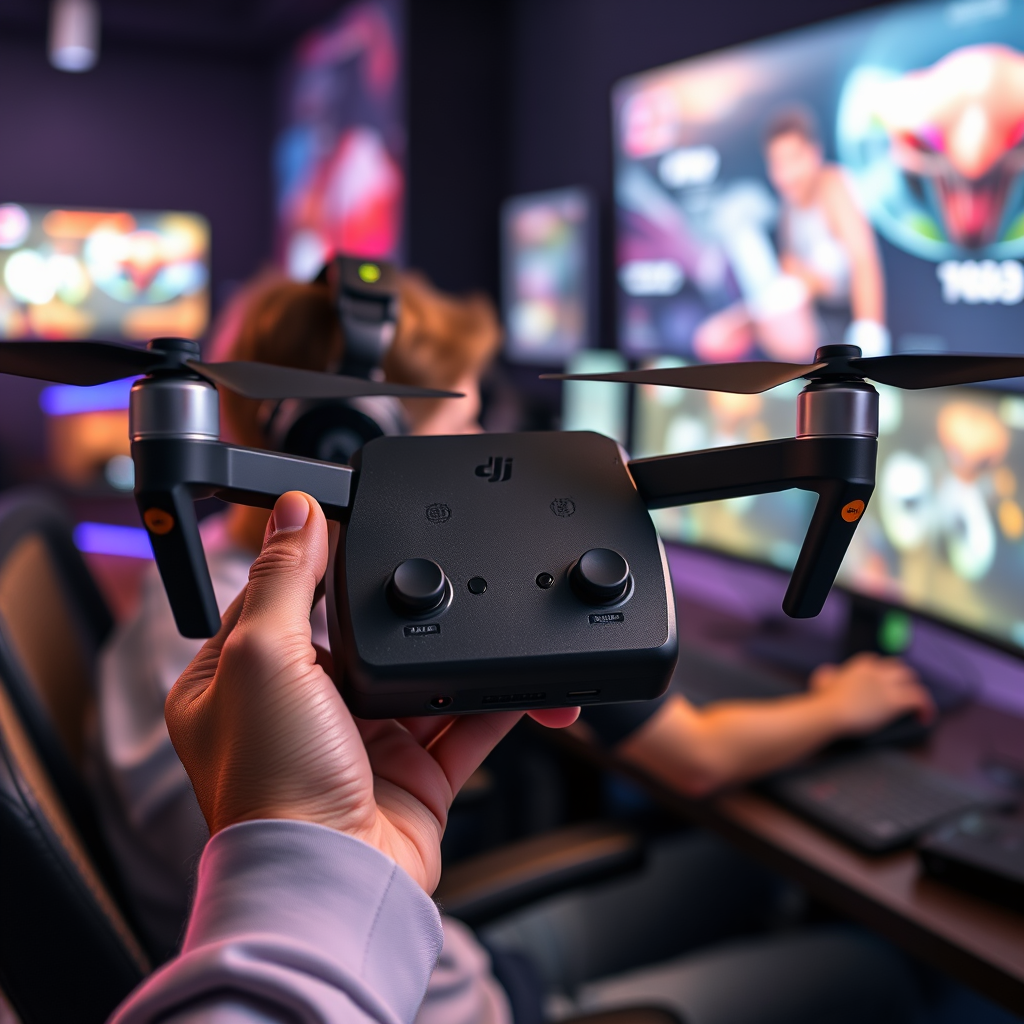
Yes, you can use a DJI controller with other DJI drones, but compatibility varies by model. Most modern DJI controllers are designed to connect with multiple drone models, allowing for greater flexibility and convenience for users. However, it’s essential to verify the specific compatibility for each drone model, as not all controllers will work with every drone in the DJI lineup. In this article, we’ll explore which controllers are compatible with which drones, provide guidance on how to set them up, and highlight any limitations you might encounter along the way.
Understanding DJI Controller Compatibility
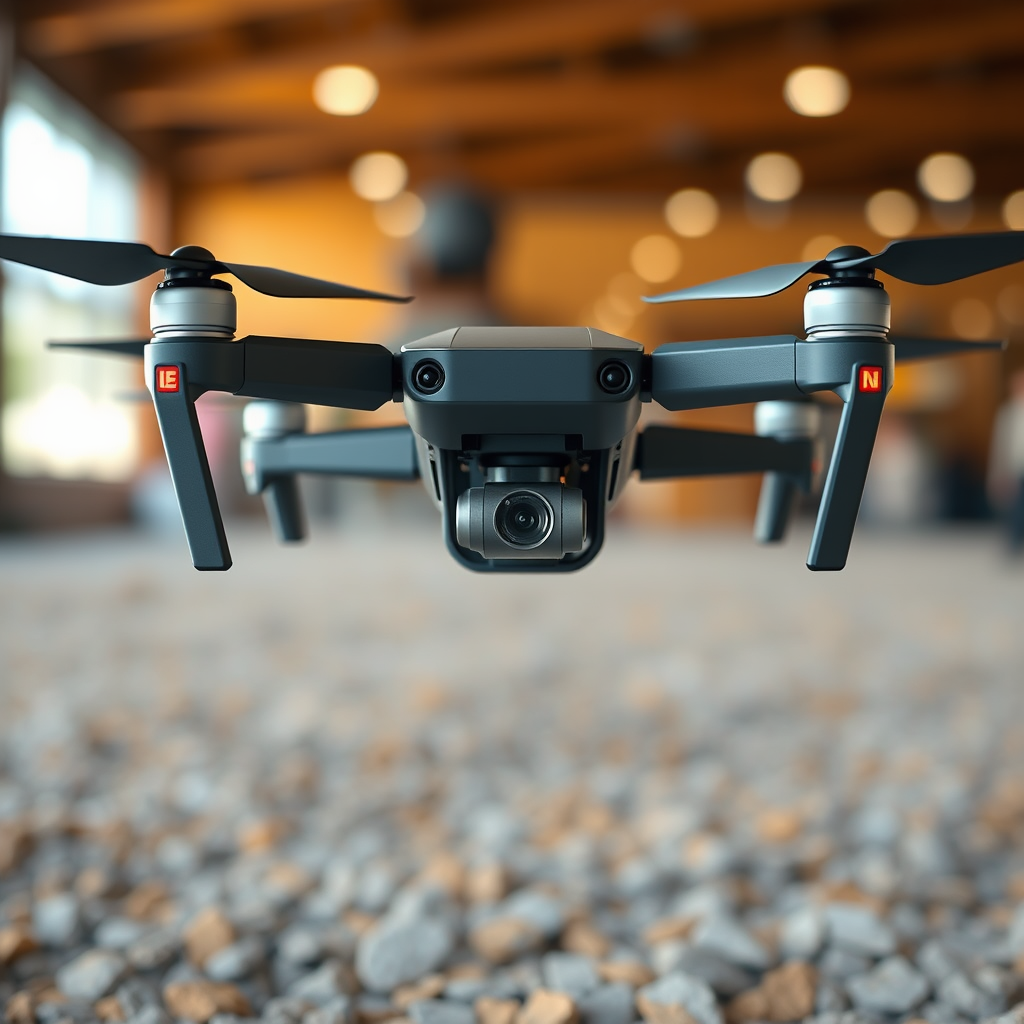
DJI controllers are meticulously designed to operate with specific drone models, ensuring optimal performance and user experience. The compatibility often hinges on the version of the controller being used and any recent firmware updates applied to both the controller and the drone. For instance, the DJI Smart Controller, known for its impressive screen and comprehensive features, is compatible with several models, including the Mavic 2 series and the Phantom 4 series. However, earlier versions may lack the necessary updates to connect with newer models like the Mavic Air 2 or the Mini series. Thus, it’s crucial to always check both your controller and drone for the latest firmware updates, as these can facilitate or hinder compatibility.
List of Compatible DJI Drones
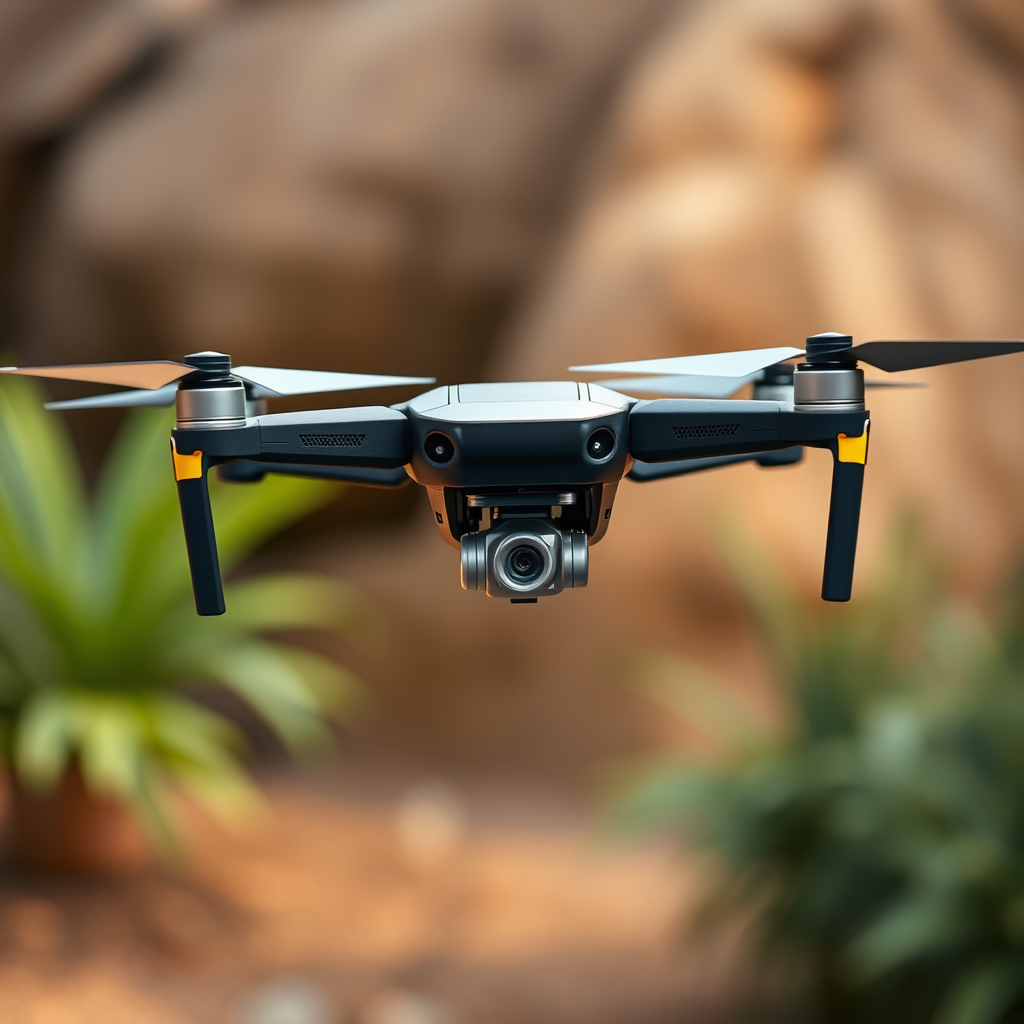
To make the most of your DJI controller, understanding which drones it can control is essential. Below is an overview of popular DJI drones and their compatible controllers:
– DJI Mavic 2 Pro/Zoom: Compatible with the DJI Smart Controller, Mavic 2 Remote Controller, and the Mavic Air Remote Controller (with limitations).
– DJI Phantom 4 Series: Works with the Phantom 4 Remote Controller and can connect to the DJI Smart Controller.
– DJI Mini 2: Compatible with the DJI Mini Remote Controller and, with some limitations, can be controlled via the DJI Smart Controller.
– DJI Air 2S: Primarily designed to work with the DJI Smart Controller and Air 2S Remote Controller.
Notably, several of these models can be controlled by multiple DJI controllers, but it’s important to confirm compatibility on the official DJI website or through the user manual before attempting to connect.
How to Connect a DJI Controller to a Drone
Pairing a DJI controller with a new drone is a straightforward process. Here’s a step-by-step guide to help you get started:
1. Turn on your drone: Make sure your drone is powered on and ready for connection.
2. Turn on the controller: Power up your DJI controller.
3. Access the pairing mode: On the controller, navigate to the settings menu and select the option for pairing or connecting to a new drone.
4. Follow on-screen prompts: The controller will guide you through the pairing process, which may include pressing a specific button on the drone to enter pairing mode.
5. Complete the connection: Once the devices recognize each other, complete the process by confirming the connection on both the controller and the drone.
If you encounter any connection issues, consider restarting both devices and ensuring that they are within close proximity to each other. Additionally, checking for firmware updates can often resolve connectivity problems.
Limitations of Using Different Controllers
While the flexibility of using different controllers with various DJI drones is certainly an advantage, there are limitations to consider. One primary restriction can be the range of control; some controllers may not support the maximum range capabilities of the drone itself. For example, using a controller designed for the Mavic Mini with a Mavic 2 Pro may restrict the operational range, limiting the drone’s capabilities.
Functionality can also vary; not all features available on the original controller will be accessible with third-party or older controllers. Certain advanced features like obstacle avoidance or intelligent flight modes may not function as intended if the controller lacks the required firmware or hardware capabilities.
Moreover, firmware restrictions can play a significant role. If the drone’s firmware is newer than the controller’s, it may not allow for a successful connection or could limit the drone’s performance to the capabilities of the controller.
Benefits of Using a DJI Controller with Different Drones
Utilizing a single DJI controller across multiple drones can significantly enhance your flying experience. Here are some of the benefits:
– Flexibility: Having the ability to fly multiple models with one controller allows for a more streamlined setup, reducing the need for carrying multiple controllers.
– Cost-effective: Investing in one high-quality controller that works with several drones can save money, especially for enthusiasts who frequently upgrade their equipment or own multiple models.
– Improved User Experience: Familiarity with a single controller interface makes transitioning between different drones easier, allowing pilots to focus on their flying skills rather than relearning controls.
For those who enjoy experimenting with various DJI models, the ability to switch controllers can also be an enticing aspect of drone ownership.
Firmware and Software Considerations
Maintaining up-to-date firmware for both the drone and the controller is crucial for ensuring compatibility and optimal performance. DJI frequently releases updates that can enhance functionality, improve connectivity, and introduce new features. Users can check for updates via the DJI Fly or DJI GO app, which provides notifications for available updates.
To perform an upgrade, simply connect the controller to Wi-Fi, open the app, navigate to the firmware update section, and follow the on-screen instructions. Regular updates help mitigate potential issues that could arise from using different controllers with various drones.
Best Practices for Using DJI Controllers
To ensure a safe and enjoyable flying experience when using alternate DJI controllers, consider the following best practices:
– Pre-flight checks: Always conduct a pre-flight check to ensure both the drone and controller are functioning correctly. This includes checking battery levels, firmware versions, and ensuring that there are no restricted areas nearby.
– Follow manufacturer guidelines: Stick to DJI’s recommendations for compatible models and accessories to avoid any operational issues.
– Store properly: Maintain your controller by storing it in a protective case and keeping it free from dust and moisture to prolong its lifespan.
– Monitor performance: Keep an eye on how your drone performs with a different controller and be aware of any discrepancies in flight stability or response times.
By adhering to these practices, you can maximize the performance and longevity of your DJI controller and drone setup.
Using a DJI controller with other DJI drones is indeed feasible, but it necessitates careful attention to compatibility between specific models. Always ensure that both your controller and drone have the latest firmware updates, and be aware of any limitations that might affect your flying experience. If you’re looking to expand your drone fleet, investing in compatible controllers can enhance your versatility and enjoyment, making for a more dynamic and fulfilling drone piloting experience.
Frequently Asked Questions
Can I use a DJI controller with different DJI drone models?
Many DJI controllers are designed to be compatible with specific drone models, and some controllers can work with multiple drones. However, compatibility varies by model, so it’s crucial to check the specifications. For instance, the DJI Smart Controller supports various DJI drones, but other controllers like the Mavic Pro remote may only work with the Mavic Pro and not with newer models like the Air 2S or Mini 2.
How do I know if my DJI controller will work with another DJI drone?
To determine if your DJI controller can be used with another DJI drone, refer to the official DJI website or the user manual for both the controller and the drone. DJI often provides a compatibility list for their products. Additionally, you can join online forums or communities where users share their experiences and test results regarding controller and drone compatibility.
Why can’t I connect my DJI controller to a different drone?
If you’re unable to connect your DJI controller to a different drone, it could be due to several factors, including firmware incompatibility, hardware limitations, or the need for a specific pairing process. Each drone model may have unique communication protocols, and if the controller does not support that protocol, the connection will fail. Always ensure both devices have the latest firmware updates to enhance compatibility.
What is the best DJI controller for multiple drone models?
The DJI Smart Controller is often regarded as the best option for users with multiple DJI drones. It supports a range of models, such as the Mavic 2 series, Air 2S, and Mini 2, and features a built-in screen for enhanced visibility. Its versatility and ease of use make it a great choice for drone enthusiasts who operate various DJI models.
Which DJI drones are compatible with the Mavic Pro controller?
The Mavic Pro controller is primarily designed for the Mavic Pro and Mavic Pro Platinum drones. However, it can also work with the Mavic Air and Mavic Air 2, provided that you update the firmware on both the controller and the drones. Always verify compatibility through DJI’s official documentation to avoid connectivity issues.
References
- DJI
- https://www.dji.com/uk/flying-tips/faq
- https://www.pcmag.com/news/dji-drone-controllers-explained
- https://www.theverge.com/2019/7/11/20689879/dji-drone-controllers-compatibility-explained
- https://www.tomsguide.com/news/dji-drone-controllers-compatibility-explained
- https://www.techradar.com/news/dji-drone-controllers-compatibility-explained
