
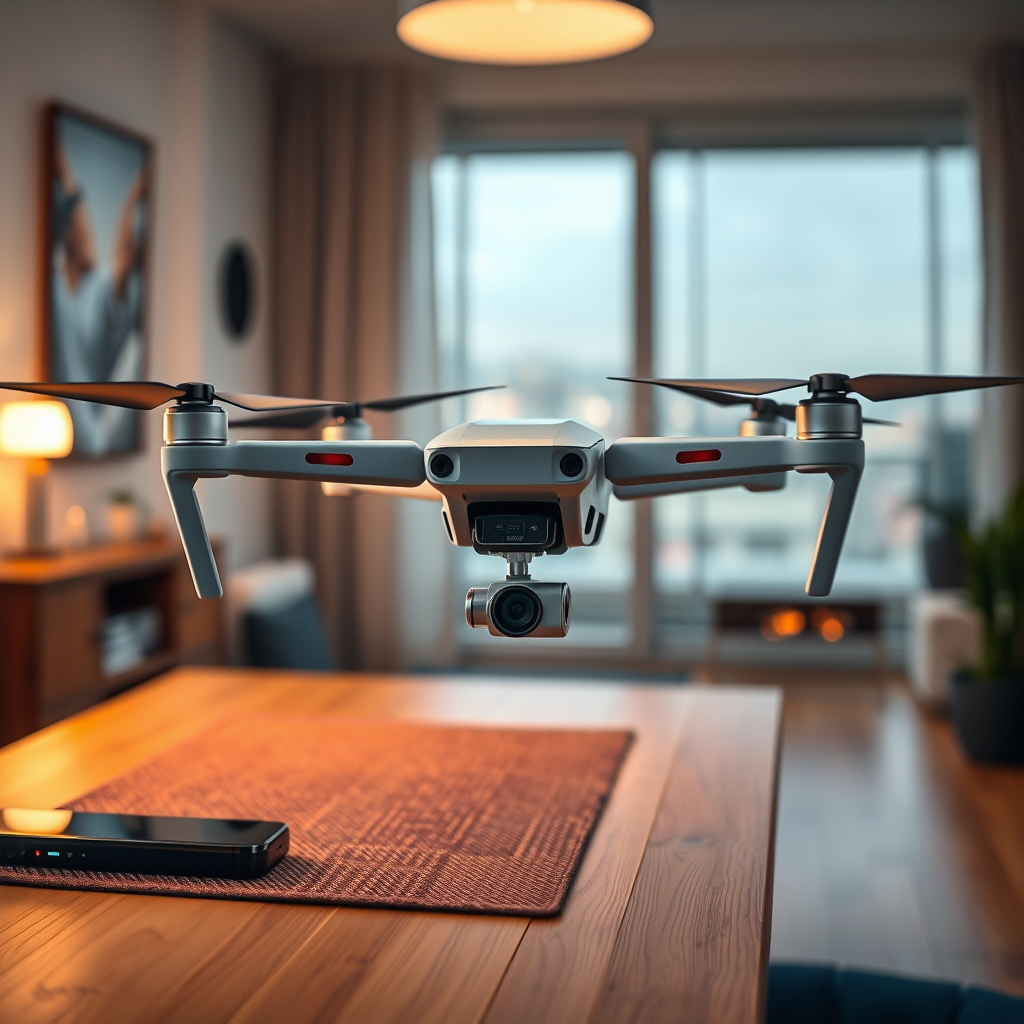
Yes, you can charge a DJI battery while it is still inside the drone, but it requires careful attention to specific considerations. Many DJI models come equipped with features that allow for in-drone charging, typically through a built-in USB port or a dedicated charging station. This can enhance convenience, particularly for users who are frequently on the move or engaged in extended aerial activities. In this article, we will explore the various methods for charging, the benefits and drawbacks of in-drone charging, as well as essential safety tips to ensure optimal performance and longevity of your drone battery.
Understanding In-Drone Charging
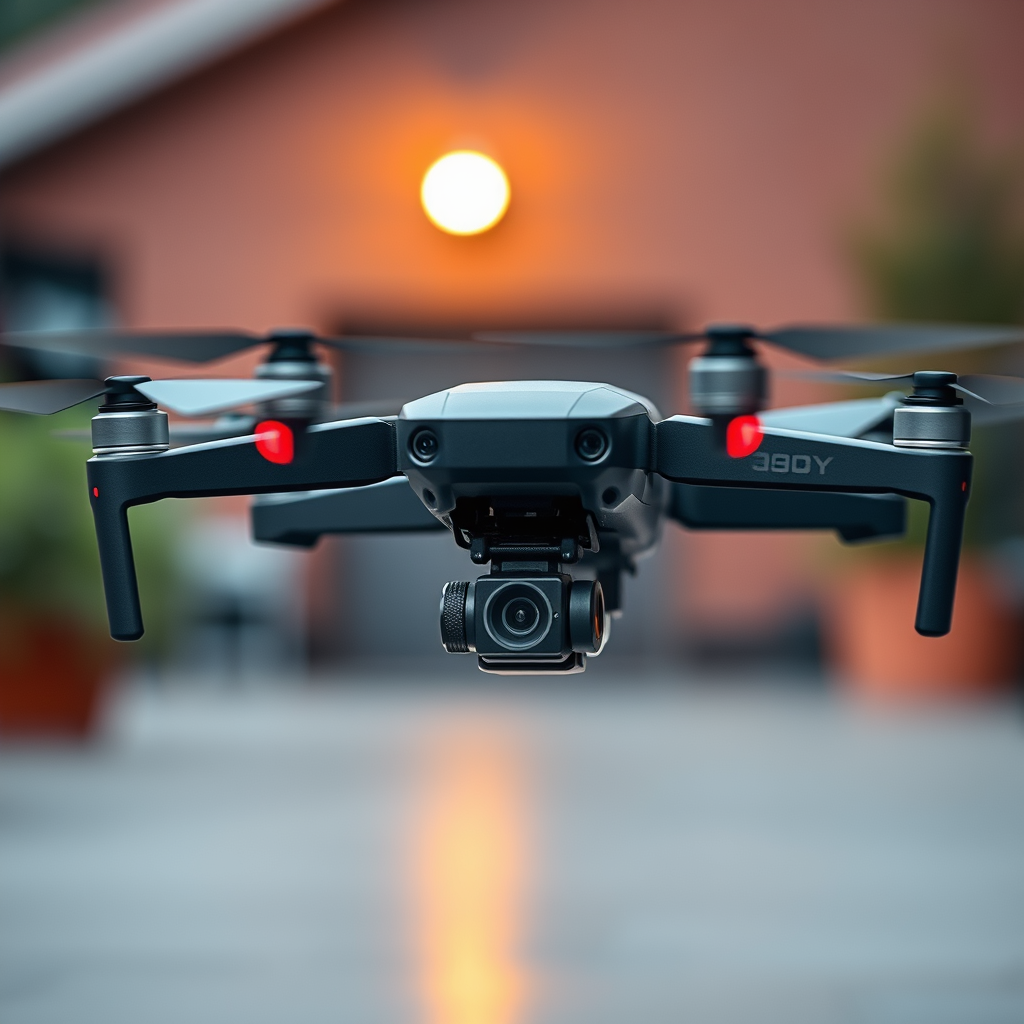
Charging a DJI battery while installed in the drone is a feature that has been integrated into many of the newer models, such as the DJI Mavic series and the Phantom series. This functionality is particularly advantageous for users who want to minimize downtime and maximize the efficiency of their flying sessions. However, not all DJI drones support this feature, which is why it is crucial to refer to the user manual that accompanies your specific drone model. The manual will typically outline the procedures and any necessary precautions for charging the battery in situ. Additionally, understanding the limitations of your drone’s charging capabilities will enable you to make informed decisions regarding your charging practices.
Charging Options for DJI Batteries
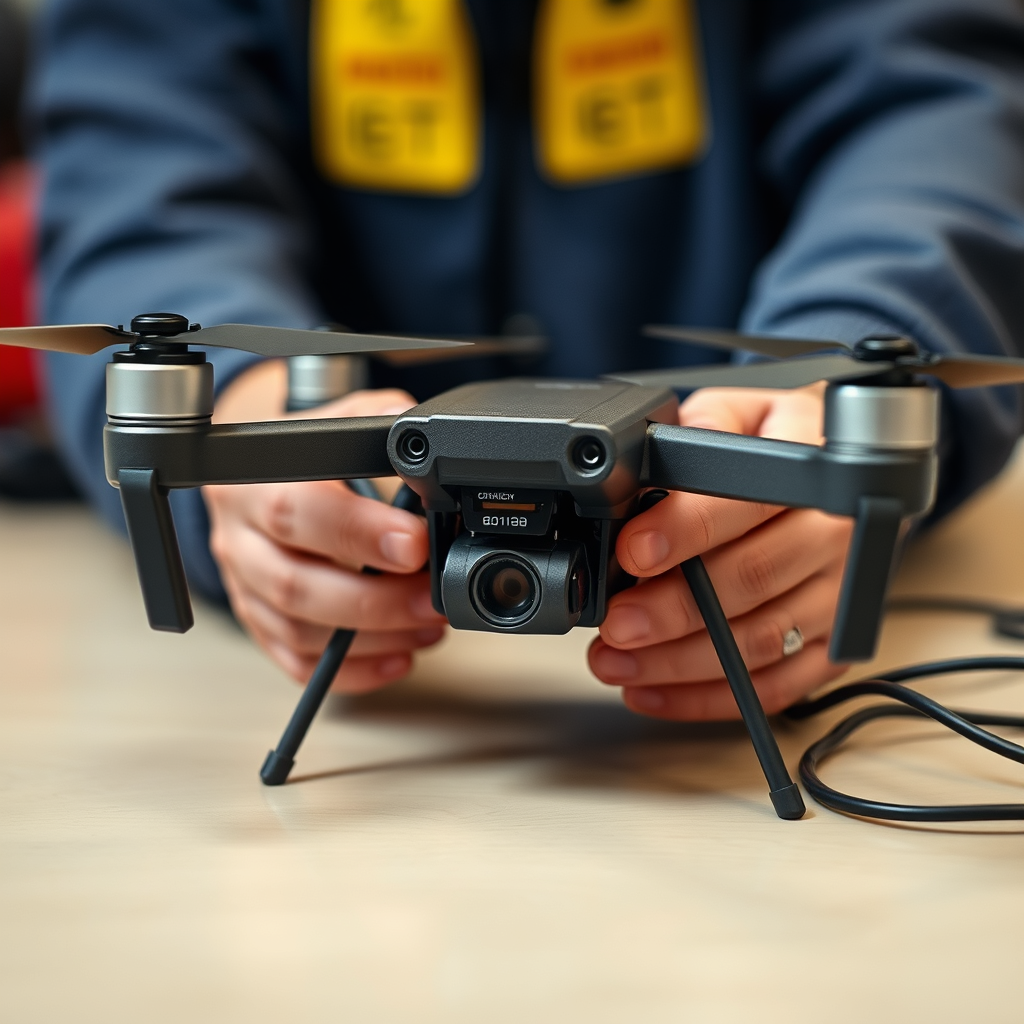
When it comes to charging DJI batteries, several options are available to suit different user needs. One popular method is to utilize the drone’s built-in USB port, which allows for a straightforward charging process without the need to remove the battery. This method is particularly useful during field operations or when you have limited time between flights. Some DJI models also come with a dedicated charging port that can be connected to a compatible charging station, providing a reliable and efficient charging solution.
Alternatively, external chargers can be employed to significantly reduce charging times. These chargers are often designed to accommodate multiple batteries simultaneously, allowing for more efficient workflows during extended drone operations. For example, the DJI Smart Battery Charger can charge multiple batteries at once, making it an excellent investment for avid drone users. This method not only speeds up the charging process but also ensures that you have fully charged batteries ready for your next flight.
Pros of Charging Batteries in the Drone
The convenience of charging batteries while they remain in the drone is one of the primary advantages of in-drone charging. Users can save time by eliminating the need to remove the battery, which is particularly beneficial during time-sensitive operations or when changing locations frequently. This feature also decreases the risk of misplacing or damaging the battery during transport, providing an added layer of assurance for drone operators.
Additionally, charging the battery in the drone can help streamline the workflow, allowing pilots to focus on other preparations instead of handling batteries separately. The integration of charging ports on the drone itself also means users can utilize power banks or car chargers, enhancing flexibility during outdoor adventures or remote shoots.
Cons of Charging Batteries in the Drone
Despite its advantages, in-drone charging is not without its drawbacks. One significant concern is the potential for overheating, especially if the drone is not adequately ventilated during the charging process. If the drone is confined in a tight space or exposed to direct sunlight, the battery could overheat, potentially leading to reduced battery lifespan or safety risks.
Moreover, not all DJI models support in-drone charging, which can limit options for users with older or budget-friendly drones. Consequently, it is essential to understand your specific drone’s capabilities and follow manufacturer guidelines to prevent any issues related to battery charging.
Safety Tips for Charging DJI Batteries
To ensure safe charging practices, it is vital to adhere to several safety guidelines. First and foremost, always charge the drone in a cool, dry area to minimize the risk of overheating. Sunlight and high temperatures can negatively impact battery performance, so choosing a shaded location is advisable.
Additionally, monitoring the charging process is essential. Keeping an eye on the battery level and temperature can help identify any irregularities that may indicate a problem. If you notice excessive heat or swelling, it is crucial to disconnect the charger immediately and assess the situation. Furthermore, avoid charging the battery overnight or when you are not present to supervise the process, as this can lead to potential hazards.
Alternative Charging Methods
While in-drone charging is convenient, exploring alternative charging methods can further enhance your drone operation experience. One effective solution is to invest in a battery charging hub, which allows for the simultaneous charging of multiple batteries. This is particularly beneficial for professional drone operators who often require extended flying times without downtime.
Portable chargers also present a practical option for users who frequently find themselves in remote locations. These chargers can provide the flexibility to recharge batteries on the go, ensuring that you remain operational even in challenging environments. For instance, power banks specifically designed for drone batteries can be a game-changer during outdoor adventures, ensuring you never run out of power.
Maintenance of DJI Batteries
To maximize the lifespan and performance of your DJI batteries, regular maintenance is crucial. Periodically checking the battery health, including cycle counts and overall condition, can help you determine when it might be time for a replacement. Many DJI drones come with built-in battery management systems that provide users with valuable insights into battery health and performance metrics.
Additionally, following recommended storage practices can significantly extend battery life. Ideally, batteries should be stored in a cool, dry environment, and it is best to keep them partially charged (around 40-60%) when not in use for extended periods. Keeping your batteries in optimal condition will enhance their performance and ensure that they are ready for action whenever you need them.
Summarizing, charging your DJI battery while in the drone is a feasible and convenient practice, provided you take the necessary precautions to avoid overheating and ensure safety. By familiarizing yourself with your specific drone model and its charging capabilities, alongside employing alternative charging methods and effective maintenance practices, you can significantly enhance your drone operation experience. Should you have additional questions or require assistance with your DJI drone, do not hesitate to reach out for expert advice.
Frequently Asked Questions
Can you charge a DJI battery while it’s still in the drone?
Yes, you can charge a DJI battery while it is still in the drone, provided that the drone is connected to a compatible charger. This method is convenient for quick charging, especially if you want to get back in the air quickly without removing the battery. However, it’s important to use the official DJI charger to ensure safe and efficient charging to avoid potential damage to the battery or drone.
How do you charge a DJI battery in a drone?
To charge a DJI battery in a drone, connect the drone to its power source using the official DJI charger. Ensure that the battery is properly seated in the drone and that all connections are secure. Once connected, the charging process will typically begin automatically, and you can monitor the battery status through the DJI app or LED indicators on the drone.
Why is my DJI battery not charging when in the drone?
If your DJI battery is not charging while in the drone, several factors could be at play. First, check that the battery is correctly seated and that the charger is functional. Additionally, inspect the battery contacts for debris or corrosion, as this can prevent a proper connection. If the issue persists, it may be necessary to reset the battery or, in some cases, contact DJI support for assistance.
What is the best way to maintain DJI batteries while charging?
The best way to maintain DJI batteries while charging is to ensure they are charged with the appropriate DJI charger and to avoid overcharging. Always monitor the charging process and disconnect the battery once it reaches a full charge. Additionally, store the battery at a cool temperature and avoid exposing it to extreme conditions, as this can prolong its lifespan and maintain optimal performance.
Which DJI drones allow charging the battery while in the aircraft?
Most modern DJI drones, including the DJI Mavic series, Phantom series, and Air series, allow you to charge the battery while it is still in the aircraft. Always refer to the user manual for your specific drone model to confirm charging capabilities and ensure you are using the correct charger. This feature enhances convenience and efficiency, particularly for users who frequently fly their drones.
References
- https://en.wikipedia.org/wiki/Drone_battery
- DJI – The World Leader in Camera Drones/Quadcopters for Aerial Photography
- https://www.faa.gov/uas/getting_started/part_107/
- https://www.techradar.com/how-to/how-to-charge-a-drone-battery
- https://www.researchgate.net/publication/331193456_Battery_Management_Systems_for_Drones
- https://www.ustream.tv/learning-center/understanding-drone-batteries
- https://www.nasa.gov/centers/armstrong/news/FactSheets/FS-61.html
