
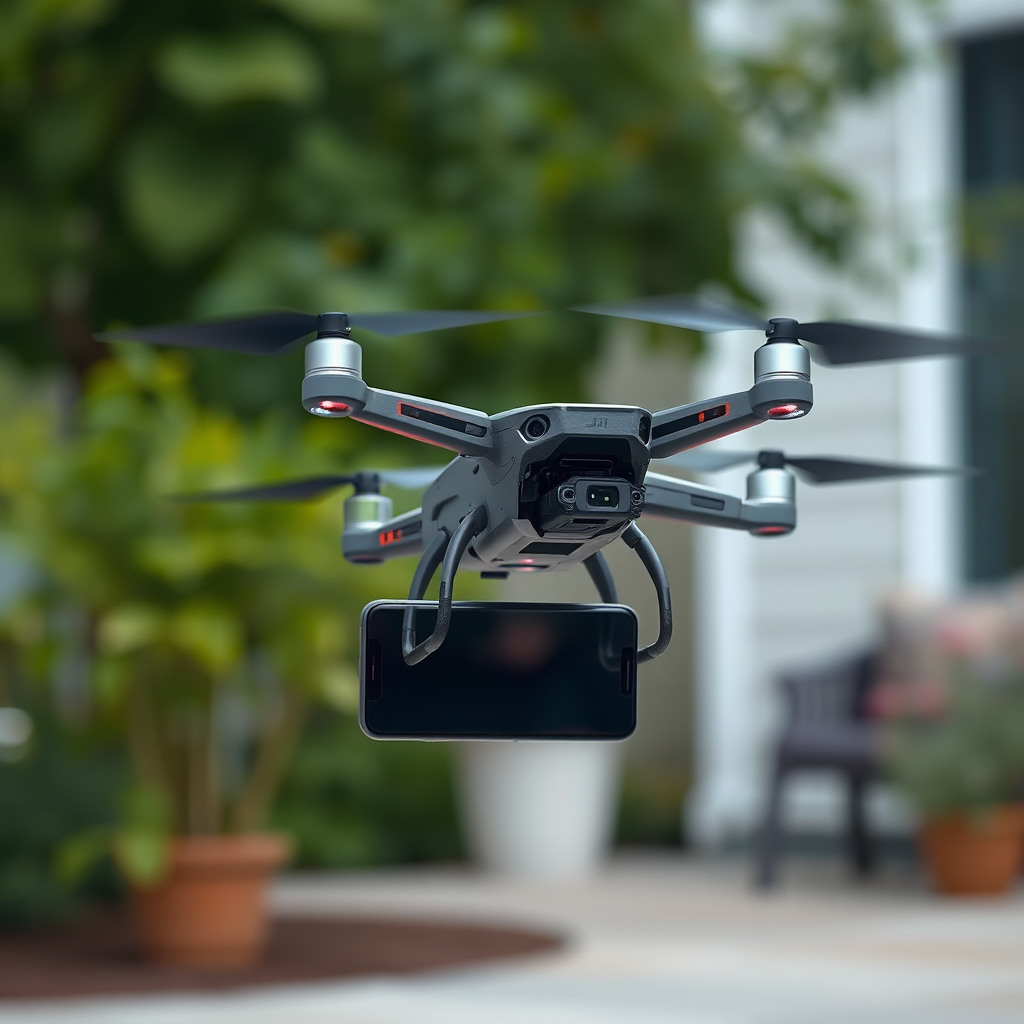
Flying a DJI FPV drone with a phone is not directly possible, as the drone typically requires a dedicated controller for optimal performance. However, there are ways to enhance your flying experience using your phone as a secondary tool for monitoring or controlling certain aspects. In this article, you’ll learn about the limitations of using a phone, alternative methods, and useful tips for maximizing your flight experience.
Understanding DJI FPV Drone Controls
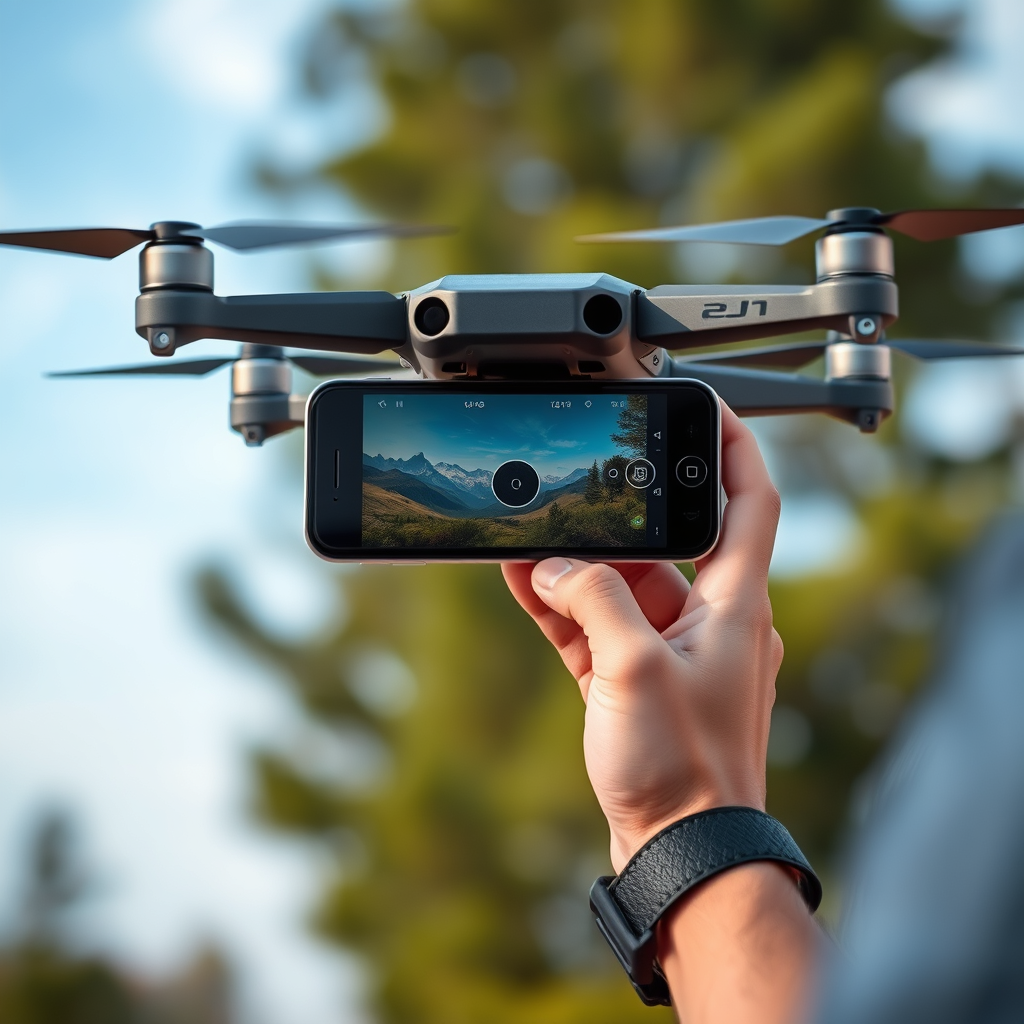
The DJI FPV drone is primarily designed to be controlled through its dedicated remote controller, which is engineered to provide precise inputs and real-time feedback essential for managing the intricate dynamics of flight. This controller is equipped with multiple functions, including throttle, yaw, pitch, and roll controls, which allow for smooth maneuvering and responsive handling. The design of the controller ensures that pilots have direct access to critical flight parameters, enabling them to react swiftly to changing conditions or obstacles.
Moreover, the controller features built-in antennas that enhance the drone’s communication range and stability. This is particularly vital when engaging in fast-paced maneuvers typical of FPV racing or aerial photography. The optimal control system is key to experiencing the full capabilities of the DJI FPV drone, as it ensures consistent signal quality and reduces the risk of losing control during flight.
Using Your Phone with DJI FPV
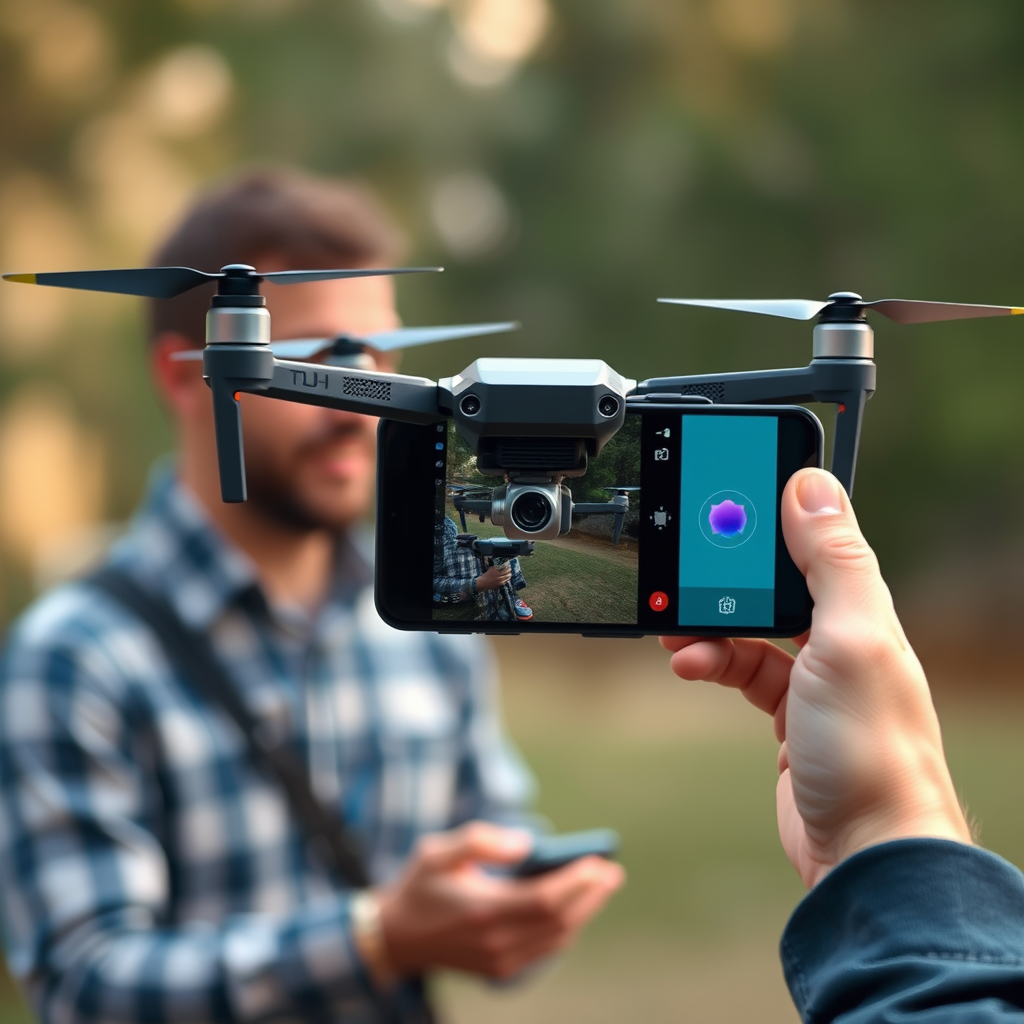
While the phone can’t be used to fly the drone, it can connect to the DJI Fly app for flight planning and settings adjustments. This application serves as a crucial companion tool, allowing pilots to prepare for flights by adjusting camera settings, monitoring battery life, and reviewing GPS status before takeoff. The DJI Fly app also provides a user-friendly interface that displays flight logs and assists with firmware updates, ensuring that your drone is equipped with the latest features and bug fixes.
During the flight, the app can be used to monitor telemetry data, including altitude, speed, and distance from the home point. It also allows users to access camera settings, such as exposure and white balance, enhancing the quality of the aerial footage captured. While these features do not compensate for the lack of direct control, they enrich the overall flying experience and provide pilots with valuable information to make informed decisions during their flight.
Alternative Control Options
Some users explore third-party apps or software that may offer limited control features, but these are often not recommended due to safety concerns. While it might be tempting to use a smartphone for direct control, most third-party applications lack the reliability and safety features of DJI’s dedicated controller. The risks associated with using unauthorized software include potential loss of control, inability to access critical flight features, and violation of local aviation regulations.
Always ensure any alternative methods comply with local regulations and safety standards. If you’re considering experimenting with third-party solutions, it’s crucial to thoroughly research the app, read user reviews, and understand the limitations of the software. Engaging with the drone community through forums or social media can also provide insights and recommendations about safe practices when exploring alternative control options.
Enhancing Your Flight Experience
Utilizing your phone to view live telemetry data and video feed through compatible apps can provide a more immersive experience. For instance, apps like DJI Fly allow users to see a real-time video feed from the drone’s camera, giving a first-person view that enhances situational awareness during flight. This capability is particularly beneficial for those interested in capturing cinematic shots or participating in FPV racing, where every second counts.
Consider using a headset or goggles that connect to the drone for a more engaging flight. Many FPV enthusiasts opt for headsets that provide a first-person view directly from the drone’s camera, creating an immersive flying experience akin to piloting an aircraft. Having the ability to see what your drone sees in real-time can drastically improve your control and execution of complex maneuvers.
In addition, integrating accessories such as external batteries for your phone can ensure that you maintain a steady connection to the DJI Fly app throughout your flight. Long battery life is vital during extended flying sessions, especially if you are capturing high-definition video footage.
Safety Considerations
Prioritizing safety is paramount when flying your DJI FPV drone. Familiarizing yourself with the drone’s controls and features ensures that you have full command during flight. Before taking off, it is advisable to conduct a pre-flight checklist that includes checking battery levels, ensuring that the firmware is updated, and confirming that your flight area is free of obstacles and other aircraft.
Always maintain visual line-of-sight with your drone, even when using a phone or app for monitoring. This is a crucial safety guideline and is often mandated by aviation regulations. Keeping your drone in sight allows you to respond quickly to any potential hazards, ensuring a safer flying environment. Additionally, consider flying in open areas away from crowds and sensitive locations to minimize risks.
Troubleshooting Common Issues
If you encounter connectivity problems, check the Bluetooth or Wi-Fi settings on both the drone and your phone. A stable connection is essential for the DJI Fly app to function properly, and interference from other devices can disrupt the signal. If issues persist, restarting the app or the drone can often resolve minor glitches that may occur during flight.
Moreover, ensuring that both the drone and the mobile device are running the latest software can prevent compatibility issues. Regularly updating both the drone’s firmware and the app can enhance performance and introduce new features, allowing you to take full advantage of your equipment.
In case of persistent issues, consulting the user manual or reaching out to DJI support can provide additional troubleshooting steps tailored to your specific situation.
Summarizing the key points, while you cannot fly a DJI FPV drone directly with a phone, you can use it as a supplementary tool for monitoring and planning your flight. Be sure to familiarize yourself with the dedicated controller for a safe and enjoyable flying experience. For more tips and updates on drone technology, stay connected and keep flying!
Frequently Asked Questions
Can you fly a DJI FPV drone using just a smartphone?
While it is technically possible to control certain DJI drones using a smartphone, the DJI FPV drone is not designed for this mode of operation. The FPV drone requires a dedicated controller for optimal performance, including real-time video transmission and precise control. Using a smartphone might limit your ability to access advanced features and could lead to a less immersive flying experience.
What equipment do I need to fly a DJI FPV drone?
To fly a DJI FPV drone, you will need the drone itself, a compatible remote controller, and a smartphone or tablet to utilize the DJI Fly app for additional features. The controller is essential for flying, as it provides direct control over the drone’s movements and allows for seamless communication with the drone’s systems, ensuring a smooth flight experience.
How do I connect my smartphone to a DJI FPV drone?
To connect your smartphone to a DJI FPV drone, first, download the DJI Fly app from the App Store or Google Play. Next, power on the drone and the controller, then connect your smartphone to the controller using a USB cable. Once connected, open the app, which will allow you to monitor flight data, adjust settings, and access camera controls while flying.
Why can’t I use my phone to control the DJI FPV drone?
The DJI FPV drone relies on a high-performance remote controller that provides low-latency communication and precise controls, essential for FPV flying. Smartphones lack the necessary hardware and software capabilities to deliver the same level of responsiveness and reliability that a dedicated controller offers, which can significantly impact the overall flying experience.
Which DJI drones can be flown using a smartphone?
Several DJI drones can be flown using a smartphone, especially the consumer-grade models like the DJI Mini series and DJI Mavic Air 2. These drones are compatible with the DJI Fly app, allowing users to control the drone via their smartphones, access camera settings, and utilize smart flight modes. However, for an immersive FPV experience, a dedicated controller is recommended for models like the DJI FPV drone.
References
- https://en.wikipedia.org/wiki/Drone_flight
- https://www.dji.com/fpvr
- https://www.faa.gov/uas/getting_started/part_107/
- https://www.technologystudent.com/elec1/drone.htm
- https://www.sciencedirect.com/science/article/pii/S235286481730138X
- https://www.nytimes.com/2021/02/15/technology/drones-technology.html
- https://www.theguardian.com/technology/2021/aug/18/drones-what-you-need-to-know
- https://www.wired.com/story/how-to-fly-a-drone/
