
Drones from DJI do not require WiFi to operate; they can function independently through their remote controller and onboard GPS systems. This means users can enjoy flying their drones in various locations without needing a WiFi connection. Understanding how DJI drones operate offline is crucial for maximizing your flying experience, especially in remote areas where internet access may be limited. In this article, we’ll explore how DJI drones operate without WiFi, the implications for users, and tips for maximizing your flying experience.
Understanding DJI Drone Connectivity
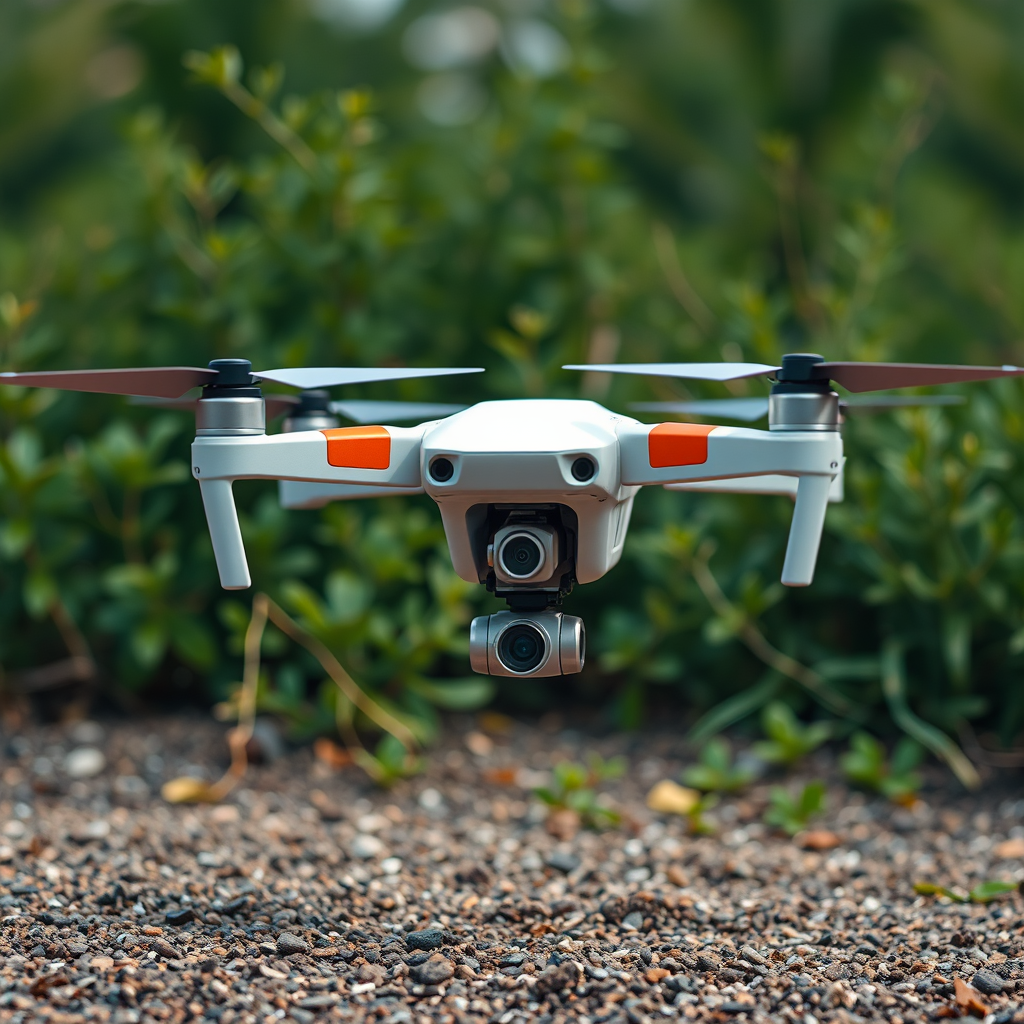
DJI drones are primarily designed to connect to their remote controllers for operation, making them capable of flying without a WiFi connection. The remote controller communicates directly with the drone, allowing for effective control across varying distances. This is particularly important for users who wish to operate their drones in areas devoid of internet service, such as rural landscapes, mountains, or beaches.
While the core functionality of flying the drone does not rely on WiFi, it is essential to note that WiFi enhances the user experience through additional features. For instance, WiFi is utilized for live video streaming, allowing users to view the drone’s camera feed in real-time on their smartphones or tablets. It is also necessary for firmware updates and accessing various app functionalities, ensuring the drone operates with the latest features and improvements. Thus, while DJI drones can fly independently, WiFi connectivity offers a richer interface and enhanced capabilities.
Types of DJI Drones That Work Offline

Most consumer models from DJI, including the Mavic series and the Phantom series, can function effectively without WiFi. These models are equipped with advanced GPS systems that enable stable flight and return-to-home functionalities without an internet connection. For example, the DJI Mavic Air 2 can fly autonomously using its GPS system, allowing users to explore new terrains without worrying about connectivity.
On the other hand, professional models such as the DJI Inspire and Matrice series may incorporate additional features that leverage WiFi for improved functionality, such as high-definition video transmission and advanced mapping capabilities. However, even these professional-grade drones can operate offline; users just need to be aware that some advanced features will be unavailable without WiFi. This flexibility makes DJI drones suitable for both casual enthusiasts and professional users, providing reliable performance regardless of internet availability.
Operational Range Without WiFi
The operational range of DJI drones without WiFi is determined primarily by the capabilities of the remote controller rather than the availability of an internet connection. Most DJI drones have an impressive control range, often extending several kilometers, depending on the model and environmental conditions. For instance, the DJI Mavic 3 boasts a range of up to 15 kilometers in optimal conditions, allowing users to explore vast areas without concern for WiFi connectivity.
It is essential to consider that while the drone can maintain control and stability, flying at long distances requires careful planning. Users should be familiar with their local regulations regarding drone flight distances and ensure they have a clear line of sight to maintain safe operation. By understanding and utilizing the drone’s range capabilities, users can enjoy extensive flying experiences even in remote locations.
Features That Require WiFi
While DJI drones can operate independently, certain features necessitate a WiFi connection for optimal performance. The most notable among these is the live video feed, which allows users to stream footage directly to their smartphones or tablets. This feature is invaluable for photographers and videographers who want to capture the best angles and compositions in real-time.
Additionally, firmware updates require a stable internet connection. Keeping your drone’s firmware up to date is crucial for ensuring its functionality and safety. Users should also connect to WiFi to access specific app functionalities, such as flight planning tools, geofencing updates, and other features that enhance the flying experience. Failing to stay updated could result in missed features or compromised safety during flight.
Tips for Flying DJI Drones Without WiFi
To maximize your flying experience without WiFi, there are several key tips to consider:
1. Pre-Download Maps and Updates: Before heading out to fly, ensure that you have pre-downloaded any necessary maps and updates while connected to WiFi. This will allow you to navigate effectively and utilize the latest drone features without an internet connection.
2. Familiarize Yourself with Offline Features: Take the time to understand what functionalities your drone offers without WiFi. Features such as waypoint navigation and basic camera settings can still be managed effectively through the remote controller.
3. Practice in Familiar Areas: If you’re new to flying, practice in familiar areas to build your confidence. This will help you become accustomed to controlling the drone without relying on WiFi for guidance or features.
4. Plan Your Flight Path: Before flying, plan your flight path to ensure you remain within control range. This is especially important in areas with potential obstacles or restricted airspace.
5. Carry Spare Batteries: Consider carrying extra batteries if you plan to fly for extended periods. While flying offline allows for a more straightforward operation, certain features may still consume battery life more quickly.
Safety Considerations When Flying Offline
When flying your DJI drone without WiFi, safety should always be a top priority. Here are some considerations to keep in mind:
– GPS Signal Quality: Ensure that the GPS signal is strong before takeoff. A weak GPS signal can lead to instability, making it difficult for the drone to maintain its position or return home safely.
– Monitor Battery Life: Keep a close watch on your drone’s battery level during flight. Without WiFi, some features may consume more power, and knowing when to land is crucial to avoid sudden power loss.
– Adhere to Local Regulations: Always comply with local regulations regarding drone operation, especially in remote areas. Understanding the legalities of flying can prevent potential fines or penalties.
– Maintain Visual Line of Sight: Even when flying without WiFi, maintaining a visual line of sight with your drone is essential for safe operation. This reduces the risk of losing control or colliding with obstacles.
In conclusion, DJI drones are fully capable of operating without WiFi, relying on their remote controllers and GPS systems for autonomous flight. Users can explore various locations without the need for an internet connection, though they should be aware of the limitations regarding certain features that require WiFi. By understanding how to maximize their drones’ capabilities, planning ahead for flights, and adhering to safety guidelines, users can enjoy a fulfilling flying experience regardless of connectivity. Whether you are a hobbyist or a professional, embracing the independence of flying without WiFi can lead to new adventures in drone piloting.
Frequently Asked Questions
Do DJI drones require Wi-Fi to operate?
No, DJI drones do not require Wi-Fi to operate. Most DJI drones can function independently using their remote control, which communicates directly with the drone via radio frequency. However, Wi-Fi may be necessary for specific features, such as accessing live video feeds or updating firmware through the DJI app.
How can I fly my DJI drone without an internet connection?
To fly your DJI drone without an internet connection, ensure that the drone is fully charged and paired with the remote controller. You can use the DJI Go or DJI Fly app offline for pre-flight checks, but you won’t be able to access live updates or maps. Just make sure to download any necessary maps or firmware updates before going offline.
Why is Wi-Fi connectivity important for DJI drones?
Wi-Fi connectivity is essential for DJI drones primarily for features like live video streaming, accessing maps, and downloading firmware updates. While basic flight functionalities work without Wi-Fi, having a stable internet connection enhances the user experience by enabling real-time telemetry data, automatic updates, and cloud-based features.
What features of DJI drones are impacted without Wi-Fi?
Without Wi-Fi, certain features such as live video streaming, accessing the DJI app for flight modes, and downloading the latest firmware updates are limited. Additionally, GPS accuracy may be affected in areas without strong satellite signals if the drone relies on Wi-Fi for enhanced location services. However, basic flying and camera operations remain functional.
Which DJI drones can operate entirely offline?
Most DJI drones, including popular models like the DJI Mini 2, Mavic Air 2, and Phantom 4, can operate entirely offline for basic flying activities. They need no Wi-Fi to take off, fly, or capture photos and videos. However, for advanced features and functionalities, it is always best to ensure you have Wi-Fi access for optimal performance.
References
- Drone
- Unmanned Aircraft Systems (UAS) | Federal Aviation Administration
- https://www.dji.com/us/education
- https://www.techradar.com/news/dji-drone-review
- https://www.theverge.com/2021/4/20/22389381/dji-drone-internet-connection-wifi-4g-5g
- https://www.wired.com/story/dji-drone-features-connection/
- https://www.sciencedirect.com/science/article/pii/S2351978921000563
