
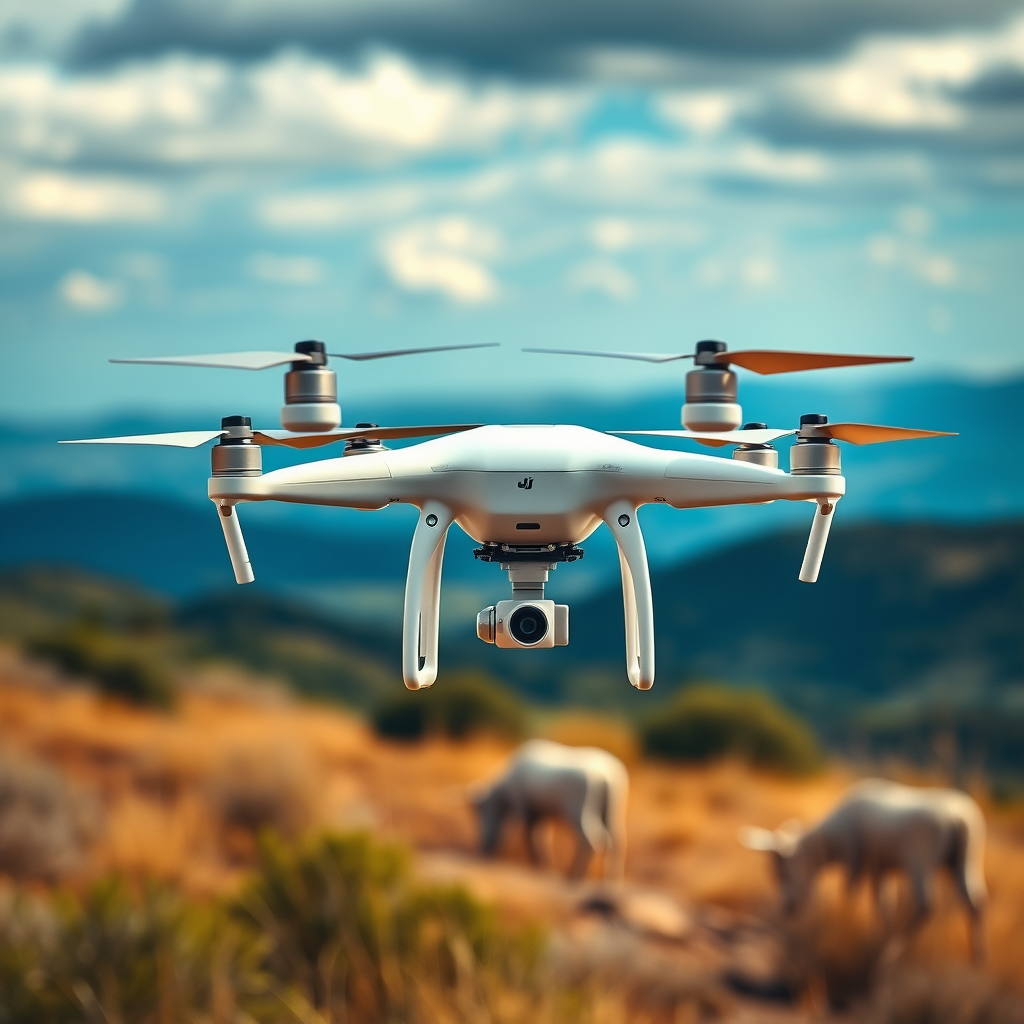
The DJI Phantom 4 drone does not have the capability to record audio. While it excels in capturing stunning aerial visuals, its design prioritizes video and image quality over sound recording. This limitation can be surprising to those who assume that drones, with their advanced technology, might also capture high-quality audio. In this article, we’ll explore the reasons behind this limitation and how you can effectively incorporate audio into your drone footage, ensuring your projects remain engaging and professionally polished.
Understanding Drone Audio Limitations
Drones are primarily designed for visual capture, not audio. This fundamental purpose is reflected in their engineering and design choices. The goal of a drone like the DJI Phantom 4 is to provide exceptional imagery from unique perspectives. The mechanics of flight, combined with the need for stability and high-definition output, take precedence over sound recording capabilities.
The lack of built-in microphones is a common feature in most drones, including the Phantom 4. Many drone manufacturers have opted to forgo audio capture entirely, recognizing that the environment in which they operate—often windy and noisy—would not lend itself to high-quality sound recording. This design choice simplifies the drone’s technology, allowing for better battery life and flight performance while focusing on visual excellence.
Why DJI Phantom 4 Doesn’t Record Audio
The technical constraints of drone operation make audio capture particularly challenging. Drones often fly at high altitudes and speeds, which can create turbulence and vibrations that interfere with sound clarity. When flying, the propellers generate significant noise, which can easily overpower any ambient sounds that a microphone might pick up. This environmental noise presents a barrier to quality audio capture, making it impractical for a drone to include this feature.
Additionally, recording audio at various altitudes poses challenges related to sound propagation and wind interference. The DJI Phantom 4, while equipped with advanced sensors and cameras for capturing stunning visuals, simply lacks the necessary technology to record clear audio in such dynamic conditions. This is a common trait among drones, as they are engineered primarily for visual applications.
Alternatives for Capturing Audio
Despite the Phantom 4’s limitations in audio recording, there are several effective alternatives for capturing high-quality sound that can enhance your drone footage.
One approach is to use an external microphone. By attaching a microphone to your camera setup, you can significantly improve the quality of the audio captured. There are various types of microphones available that cater to different environments—lapel mics for interviews, shotgun mics for directional sound capture, and handheld recorders for versatile use. This approach allows for tailored sound capture suited to your filming conditions.
Another viable option is to record audio separately. This can be particularly useful for voiceovers, sound effects, or background music. By using a separate recording device, such as a digital audio recorder or even a smartphone, you can capture clear audio without the drone’s interference. Once you have your audio, you can sync it with your video footage during post-production, ensuring that your final product has the desired auditory quality.
Editing and Syncing Audio with Drone Footage
After capturing audio separately, the next step is to edit and sync it effectively with your drone footage. Video editing software such as Adobe Premiere Pro, Final Cut Pro, or DaVinci Resolve provides powerful tools for aligning audio and video tracks seamlessly.
To achieve effective syncing, it’s helpful to use visual cues or sound markers. For example, you can clap your hands at the start of your recording to create a spike in the audio waveform, which can be visually matched to the corresponding moment in the video. This technique allows for precise alignment, ensuring that the dialogue, sound effects, or music sync perfectly with the visuals.
Additionally, many editing programs offer features that simplify audio editing, such as waveform displays and audio filters that help enhance sound quality. Familiarizing yourself with these tools can elevate your editing skills and improve the overall quality of your drone footage.
Enhancing Your Aerial Footage with Sound
Incorporating sound into your drone videos can significantly enhance the viewer’s experience. One effective way to do this is by adding background music that complements the visuals. The right music can set the tone of your video, evoke emotions, and keep viewers engaged. When selecting music, consider the mood you want to convey and ensure that it aligns with the visuals captured by your drone.
In addition to music, incorporating voiceovers can provide context and enhance storytelling in your drone videos. A well-crafted narrative can guide viewers through the visuals, offering insights or personal experiences related to the footage. This additional layer of audio not only enriches the viewing experience but also adds a professional touch to your final product.
Common Misconceptions About Drone Audio
There are several misconceptions surrounding the audio capabilities of drones. Some individuals believe that drones can capture high-quality audio, but this is a misunderstanding of their technical capabilities. While drones are equipped with sophisticated cameras and stabilization technology, the realities of audio capture in flight are not conducive to quality sound recording.
The focus should remain on visual storytelling, with audio being an added enhancement rather than a primary feature. Recognizing this distinction allows drone operators to better plan their projects and utilize alternative methods for audio capture effectively.
The DJI Phantom 4 drone is a powerful tool for capturing breathtaking aerial imagery, but it does not record audio. Understanding this limitation can help you plan better for your projects. By using external microphones or syncing audio separately, you can still create compelling videos that engage your audience. Consider exploring audio options to enhance your storytelling and elevate your drone footage. Through careful planning and creative audio incorporation, you can produce professional-quality videos that resonate with viewers, maximizing the potential of your drone technology.
Frequently Asked Questions
Does the DJI Phantom 4 drone record audio during flight?
No, the DJI Phantom 4 drone does not record audio while flying. This is primarily because the drone’s camera is designed for capturing high-quality video and images, and noise from the drone’s propellers would likely interfere with any audio recording. If you need audio for your footage, it’s recommended to use an external audio recording device or add sound in post-production.
Why doesn’t the DJI Phantom 4 have built-in audio recording capabilities?
The absence of built-in audio recording in the DJI Phantom 4 is due to the design focus on visual quality and performance. Drones like the Phantom 4 are engineered for aerial photography and videography, where the quality of visuals takes precedence. Additionally, the noise generated by the drone’s motors and propellers would compromise any potential audio quality.
What are the best alternatives for recording audio while using a DJI Phantom 4?
The best alternatives for recording audio while using a DJI Phantom 4 include using external microphones or audio recorders. For instance, using a portable audio recorder can allow you to capture clear sound separately and sync it with your video during editing. Additionally, using a smartphone or a dedicated handheld microphone can also yield good audio quality if you’re filming interviews or ambient sounds on the ground.
How can I improve the audio quality of my drone videos if the DJI Phantom 4 doesn’t record sound?
To improve audio quality in your drone videos, consider using external audio recording equipment, such as lavalier mics for interviews or shotgun mics for capturing directional sound. Additionally, you can add royalty-free music or sound effects during post-production editing to enhance the overall audio experience of your video. Utilizing software like Adobe Premiere Pro or Final Cut Pro can help you synchronize the audio and video effectively.
Which DJI drone models do have audio recording capabilities?
Currently, most DJI drone models, including the Phantom series, do not come equipped with audio recording capabilities. However, some DJI models, like the Osmo series and Mavic Air 2, have the potential for audio capture when used with compatible accessories. It’s essential to check the specifications and capabilities of each model to ensure that it meets your audio recording needs, especially if audio is a crucial aspect of your project.
References
- DJI Phantom
- Support for Phantom 4 – DJI Global or Other Regions
- https://www.theguardian.com/technology/2020/may/04/what-you-need-to-know-about-drones
- https://www.sciencedirect.com/science/article/pii/S2352914821001234
- https://www.techradar.com/news/dji-phantom-4-review
- https://www.nytimes.com/2016/04/01/technology/dji-phantom-4-drone-review.html
- https://www.bbc.com/news/technology-35958780
