
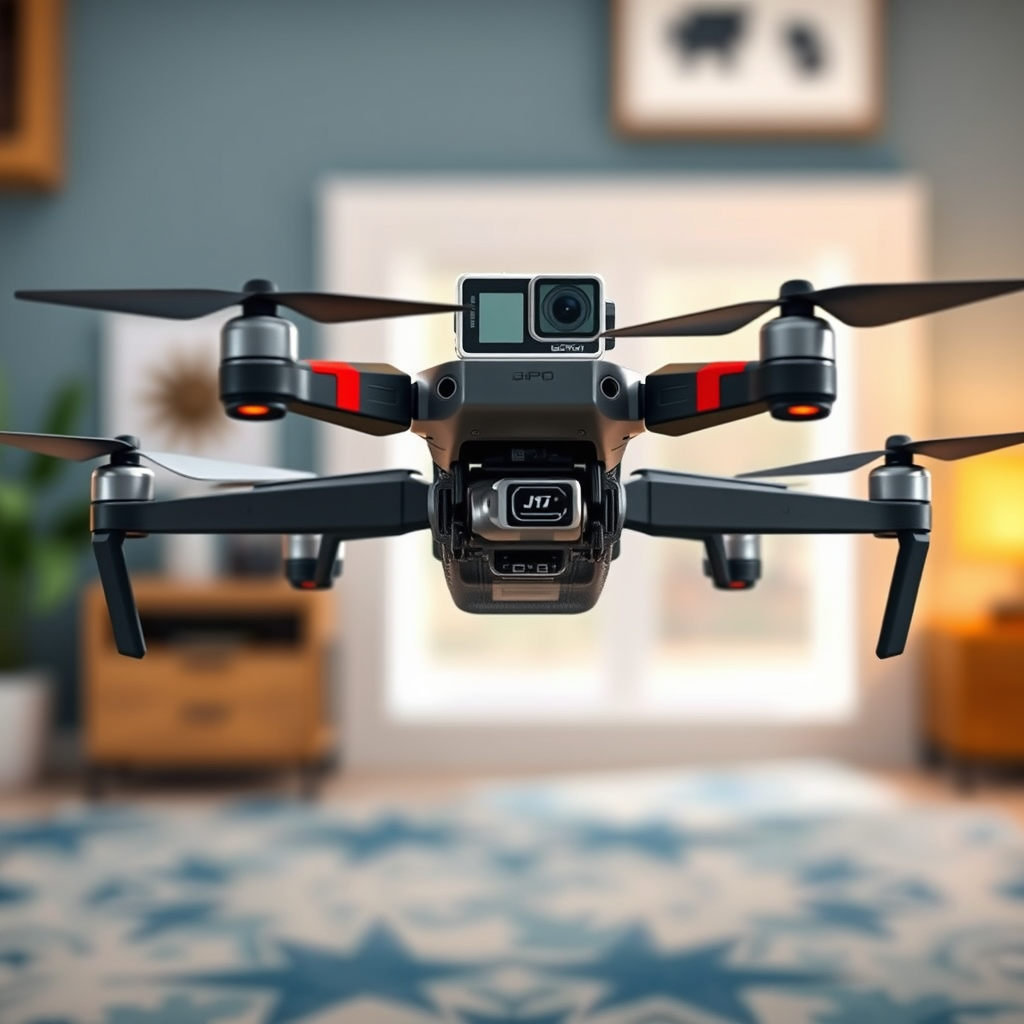
Attaching a GoPro to a DJI drone is indeed possible, but it requires some careful consideration and the right equipment. By understanding compatibility, selecting the appropriate mount, and adhering to safety measures, you can enhance your aerial videography experience. This article will guide you through the essential steps, benefits, and important safety tips for successfully mounting a GoPro on your DJI drone.
Understanding Compatibility
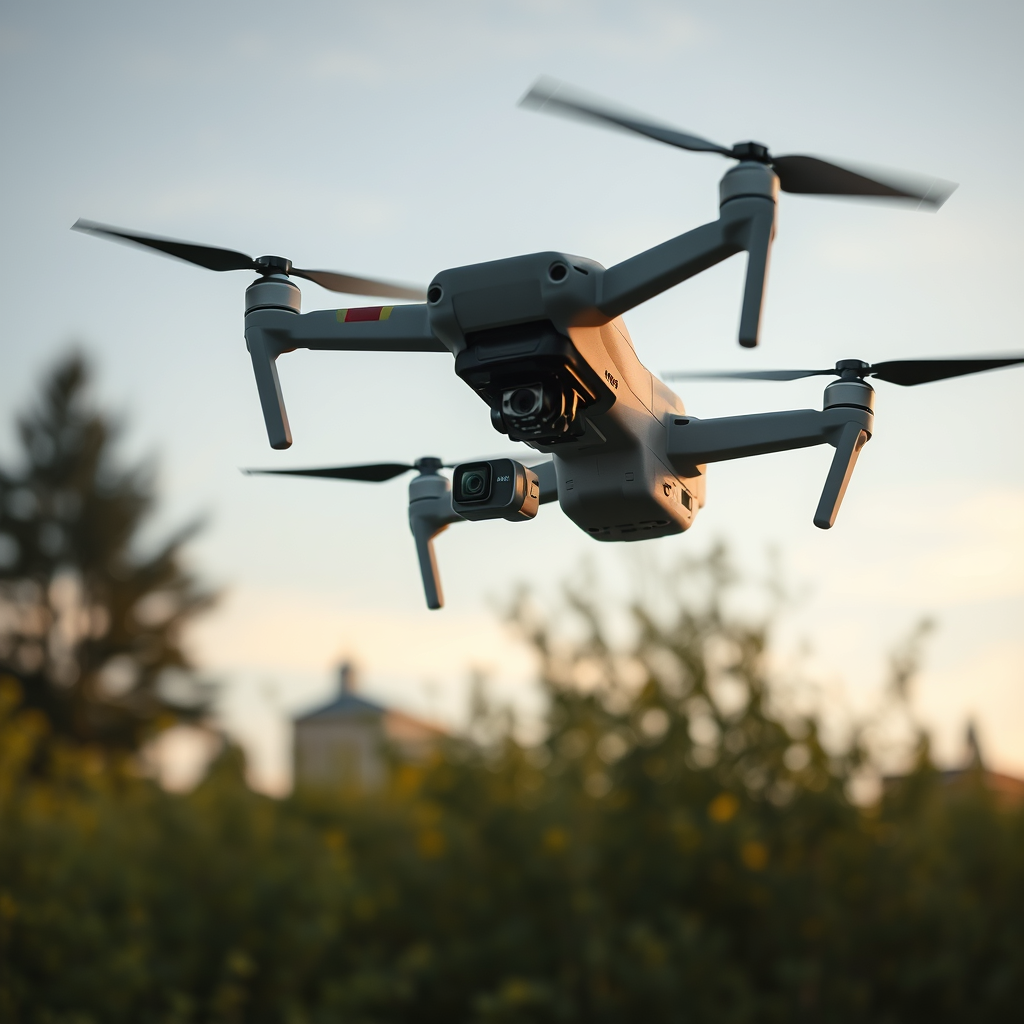
Before you begin the process of attaching a GoPro to your DJI drone, it’s crucial to ensure compatibility between the two devices. Not all DJI models are designed to accommodate external cameras, so checking your specific drone’s specifications is paramount. For example, popular models like the DJI Mavic series or Phantom series may require additional mounting hardware for a secure fit.
Moreover, consider the weight of the GoPro camera. Each DJI drone has a designated payload capacity, which indicates the maximum weight it can carry safely without compromising flight stability. Typically, most GoPro models weigh between 100 to 150 grams, which is manageable for many DJI drones. However, exceeding the payload limit can lead to reduced flight performance, potential crashes, or damage to both the drone and the camera.
Choosing the Right Mount
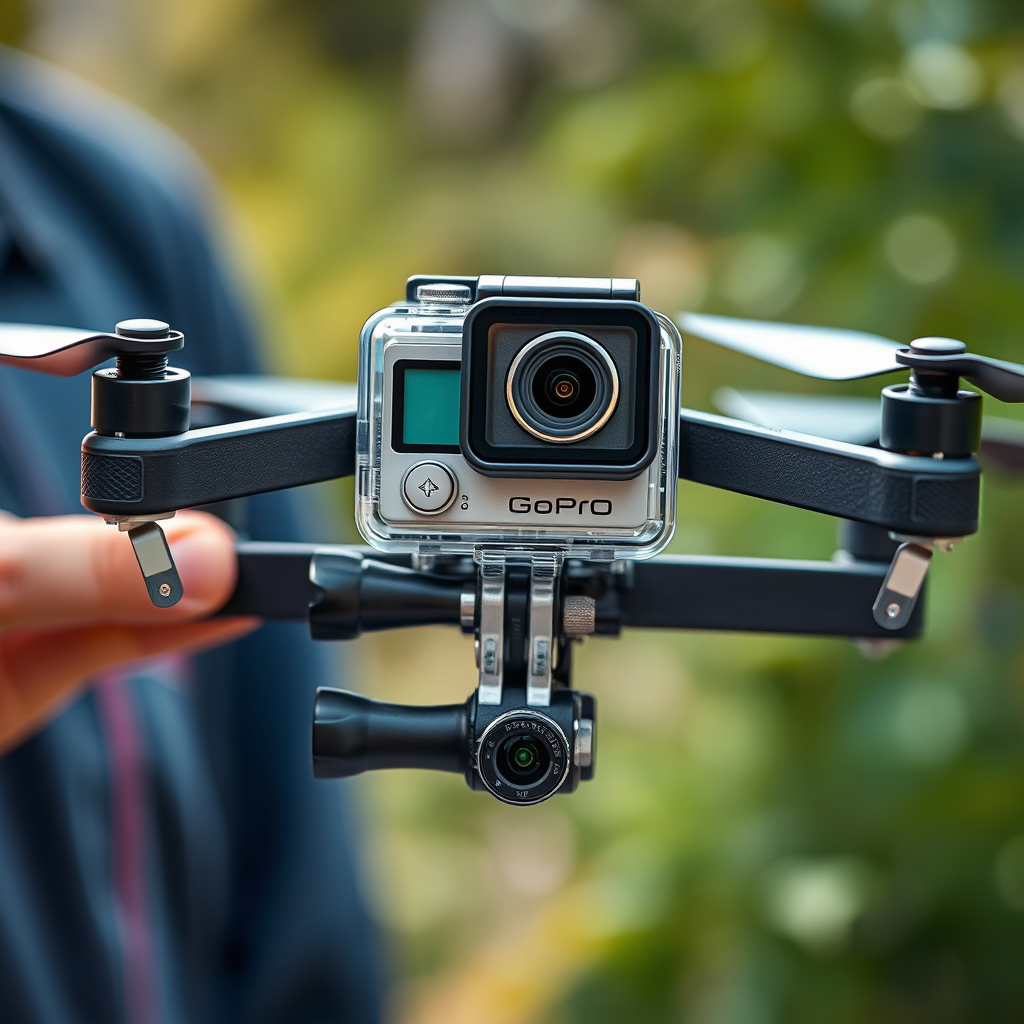
Selecting the appropriate mount is a critical step in the process of attaching your GoPro to a DJI drone. There are various mounting options available, ranging from universal mounts to those specifically designed for DJI drones. For instance, brands like TBS and PGYTECH offer specialized GoPro mounts that ensure a secure attachment and alignment with the drone’s center of gravity.
Additionally, consider incorporating a gimbal into your setup. A gimbal is a stabilization device that can effectively eliminate unwanted camera shake during flight, ensuring smooth and professional-looking footage. Many gimbals are compatible with GoPro cameras, and using one can significantly elevate the quality of your aerial shots by providing stabilization even in windy conditions or during abrupt drone maneuvers.
Installation Process
Once you have chosen the right mount and ensured compatibility, it’s time to install the GoPro on your DJI drone. Start by securing the mount to the drone, following the manufacturer’s instructions closely. Make sure to use the appropriate screws and tools to attach the mount firmly; loose connections can lead to detachment during flight.
Next, attach the GoPro to the mount. Most mounts will have a quick-release mechanism that allows you to easily secure and remove the camera. Ensure that the camera is positioned correctly, with the lens pointing forward for optimal video capture. Double-check all connections and fastenings before taking off to prevent any mid-flight issues. A thorough installation process not only ensures safety but also allows you to focus on capturing stunning footage without worrying about equipment failure during your flight.
Adjusting Camera Settings
To achieve the best results in aerial filming, you must adjust your GoPro settings before embarking on your flight. Start by setting the appropriate resolution and frame rate. For most aerial shots, a resolution of 1080p at 60 frames per second (fps) provides a good balance between quality and storage space. However, if you aim to create high-resolution content, consider shooting in 4K at 30 fps.
Familiarize yourself with the GoPro’s controls and remote access options. Many GoPro models offer a mobile app that allows you to control settings and start/stop recording remotely, which can be particularly useful when your drone is in the air. Ensuring that you are well-versed with these controls will help you capture the desired shots without unnecessary interruptions.
Flight Considerations
When flying a DJI drone with an attached GoPro, it is essential to check local regulations regarding drone operation, especially when it comes to flying with cameras. Many regions have specific laws governing aerial photography, which may involve registering your drone or obtaining permits for commercial use. Always ensure that you are compliant with these regulations to avoid legal issues.
Additionally, be mindful of battery life. The added weight of the GoPro may slightly reduce your drone’s flight time, so it’s advisable to monitor battery levels closely. Perform test flights to gauge how the additional weight impacts your drone’s performance and adjust your flight plan accordingly to avoid getting stranded mid-air.
Capturing Stunning Footage
With your GoPro successfully mounted and all settings adjusted, you can now focus on capturing breathtaking aerial footage. Experiment with different angles, altitudes, and flying patterns to create dynamic shots that showcase the beauty of your surroundings. For instance, try flying low over a landscape to create dramatic perspectives or ascend to gain altitude for sweeping panoramic views.
Utilizing the GoPro’s shooting modes can also add creativity to your footage. Time-lapse mode is excellent for capturing the movement of clouds or crowds, while slow motion can highlight the beauty of a sunset or the thrill of fast-paced action shots. By being creative and flexible with your approach, you can maximize the potential of your aerial photography.
Troubleshooting Common Issues
Despite careful preparation, you may encounter some common issues when flying a DJI drone with an attached GoPro. One potential problem is connectivity between the drone and the camera, particularly if using remote access features. If the GoPro fails to respond to commands, ensure that your Bluetooth and Wi-Fi settings are correctly configured.
Additionally, keep an eye out for signs of instability or poor performance during flight. If you notice that the drone is struggling to maintain altitude or stability, it may be an indication that the payload is too heavy, or that the camera is not securely mounted. If instability occurs, consider reducing the weight or adjusting the mount for better balance.
By addressing these common issues proactively, you can ensure a smoother flight experience and enhance your overall filming results.
Summarizing the key steps and considerations for attaching a GoPro to your DJI drone will enhance your aerial photography experience. By ensuring compatibility, using the right mounts, and following safety guidelines, you can capture breathtaking footage from the sky. Ready to take your drone flights to the next level? Grab your GoPro and start filming!
Frequently Asked Questions
Can I attach a GoPro to a DJI drone?
Yes, you can attach a GoPro to a DJI drone, but it requires additional accessories such as a gimbal or a specialized mount designed for both the GoPro and your specific DJI model. Many users prefer this setup for enhanced video quality and stabilized footage, as GoPro cameras offer exceptional image quality and durability. It is crucial to ensure that the total weight of the GoPro does not exceed the drone’s payload capacity to maintain safe flight operations.
What are the best mounting options for attaching a GoPro to a DJI drone?
The best mounting options for attaching a GoPro to a DJI drone include using a dedicated GoPro drone mount or a compatible gimbal that can stabilize the camera during flight. Popular mounts are available from third-party manufacturers, such as the GoPro Karma Grip or various custom mounts on platforms like Amazon. Make sure to choose a mount that is specifically designed to work with your DJI drone model for optimal fit and stability.
How do I ensure my GoPro is securely attached to my DJI drone?
To ensure your GoPro is securely attached to your DJI drone, start by using a high-quality mount that fits both the drone and the camera. Follow the manufacturer’s instructions for installation, and double-check that all screws and clips are tightly secured before flight. Additionally, it’s a good practice to perform a quick pre-flight check to ensure the camera is securely mounted and won’t detach during operation.
Why would I want to use a GoPro instead of the DJI camera?
Using a GoPro instead of the DJI camera can offer several advantages, including superior low-light performance, higher frame rates for slow-motion video, and various shooting modes that may not be available on DJI cameras. GoPros are also known for their ruggedness and can be used in extreme conditions, making them a preferred choice for adventure filmmakers or those looking to capture dynamic action shots. This versatility can enhance your aerial footage, making it more engaging.
Which DJI drones are compatible with GoPro cameras?
Several DJI drones can be compatible with GoPro cameras, including models like the DJI Phantom series, DJI Mavic series, and the DJI Inspire series, provided you use the right mounting solutions. However, compatibility may vary based on the specific model of the drone and the GoPro version you have. It’s essential to research and consult product specifications or community forums to ensure your setup is safe and effective for your intended use.
References
- GoPro
- DJI – The World Leader in Camera Drones/Quadcopters for Aerial Photography
- https://www.techradar.com/news/how-to-attach-a-gopro-to-a-drone
- https://www.polygon.com/2020/2/18/21142936/drone-gopro-mount-guide
- https://www.theverge.com/2021/11/12/22778583/dji-om-5-gopro-mount-accessories
- https://www.nytimes.com/2021/07/16/technology/gopro-drone.html
- School Library Journal
- https://www.digitaltrends.com/photography/gopro-drone-mounts/
