

Using a thermal camera with a DJI drone is not only possible but can significantly enhance your aerial imaging capabilities. Many DJI models are compatible with thermal cameras, allowing users to capture valuable data for various applications such as search and rescue, agricultural monitoring, and industrial inspections. In this article, we will explore the compatibility of thermal cameras with various DJI models, the benefits of using thermal imaging, and the setup process to get you started.
Understanding DJI Drone Compatibility
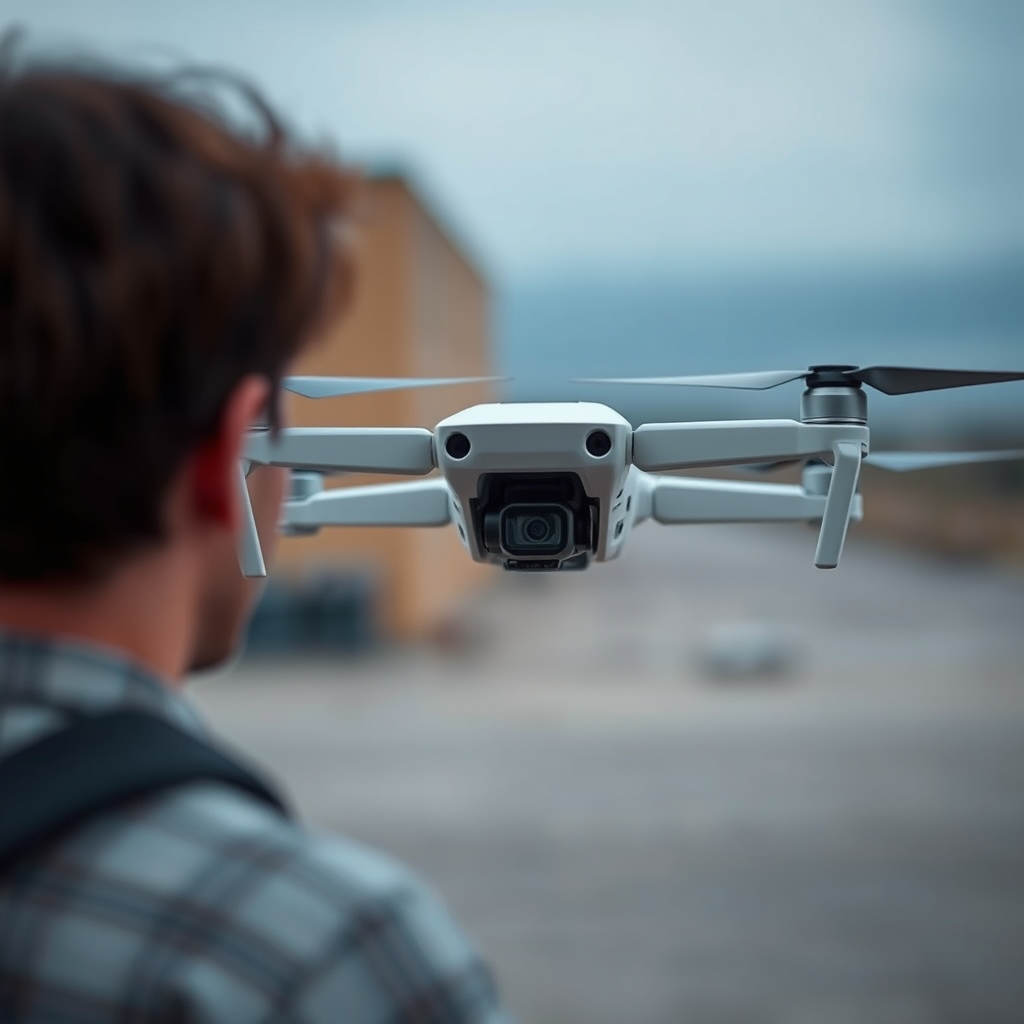
Not all DJI drones support thermal cameras; therefore, it is crucial to check specifications before making a purchase. DJI has developed several models specifically designed to accommodate thermal imaging. Popular choices for this purpose include the DJI Mavic 2 Enterprise and the Matrice series, such as the Matrice 300 RTK.
The Mavic 2 Enterprise, equipped with a Zenmuse XT2 thermal camera, is compact and versatile, making it ideal for applications that require mobility. The Matrice series, on the other hand, supports a wider range of payloads, enabling users to attach heavier thermal cameras while maintaining stability and performance. When assessing compatibility, it is essential to consider the drone’s payload capacity, flight time, and the thermal camera’s weight and dimensions.
Additionally, DJI frequently updates its product offerings and compatibility, so always refer to the manufacturer’s guidelines and specifications for the most accurate information.
Benefits of Using a Thermal Camera
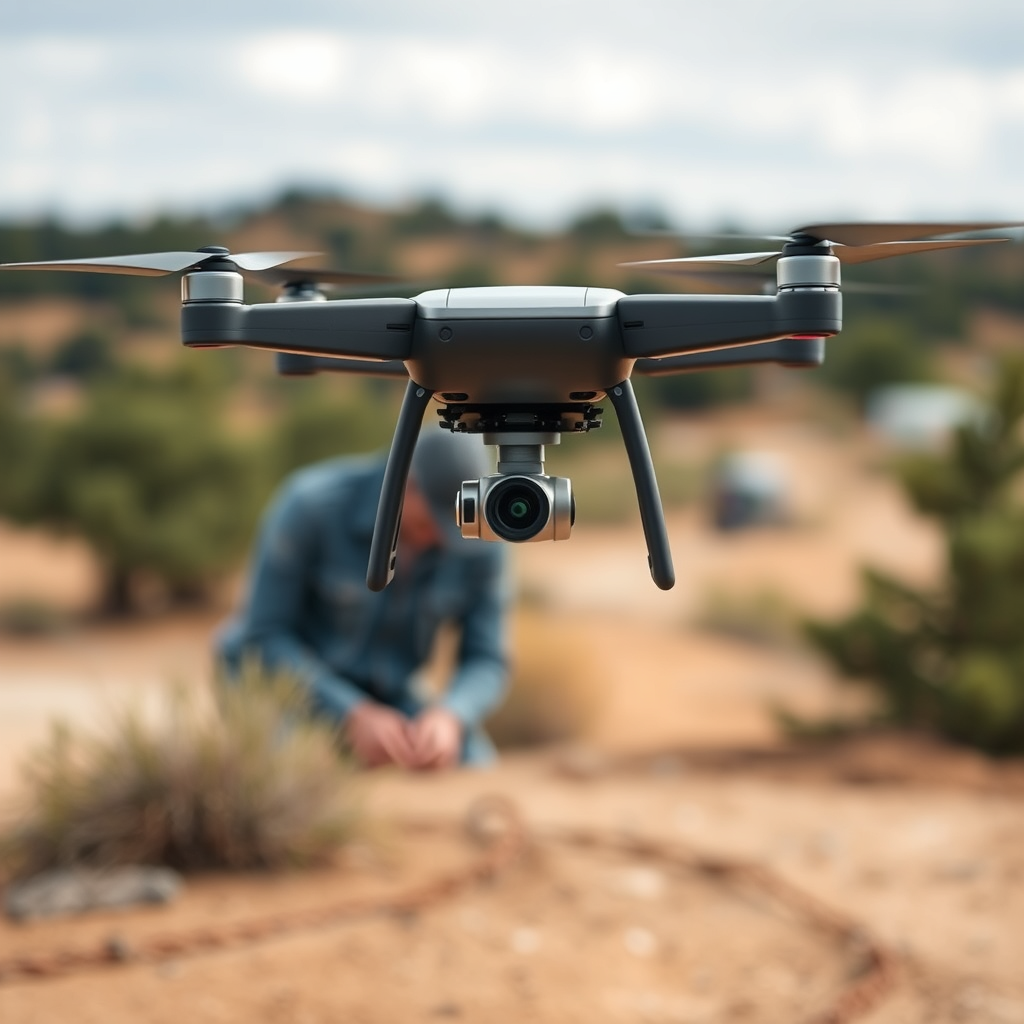
The advantages of thermal imaging are numerous, particularly in specific industries. One of the primary benefits is temperature differentiation, which can be crucial during firefighting or search and rescue operations. Thermal cameras detect heat signatures, allowing operators to locate hot spots in a fire or find missing persons in low-visibility conditions.
In the agricultural sector, thermal imaging can serve as a vital tool for monitoring crop health and identifying irrigation issues. By analyzing the thermal data, farmers can assess plant stress levels, optimize water usage, and improve overall crop yield. For instance, drones equipped with thermal cameras can reveal differences in plant temperature that indicate water shortages or diseases, enabling timely interventions.
In industrial applications, thermal imaging can be used for predictive maintenance. By identifying overheating machinery or electrical systems, companies can prevent costly breakdowns and improve operational efficiency. The ability to gather such data from the air enhances safety and reduces downtime, making thermal drones an invaluable asset in various industries.
Choosing the Right Thermal Camera
When selecting a thermal camera for your DJI drone, there are several factors to consider to ensure optimal performance and compatibility. One of the most critical aspects is resolution; high-resolution thermal cameras provide clearer images, allowing for more accurate analysis. Look for cameras that offer a minimum resolution of 320×240 pixels, with higher resolutions available for more detailed inspections.
Weight and battery life are also essential considerations. The thermal camera must not exceed the drone’s payload capacity, as this can affect flight stability and performance. Additionally, a thermal camera with a longer battery life will allow for extended flight times, enabling users to cover larger areas in a single flight.
Another important factor to consider is the camera’s temperature range and sensitivity. Choose a camera that can detect a wide range of temperatures and has high thermal sensitivity (measured in millikelvins). This will ensure that the camera can accurately capture temperature differences, which is crucial for applications such as energy audits or wildlife monitoring.
Installation and Setup Process
After selecting the right thermal camera, the installation and setup process is straightforward but must be done with care to ensure stability and effective operation. Start by following the manufacturer’s guidelines for mounting the thermal camera to your DJI drone. Ensure that it is securely attached to avoid any mid-air mishaps, which could compromise your data collection.
Once the camera is mounted, configure the settings using your drone’s software. This may involve setting the correct flight parameters, calibrating the thermal camera, and adjusting image settings to suit your specific needs. Familiarize yourself with the software interface, as different DJI models may have varying configurations.
Before taking your drone out for a flight, conduct pre-flight checks to ensure everything is functioning correctly. This includes verifying battery levels, camera connections, and overall drone readiness. Performing these checks will help prevent technical issues during your thermal imaging operations.
Legal and Safety Considerations
Before embarking on any thermal imaging project with your drone, it is essential to familiarize yourself with local regulations regarding drone usage and thermal imaging. Many countries have specific laws governing drone operations, including altitude restrictions, no-fly zones, and privacy regulations.
If you plan on using the drone for commercial purposes, be sure to obtain any necessary licenses or permits. In the U.S., for example, the Federal Aviation Administration (FAA) requires commercial drone operators to obtain a Remote Pilot Certificate. Additionally, ensure that you have the proper insurance coverage to protect against potential liabilities.
Safety is paramount when operating drones, especially when using thermal imaging technology. Always prioritize the safety of people, property, and wildlife in the vicinity. It is advisable to conduct flights in controlled environments or designated areas to minimize risks.
Tips for Effective Thermal Imaging
To maximize the effectiveness of thermal imaging with your DJI drone, there are several best practices to keep in mind. First, consider the altitude at which you fly. Generally, flying at a lower altitude can provide better resolution and more accurate thermal readings, but be aware of the trade-off with flight stability and potential obstacles.
Timing is also crucial; capturing thermal images during optimal conditions—such as early morning or late afternoon when temperature differences are more pronounced—can yield better results. Avoid flying in extreme weather conditions that could affect camera performance or data accuracy.
Regular maintenance of both the drone and the thermal camera is vital to ensure consistent performance. Schedule periodic checks for calibration, software updates, and physical inspections of the drone’s components. Keeping the equipment in top condition will help avoid operational issues and provide reliable data for your thermal imaging projects.
Using a thermal camera with a DJI drone opens up a range of applications from industrial inspections to wildlife monitoring. With the right equipment and knowledge, you can harness the power of thermal imaging to gain insights that traditional cameras cannot provide. Explore your options, choose the right model, and start your aerial thermal imaging journey today!
Frequently Asked Questions
Can you attach a thermal camera to a DJI drone?
Yes, you can attach a thermal camera to select DJI drones, but compatibility varies by model. Drones like the DJI Matrice series are designed to support thermal cameras, including the Zenmuse XT and XT2 models. It’s essential to verify that the thermal camera you choose is compatible with your specific DJI drone model to ensure proper functionality and optimal performance.
How do you install a thermal camera on a DJI drone?
Installing a thermal camera on a DJI drone generally involves mounting the camera to the drone’s gimbal or payload mount. Start by ensuring that the drone is powered off, then securely attach the thermal camera according to the manufacturer’s instructions. After installation, connect the camera to the drone’s remote control or app to enable live feed and recording capabilities, ensuring everything is calibrated correctly for precise imaging.
Why would you use a thermal camera on a DJI drone?
Using a thermal camera on a DJI drone offers numerous advantages, including enhanced capabilities for search and rescue operations, building inspections, agricultural assessments, and wildlife monitoring. Thermal cameras detect temperature variations, allowing users to identify heat signatures in various scenarios, such as locating individuals in distress or assessing energy loss in buildings. This technology can provide invaluable insights that traditional cameras cannot capture.
Which DJI drones are compatible with thermal cameras?
The most compatible DJI drones for thermal cameras include the Matrice 200 series, Matrice 300 RTK, and the Matrice 600. These drones have the necessary payload capacity and support for gimbals designed for thermal imaging. Additionally, the DJI Mavic 2 Enterprise Dual is another option for users seeking a compact drone with integrated thermal imaging capabilities, making it ideal for first responders and inspection professionals.
What is the best thermal camera for DJI drones?
The best thermal camera for DJI drones largely depends on your specific needs and the drone model you own. For professional applications, the Zenmuse XT2 is highly regarded for its dual-sensor capabilities, combining thermal and visual imaging for comprehensive analysis. Alternatively, the FLIR Vue Pro is another excellent choice for various DJI models, offering a lightweight design and high-resolution thermal imaging suited for industrial inspections and environmental monitoring.
References
- Thermography
- https://www.dji.com/thermal-imaging
- https://www.sciencedirect.com/science/article/pii/S2351978918300041
- https://www.nasa.gov/mission_pages/tdrs/technology/thermal_imaging.html
- https://www.nist.gov/news-events/news/2018/10/thermal-imaging-drones-help-make-safety-sure
- https://www.uvm.edu/extension/agriculture/thermal-imaging-drones-agriculture
- https://www.gao.gov/products/gao-21-204
- https://www.researchgate.net/publication/344887935_Applications_of_thermal_imaging_in_drones
