
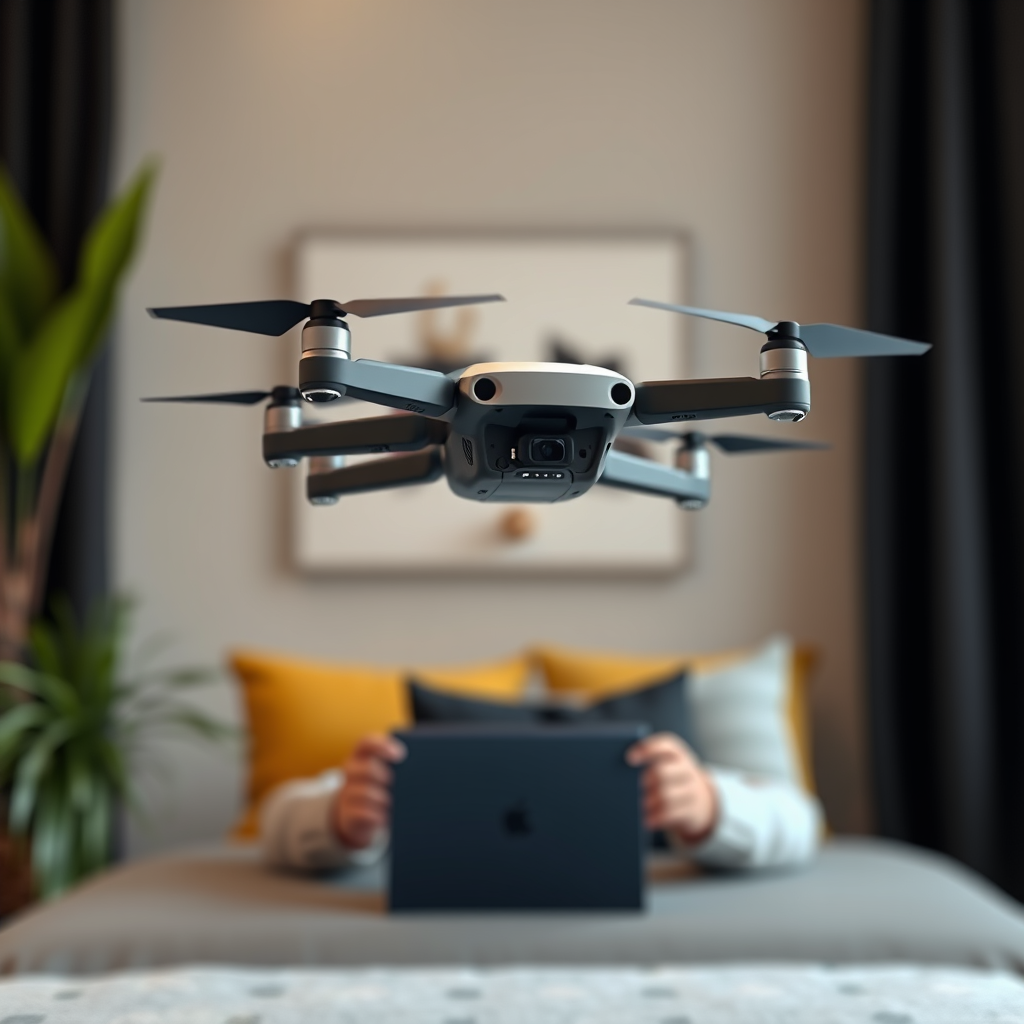
Yes, you can connect a drone to the Oculus Quest 2, allowing for an immersive flying experience. This integration enhances the enjoyment of drone piloting, making it feel as though you are soaring through the skies in real-time. However, proper setup and compatibility are crucial for a seamless connection. In this article, we will delve into the requirements, methods, and tips to effectively connect your drone to the Oculus Quest 2, ensuring you maximize your virtual reality flying experience.
Understanding Compatibility
When considering connecting a drone to the Oculus Quest 2, the first step is to verify compatibility. Not all drones are designed for virtual reality connections, so it’s essential to check your drone’s specifications. Drones equipped with First Person View (FPV) capabilities are typically the best candidates for this type of integration. Popular models from DJI, such as the Mavic series or the Phantom series, often support VR connectivity, providing an immersive view that is particularly appealing to drone enthusiasts.
In addition to DJI, other brands like Yuneec and Autel Robotics also offer drones that can connect with VR headsets. It’s advisable to consult the manufacturer’s documentation or their official website to confirm whether your drone can interface with the Oculus Quest 2. Understanding these compatibility nuances will save you time and potential frustration during the setup process.
Required Equipment and Apps
To successfully connect your drone to the Oculus Quest 2, you will need several essential pieces of equipment. First and foremost, a compatible drone is necessary. Along with the drone, you will also need your Oculus Quest 2 headset and a smartphone or tablet that will facilitate the connection.
Several applications can assist with this process, notably DJI Fly and Litchi. DJI Fly is specifically designed for DJI drones and allows users to view live footage while flying, whereas Litchi offers advanced features such as waypoint missions and VR head tracking. Both apps can stream a live video feed from the drone’s camera to the Oculus Quest 2, enriching the flying experience. Ensure that you download the relevant app and follow the setup instructions meticulously.
Setting Up Your Drone
Before attempting to connect your drone to the Oculus Quest 2, ensure your drone’s firmware is fully updated. Manufacturers frequently release updates that enhance performance, fix bugs, and improve connectivity. Following the manufacturer’s guidelines for linking the drone with your mobile device is crucial; this typically involves downloading the drone’s companion app, connecting your mobile device to the drone via Wi-Fi, and enabling the necessary permissions for video streaming.
Once the link between your drone and mobile device is established, you can prepare to connect to the Oculus Quest 2. It’s important to follow these steps meticulously to avoid any connectivity issues during your VR experience.
Connecting to Oculus Quest 2
The next step is to connect your Oculus Quest 2 to your mobile device, which can be done using Oculus Link or Air Link. Oculus Link allows you to use a USB-C cable to connect your headset to your mobile device, while Air Link enables a wireless connection through your Wi-Fi network. Make sure that both devices are on the same network for optimal performance.
After establishing the connection, launch the app that supports drone viewing, such as DJI Fly or Litchi, on your mobile device. Follow the on-screen instructions to set up the VR streaming. You may need to adjust settings within the app to ensure the video feed is displayed correctly in the Oculus Quest 2. Once configured, you will be able to enjoy a first-person view of your drone’s flight, immersing yourself in the experience like never before.
Tips for an Enhanced Experience
To elevate your experience further, consider using a dedicated controller for easier navigation within the virtual environment. Using a compatible remote control that works seamlessly with your drone can provide a more intuitive flying experience compared to using your smartphone alone.
Additionally, maintaining a clear line of sight between the drone and your control device is essential to avoid signal interference. Obstacles such as trees, buildings, or other structures can disrupt the connection, leading to potential loss of control over the drone. It is recommended to fly in open areas where you can maintain a direct line of sight, enhancing both safety and the quality of your VR experience.
Troubleshooting Common Issues
As with any technological integration, challenges may arise. If you experience lag, disconnections, or other performance issues, the first step is to check your Wi-Fi strength and ensure your drone’s battery levels are sufficient. Connection quality can significantly impact the VR experience, so consider using a high-speed Wi-Fi network if available.
In cases of persistent issues, restarting both the drone and the Oculus Quest 2 can resolve many basic connectivity problems. Furthermore, checking for app updates or reinstalling the application may also help if problems persist. If all else fails, consulting the user forums for your specific drone model can provide valuable insights from other users who may have faced similar challenges.
In conclusion, connecting a drone to the Oculus Quest 2 is not only feasible but also significantly enhances the pleasure of flying. By ensuring compatibility, using the right equipment and apps, and following the correct setup steps, you can enjoy a unique and immersive flying experience. With a few tips for enhancement and troubleshooting, you’ll be well-prepared to explore the skies from a new perspective. For more tips and guides on optimizing your drone and VR experiences, stay tuned to our blog!
Frequently Asked Questions
Can you connect a drone to the Oculus Quest 2 for a virtual reality experience?
Yes, you can connect a drone to the Oculus Quest 2, but it requires specific apps and compatible drones. Many users utilize third-party applications that allow for a first-person view (FPV) experience, turning your VR headset into a live video feed from the drone’s camera. Be sure to check the compatibility of your drone with the app you choose, as not all drones support VR streaming.
What are the best drones compatible with Oculus Quest 2 for VR flying?
Some of the best drones compatible with Oculus Quest 2 for an immersive flying experience include the DJI Mavic Air 2, DJI Mini 2, and the Parrot Anafi. These drones offer high-quality camera options and can transmit live video feeds that are essential for VR experiences. Always verify that the drone supports the necessary video streaming protocols to ensure a seamless connection with your Oculus Quest 2.
How do you set up a drone to work with the Oculus Quest 2?
To set up a drone for use with the Oculus Quest 2, begin by installing a suitable app such as the DJI Fly or Litchi on your smartphone. Connect your drone to the app, then enable the VR mode if available. By placing your smartphone into a VR headset adapter or using a compatible app that streams video directly to Oculus Quest 2, you can enjoy an immersive flying experience with your drone.
Why would you want to connect a drone to the Oculus Quest 2?
Connecting a drone to the Oculus Quest 2 allows for an immersive first-person view flying experience, combining the excitement of drone piloting with the captivating nature of virtual reality. This setup enhances the overall experience by providing a sense of presence and control, allowing you to enjoy breathtaking aerial views that standard drone flying cannot match. It’s particularly appealing for hobbyists looking to elevate their drone flying skills and enjoy new perspectives.
Which apps can I use to connect my drone to the Oculus Quest 2?
Several apps can facilitate the connection between your drone and the Oculus Quest 2, including Litchi, DJI Fly, and DroneVR. These apps are designed to support VR modes and offer features such as waypoint missions and live streaming from your drone’s camera. Always ensure that the app you choose is compatible with both your drone model and the Oculus Quest 2 to guarantee a smooth and enjoyable experience.
References
- https://en.wikipedia.org/wiki/Drone
- https://www.bbc.com/news/technology-53903268
- https://www.cnet.com/news/oculus-quest-2-review/
- https://www.techradar.com/reviews/oculus-quest-2
- https://www.digitaltrends.com/space/what-is-a-drone/
- https://www.nasa.gov/mission_pages/airborne/research/drone.html
- https://www.faa.gov/uas/
- https://www.wired.com/story/oculus-quest-2-review/
- https://www.theguardian.com/technology/2020/sep/16/oculus-quest-2-review-facebook-vr
