
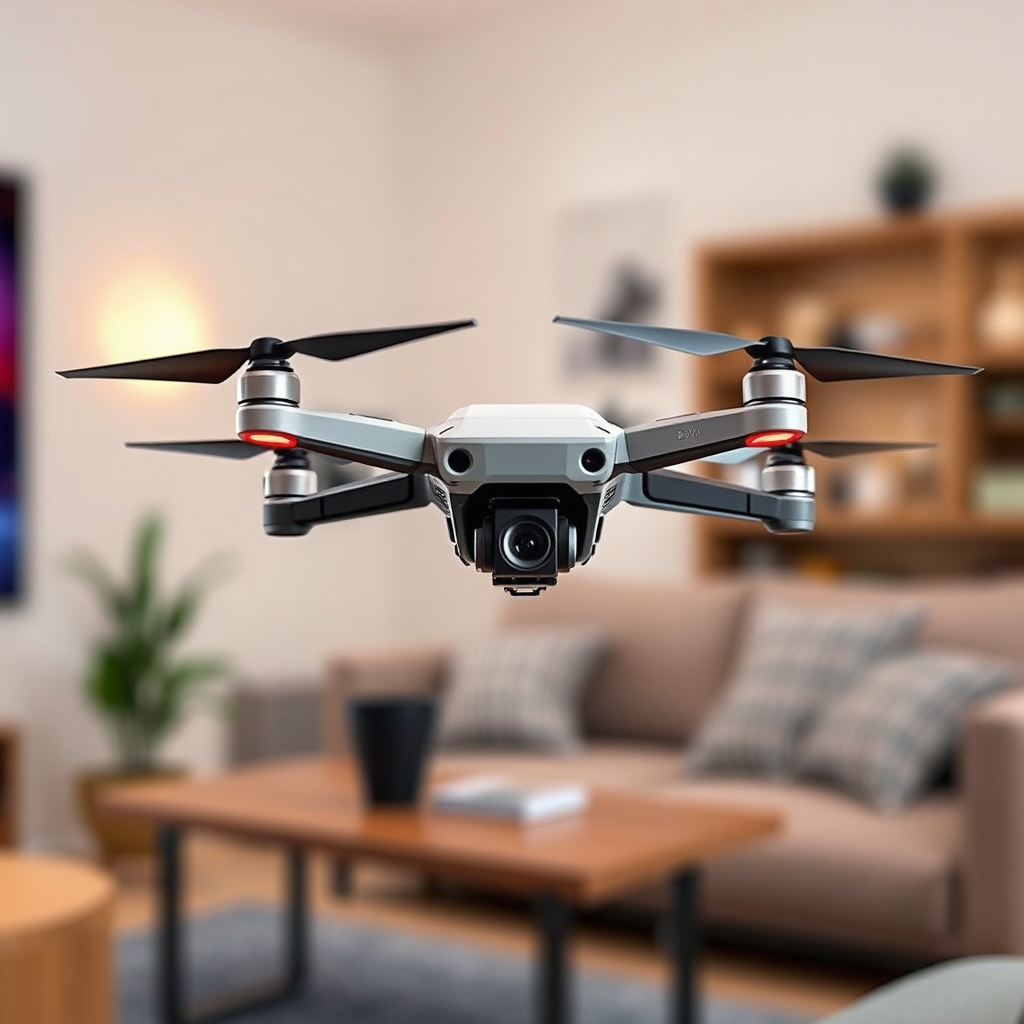
Flying a DJI drone without WiFi is entirely possible and can be done using several methods. Many drone enthusiasts may not realize that a stable WiFi connection is not a prerequisite for operating their DJI drones effectively. By leveraging GPS functionality, utilizing offline modes in the DJI Fly app, and managing flight settings appropriately, you can enjoy flying your drone without the need for an internet connection. This article will delve into practical methods for operating your DJI drone offline, ensuring that you remain in control even when WiFi is unavailable.
Understanding DJI Drone Connectivity
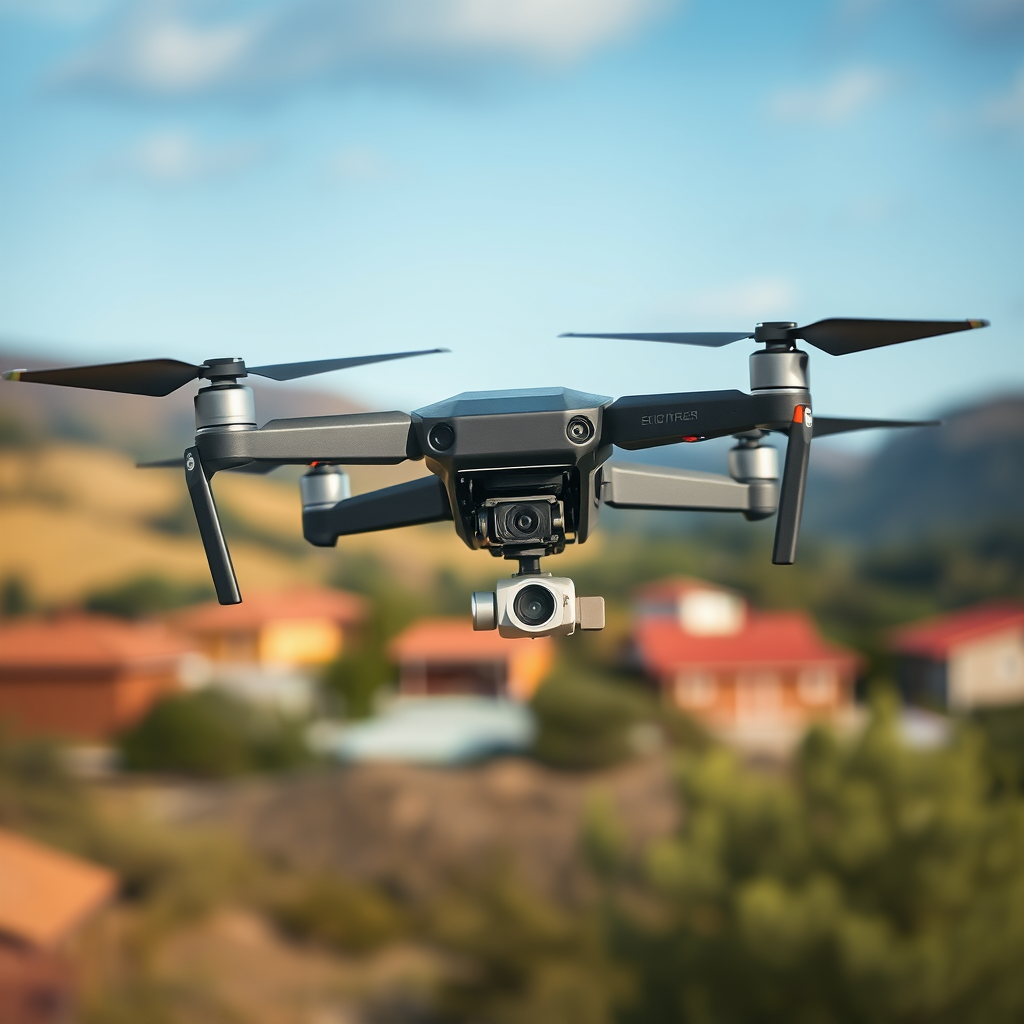
DJI drones typically connect to your smartphone or tablet via WiFi, which facilitates various functionalities such as live video streaming, firmware updates, and real-time telemetry data. However, the reliance on WiFi can be a limitation in areas with poor connectivity. Fortunately, several DJI models are equipped with advanced GPS systems that allow for autonomous navigation without the need for WiFi. This GPS capability ensures that you can still fly your drone and access essential flight features even when not connected to the internet, significantly enhancing your flying experience in remote areas.
Moreover, understanding the drone’s connectivity features can help you maximize your flying capabilities. For instance, while WiFi enables certain conveniences, the GPS system is primarily responsible for positioning the drone accurately in the air, which is crucial for safe and effective operation. Therefore, while WiFi enhances the user experience, it is not an absolute necessity for flight.
Using the DJI Fly App Offline
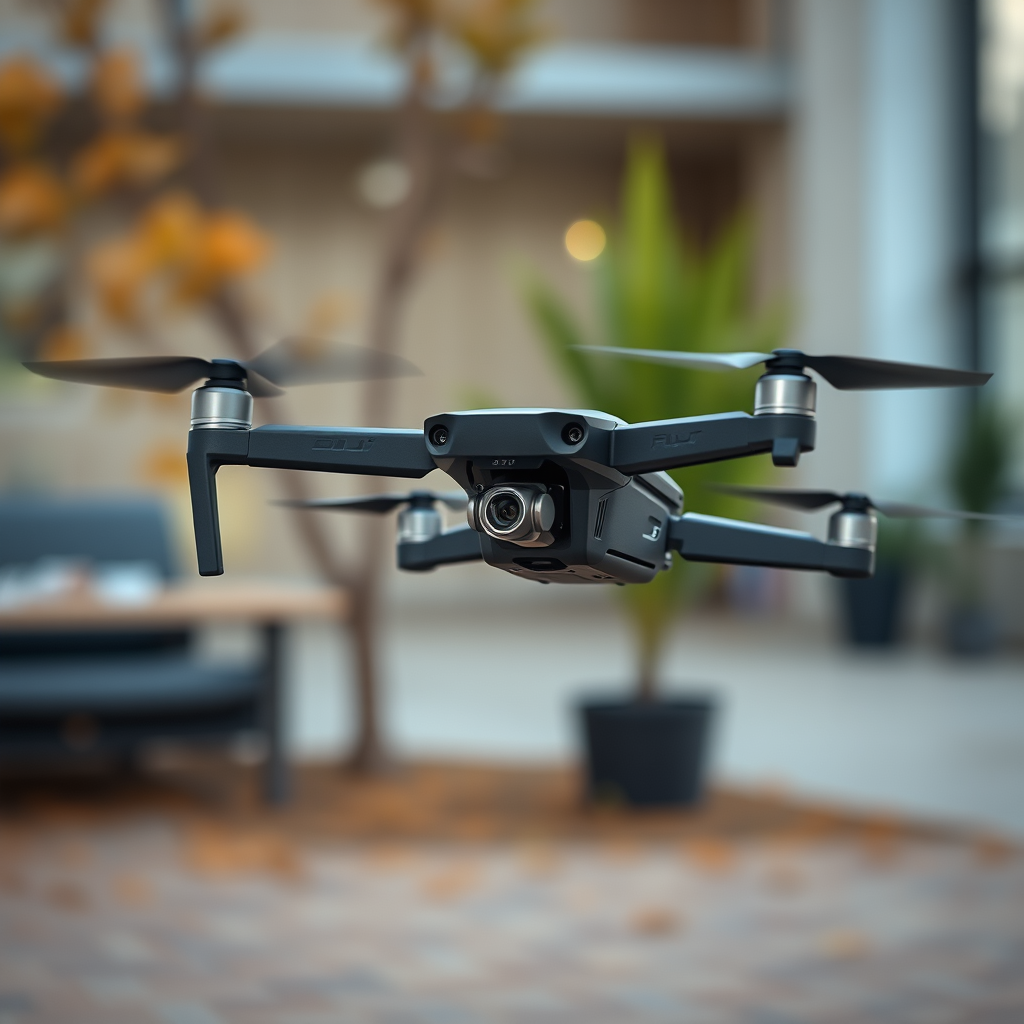
The DJI Fly app is an essential tool for operating DJI drones, designed to provide user-friendly interfaces and extensive functionalities. One of its standout features is the ability to function offline once the necessary components are downloaded. To prepare for offline flying, users should ensure that all required maps, firmware updates, and flight data are installed prior to heading out. This preparation may include downloading offline maps of your intended flying area, which can be done while connected to the internet.
To maximize the DJI Fly app’s offline capabilities, users should familiarize themselves with the app’s settings and available features that do not require internet access. For example, you can pre-plan flight paths and set waypoints while still connected to WiFi, which will then be accessible offline during your flight. By taking advantage of these features, you can maintain an efficient workflow without needing a constant internet connection.
Relying on GPS Functionality
Most DJI drones come equipped with advanced GPS functionality that enables precise navigation and autonomous flight. This built-in GPS system allows you to set waypoints and pre-program routes, which can be executed without WiFi. For instance, features like “Waypoint Mission” allow users to define a series of coordinates that the drone will follow autonomously, making it ideal for capturing complex shots or surveying large areas.
In addition to waypoint flying, GPS functionality provides important safety features such as Return-to-Home (RTH), which ensures that the drone can autonomously return to its take-off point in case of low battery or lost signal. This feature is particularly valuable when flying in remote areas where maintaining a WiFi connection may be impractical. By understanding and utilizing GPS capabilities, drone operators can enhance their flying experience while ensuring safety and reliability.
Managing Flight Modes Without Internet
When flying your DJI drone without WiFi, it is crucial to switch to “GPS mode” to utilize satellite signals for navigation. This mode allows the drone to maintain stable flight and positioning using GPS coordinates, ensuring a smooth flying experience. In GPS mode, the drone is capable of hovering in place, executing programmed flight paths, and maintaining its position against wind currents.
While many features require a live internet connection, such as live streaming video or accessing cloud-based flight data, it is essential to avoid these when flying offline. Instead, focus on the capabilities that can be executed without an internet connection, such as navigating using pre-set waypoints or executing basic flight maneuvers. Familiarizing yourself with your drone’s various flight modes will provide you with greater flexibility and control during your flights.
Safety Precautions for Offline Flying
Flying a drone without WiFi requires extra attention to safety precautions to ensure a smooth and incident-free experience. Always perform pre-flight checks to confirm that all systems are functioning correctly. This includes checking battery levels, ensuring that GPS is locked, and verifying that the drone’s firmware is up to date. A thorough pre-flight checklist can help mitigate risks associated with offline flying.
Additionally, it is critical to be aware of your surroundings and adhere to local regulations regarding drone operation. Even when flying in remote areas, understanding airspace restrictions and local laws is essential for safe flying. Make sure that you have a clear line of sight to your drone and remain attentive to any potential obstacles, such as trees, buildings, or other aircraft. By following these safety precautions, you can enhance your flying experience while minimizing risks.
Troubleshooting Common Issues
While flying a DJI drone without WiFi can be rewarding, it may come with its own set of challenges. If you encounter connectivity issues or difficulties with the drone’s performance, there are several troubleshooting steps you can take. First, ensure that the drone’s firmware is up to date. Many performance issues can be attributed to outdated software, so regularly checking for updates is essential.
If problems persist, consider restarting both the drone and the remote controller. This simple action can resolve many connectivity issues and help re-establish a stable connection with the GPS system. Additionally, if you are experiencing issues with flight stability or navigation, recalibrating the drone’s compass can improve accuracy. By being proactive about troubleshooting, you can ensure a smoother flying experience.
Planning Your Drone Flight
Thorough planning is essential for a successful drone flight, especially when flying without WiFi. Pre-plan your flight path using offline maps and waypoints that can be accessed through the DJI Fly app. Consider potential obstacles in your flying area and ensure that you have a clear and designated flight zone. Additionally, take note of weather conditions that may affect your flight, such as wind speed and visibility.
By planning your flight carefully, you can maximize your drone’s performance and ensure that you capture the desired footage effectively. It is advisable to conduct a test flight in a controlled environment before heading out to more challenging locations. This practice will help you become familiar with your drone’s capabilities and limitations, ultimately enhancing your overall flying experience.
Summarizing, you can successfully fly a DJI drone without WiFi by utilizing GPS and the DJI Fly app offline. Ensure you prepare adequately by updating your app, managing flight modes, and planning your flight path. By taking these steps and following safety precautions, you can enjoy a fulfilling drone flying experience even in areas without internet access. For more tips on drone operation, explore our other articles or join a drone flying community for support and advice.
Frequently Asked Questions
Can you fly a DJI drone without Wi-Fi?
Yes, you can fly a DJI drone without Wi-Fi. DJI drones are designed to operate autonomously using GPS and internal sensors for navigation even when there is no Wi-Fi connection. However, some features, such as live video streaming to your mobile device or certain flight modes, may require a Wi-Fi connection to function properly.
How does flying a DJI drone without Wi-Fi affect its performance?
Flying a DJI drone without Wi-Fi does not significantly impair its core flight performance, as the drone relies on GPS and onboard sensors. However, without Wi-Fi, you may not be able to access certain functionalities like real-time telemetry, firmware updates, or advanced features that enhance the flying experience. It’s essential to familiarize yourself with the drone’s capabilities beforehand to ensure a smooth flight.
Why would I want to fly my DJI drone without Wi-Fi?
There are several reasons you might want to fly your DJI drone without Wi-Fi. For instance, you may be in a remote area where Wi-Fi signals are weak or absent, or you may wish to conserve battery life by minimizing the use of features that require a connection. Additionally, flying without Wi-Fi can help you focus more on manual controls and improve your piloting skills.
What should I do if my DJI drone loses Wi-Fi connection during flight?
If your DJI drone loses Wi-Fi connection during flight, remain calm and allow the drone to switch to its fail-safe mode. Most DJI drones are programmed to return to the home point automatically or hover in place until the connection is restored. You can also regain manual control if you have a clear line of sight and are familiar with the drone’s manual flying capabilities.
Which DJI drones can be flown without Wi-Fi, and what features are impacted?
Most DJI drones, including models like the DJI Phantom, Mavic, and Mini series, can be flown without Wi-Fi. Key features that may be impacted include live video feed to your smartphone, certain intelligent flight modes, and the ability to access the DJI Go app for real-time data. Be sure to consult your specific model’s user manual for detailed information on offline capabilities and limitations.
References
- Mavic Air 2 – Download Center – DJI United States
- 待补充
- https://www.wired.com/story/dji-drone-flying-without-wifi/
- https://www.faa.gov/uas/getting_started/registration
- https://www.ncbi.nlm.nih.gov/pmc/articles/PMC6912741/
- https://www.sciencedirect.com/science/article/pii/S2352864817305793
- https://www.bbc.com/news/technology-49846591
- https://www.techradar.com/news/how-to-fly-a-drone-without-wifi
