

Yes, you can set a drone to follow you using various tracking features available in many modern drones. These features allow the drone to autonomously follow your movements, providing hands-free aerial footage or assistance. With advancements in technology, many consumer drones now come equipped with intelligent tracking systems that utilize GPS, cameras, and sensors to keep the drone aligned with your position. This capability not only enhances the user experience but also opens up new possibilities for capturing dynamic content, whether you’re hiking, biking, or engaging in outdoor activities.
Understanding Follow Me Mode
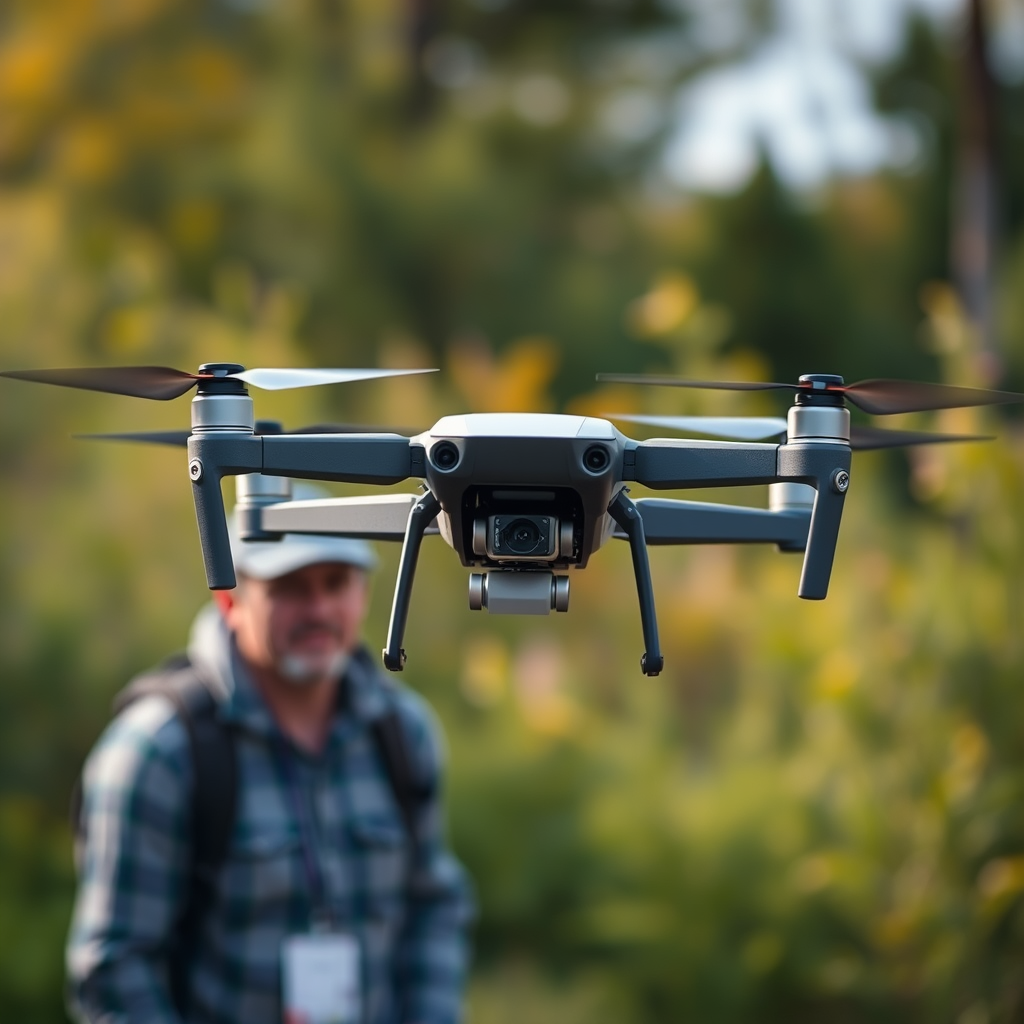
Follow Me is a feature found in many consumer drones that enables them to automatically track and follow a subject. The technology behind this feature primarily relies on GPS coordinates, along with onboard sensors and cameras. When activated, the drone locks onto your position and adjusts its altitude, speed, and direction in real-time to maintain a consistent distance. For example, if you are skiing down a mountain, the drone can fly overhead, capturing stunning footage of your descent without requiring manual control.
This mode can vary in sophistication depending on the drone model; some drones have advanced algorithms that allow them to recognize and predict your movements, while others may simply follow the GPS signal from your smartphone. Understanding how your specific drone’s Follow Me functionality operates is crucial for effective use.
Types of Tracking Features
There are several tracking features that enhance the ability of drones to follow users effectively:
– Active Track: This feature is commonly found in DJI models, such as the Mavic Air and Mavic Pro, which utilize advanced computer vision technology. The drone can recognize subjects, differentiate between people and objects, and dynamically adjust its flight path to maintain a desired distance. For instance, if you’re riding a bike, the drone can follow you while avoiding trees or other obstacles.
– Waypoints: This feature allows users to program specific routes for the drone to follow. While not a direct tracking mode, waypoints can be set up to create a flight path that coincides with your movements. For example, if you plan a route along a beach, you can set waypoints that capture your journey from above, giving a cinematic quality to the footage.
– Point of Interest: Some drones have a Point of Interest mode that allows them to circle around a specified object while maintaining a set distance. This is particularly useful for capturing dynamic shots when you’re stationary or performing activities at a specific location.
Setting Up Your Drone
To ensure a smooth experience with the Follow Me feature, it is essential to set up your drone correctly:
1. Firmware Update: Before using the Follow Me mode, check that your drone’s firmware is up to date. Manufacturers frequently release updates that improve performance, add new features, or fix bugs. This step is crucial for ensuring that all tracking capabilities function as intended.
2. Activate Follow Me Mode: Each drone model has its own procedure for activating Follow Me mode. Typically, this can be done through the drone’s companion app. Make sure to familiarize yourself with the specific steps outlined in the user manual to ensure that you activate the feature correctly.
3. Calibrate Sensors: Many drones require calibration of their sensors before flying. This ensures accurate tracking and stable flight, which is especially important when using the Follow Me feature.
4. Test Run: Before embarking on a significant adventure, conduct a test run in a controlled environment. This allows you to understand how the drone responds to your movements and to troubleshoot any potential issues.
Safety Considerations
When using a drone in Follow Me mode, safety should always be your top priority:
– Maintain Visual Line-of-Sight: It is crucial to keep the drone within your visual line-of-sight at all times. This not only complies with FAA regulations but also allows you to react quickly in case of an emergency.
– Awareness of Surroundings: Be vigilant about your surroundings to avoid obstacles such as trees, buildings, or other people. Many drones come equipped with obstacle avoidance sensors, but they may not always detect every potential hazard.
– Check Local Regulations: Before flying, ensure that you are aware of local laws and regulations regarding drone flights in your area. Some places may have restrictions on where you can fly, especially in populated areas or near airports.
– Battery Life Management: Always monitor your drone’s battery life to prevent it from running out of power while in flight, which could lead to a crash. Many drones provide low-battery warnings, but being proactive is essential.
Popular Drones with Follow Me Features
Several drones are known for their robust Follow Me capabilities:
– DJI Mavic Series: The Mavic line, particularly the Mavic Air 2 and Mavic 3, is known for its reliable Active Track feature, allowing it to follow subjects smoothly and efficiently. The drones are lightweight and portable, making them an excellent choice for outdoor enthusiasts.
– Skydio Drones: Skydio has gained a reputation for its remarkable autonomous flying capabilities. The Skydio 2, for example, boasts advanced obstacle avoidance technology, allowing it to navigate complex environments while following its subject, making it ideal for capturing action sports or outdoor activities.
– Autel Robotics EVO Lite: This drone offers similar tracking features with impressive 4K camera capabilities, making it a strong competitor in the consumer drone market. Its Follow Me mode is intuitive and effective for a variety of contexts.
Troubleshooting Common Issues
Even with advanced technology, users may encounter challenges while using Follow Me mode. Here are common issues and solutions:
– Signal Loss: A strong GPS signal is critical for accurate tracking. If you notice that the drone is struggling to follow you, check the GPS signal strength. Ensure you are in an open area with minimal obstructions, as tall buildings or dense forests can interfere with signal reception.
– Obstructions: Before activating Follow Me mode, scan the area for potential obstacles. If the drone encounters an obstruction, it may stop following you or even crash. Clear the flight path of any objects that could interfere with the drone’s navigation.
– Calibration Issues: If your drone is not tracking properly, it may require recalibration of its compass or sensors. Refer to the user manual for specific recalibration instructions to ensure optimal performance.
– Battery Management: If you notice reduced flight time or erratic behavior, check the battery health. Old or damaged batteries can affect performance. Always carry a spare battery if you plan on extended flights.
In conclusion, setting a drone to follow you is not only possible but also a fun way to capture unique footage. With different tracking features like Follow Me, Active Track, and Waypoints, modern drones offer exciting opportunities for creative filming and exploration. However, it is imperative to prioritize safety, maintain awareness of surroundings, and follow the best practices when setting up and utilizing these features. By choosing the right drone and adhering to safety guidelines, you can fully enjoy the remarkable capabilities of your drone while capturing stunning aerial footage.
Frequently Asked Questions
Can you set a drone to automatically follow you?
Yes, many modern drones come equipped with advanced tracking features known as “Follow Me” mode, which allows the drone to autonomously follow a designated subject. This functionality is enabled through GPS and visual tracking systems, ensuring that the drone maintains a safe distance while capturing high-quality footage. However, it’s crucial to ensure that your drone’s firmware is up to date and that you are familiar with its specific tracking capabilities before use.
How do I enable the follow me mode on my drone?
To enable the follow me mode on your drone, first ensure that the drone is powered on and connected to its remote control or mobile app. Next, access the flight modes menu through the app or controller interface, select the Follow Me or Active Track option, and then set your drone’s tracking settings, such as distance and altitude. Always conduct a pre-flight check to ensure the drone is ready before taking off.
Why is my drone not following me properly?
If your drone is not following you as expected, several factors could be at play. Common issues include poor GPS connection, low battery levels, or obstacles in the drone’s flight path. Additionally, ensure that the subject you want the drone to follow is clearly visible and within the drone’s tracking range, as obstructions or poor lighting conditions can hinder performance.
What types of drones have the best follow me features?
Some of the best drones with follow me features include the DJI Mavic Air 2, Skydio 2, and the Autel Robotics EVO Lite. These models are known for their advanced obstacle avoidance systems and reliable tracking capabilities, making them ideal for outdoor activities like hiking or biking. Be sure to compare specifications and user reviews to determine which drone best fits your needs for autonomous tracking.
Which settings should I adjust for optimal follow me performance?
For optimal follow me performance, consider adjusting settings such as altitude, distance, and tracking speed. It’s advisable to set the altitude high enough to avoid obstacles and to choose a distance that allows the drone to capture your activity without being too far away. Additionally, you may want to adjust the tracking speed to match your movements, ensuring smooth and uninterrupted footage. Always test these settings in a safe environment before filming important activities.
References
- https://en.wikipedia.org/wiki/Drone#Autonomous_drones
- https://www.faa.gov/uas/getting_started/remote_pilot/
- https://www.reuters.com/technology/drones-are-following-you-they-are-here-stay-2021-06-08/
- https://www.sciencedirect.com/science/article/pii/S235286482030066X
- https://www.abc.net.au/news/2021-10-21/drones-follow-you-while-you-run-or-cycle/100550144
- https://www.nytimes.com/2020/08/05/technology/drones-follow-you.html
- https://www.techrepublic.com/article/how-to-use-a-drone-to-follow-you/
