
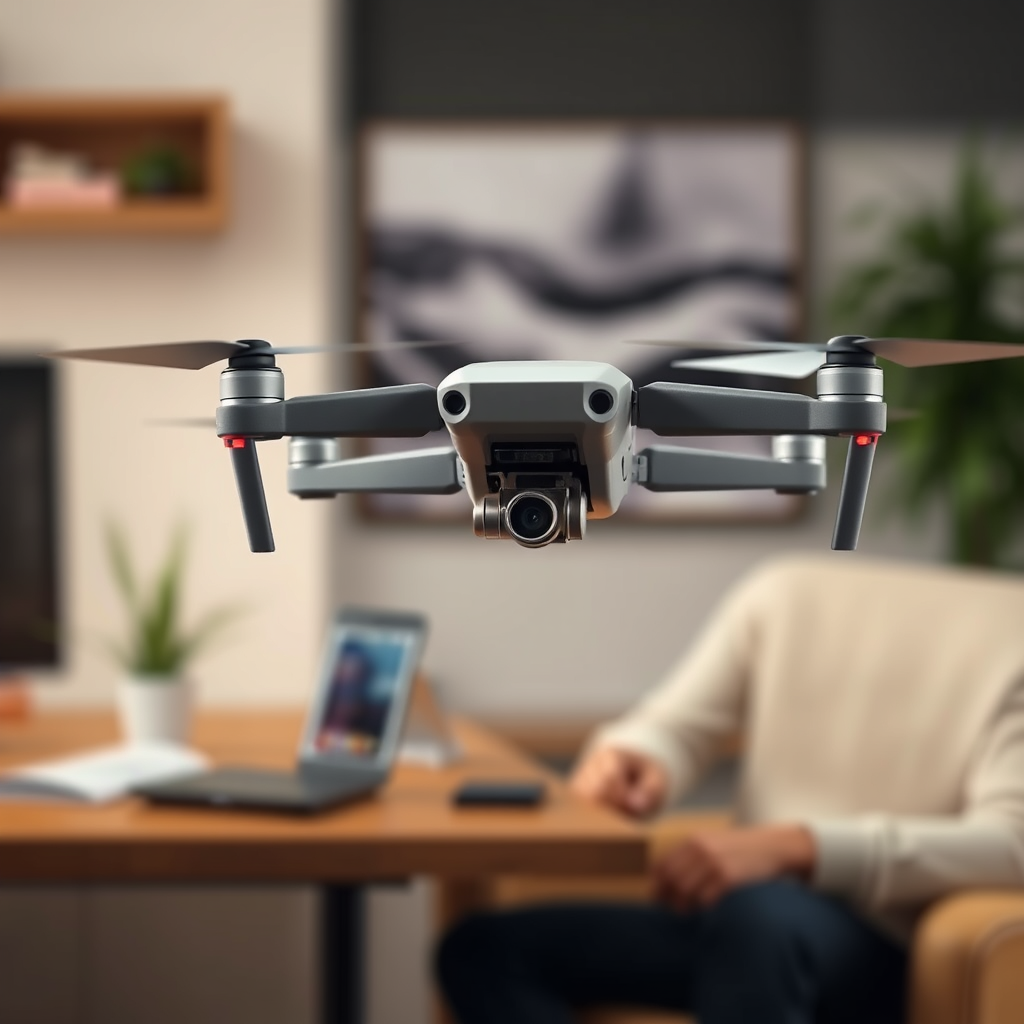
Using the Quest 3 with a DJI drone is indeed possible, but it requires specific setups and compatible applications. The integration of these two technologies allows drone enthusiasts to experience immersive flying like never before. In this article, you’ll learn how to connect your Quest 3 to a DJI drone, explore the benefits of this combination, and find tips for optimizing your experience.
Compatibility of Quest 3 and DJI Drones
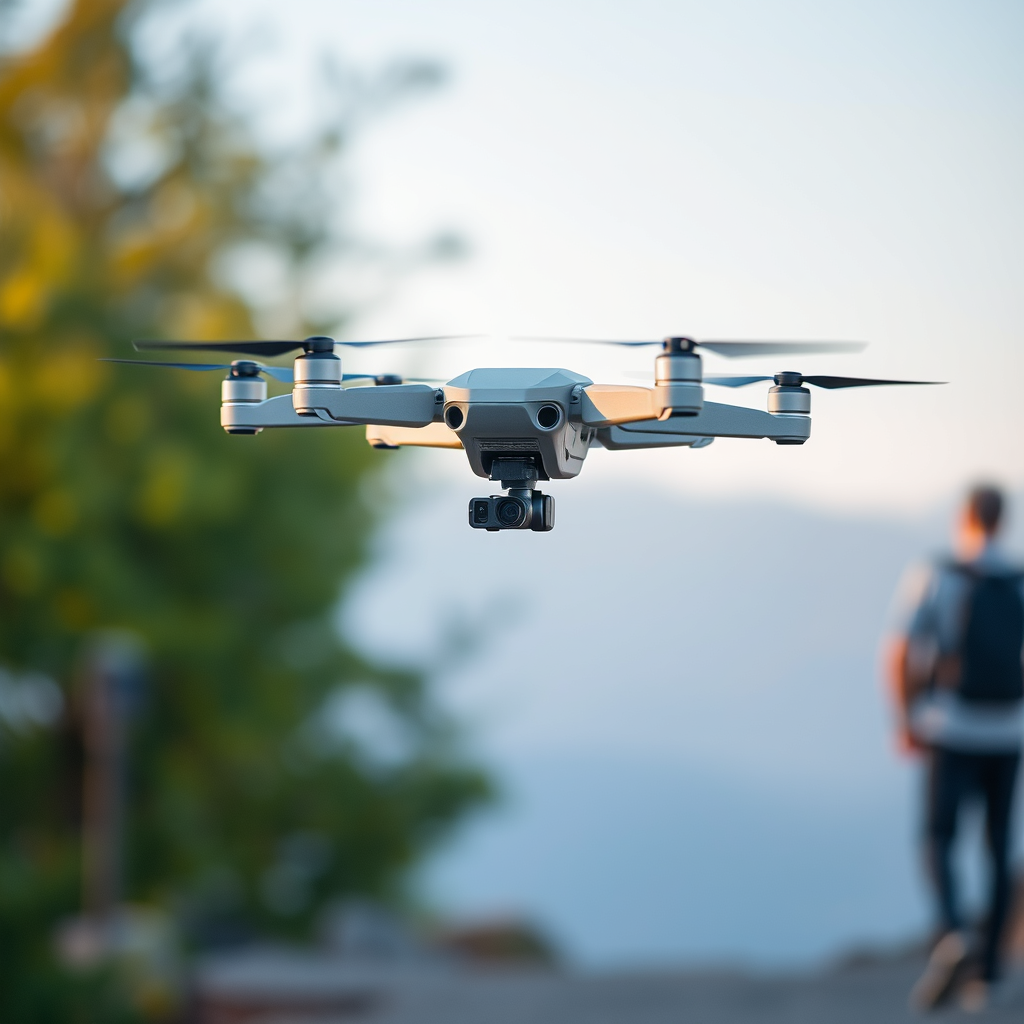
The Quest 3 can connect to various DJI drone models that support VR or FPV (first-person view) capabilities. Popular DJI drones such as the Mavic Air 2, Mavic Mini, and Phantom series are known for their compatibility with VR technology. To ensure a successful connection, it is essential to verify that your specific drone model supports the required VR functionalities.
Additionally, keeping your drone’s firmware updated is crucial. DJI frequently releases updates that enhance performance and introduce new features, including VR capabilities. Check the official DJI website or the app store for the latest versions of their software. Furthermore, it’s advisable to consult the user manual of both the Quest 3 and the DJI drone to understand any specific requirements or limitations in their compatibility.
Required Applications for Connection
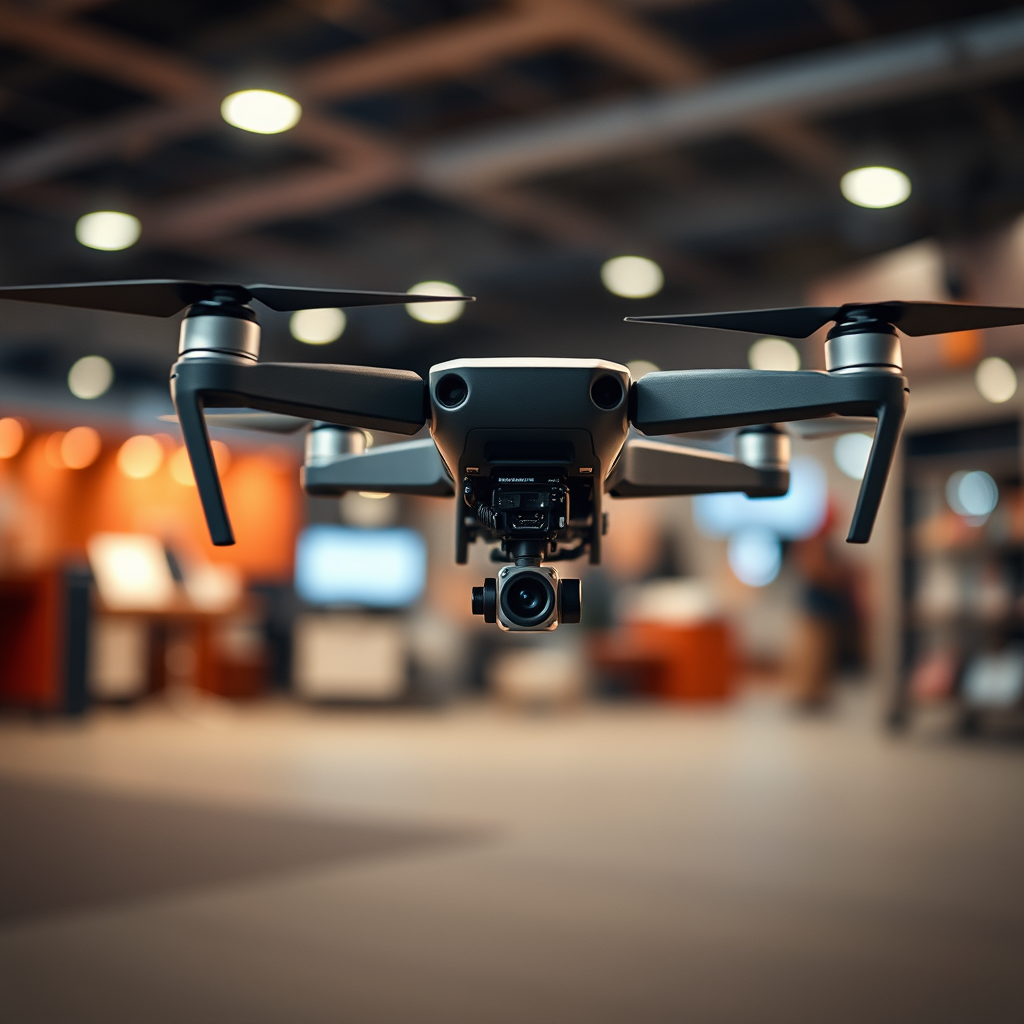
To establish a connection between your Quest 3 and a DJI drone, you will need to utilize DJI’s official applications, such as DJI Fly or DJI GO. These applications serve as the primary interface for controlling your drone, allowing you to access essential flight settings and camera controls. When using these apps, ensure they are updated to the latest version to avoid any compatibility issues.
Moreover, there are third-party applications available that can enhance the VR experience while operating the drone. One such app is Litchi, which provides advanced features for FPV flying and can significantly improve your control over the drone. By exploring these additional applications, you can tailor your flying experience to better suit your preferences and needs.
Setting Up Your Quest 3 with a DJI Drone
Setting up your Quest 3 with a DJI drone involves a series of straightforward steps. First, ensure both devices are charged and powered on. Begin by connecting the Quest 3 to your smartphone or tablet using the mobile app of your choice. Next, ensure that the DJI drone is in pairing mode, which typically involves pressing the power button or a dedicated pairing button on the drone.
Once both devices are discoverable, navigate to the app on your Quest 3 and select the drone from the list of available devices. Follow any prompts to complete the pairing process. After the connection is established, check the connection settings on both the Quest 3 and the drone to ensure they are properly synchronized. It is advisable to conduct a test flight in a safe environment to familiarize yourself with the controls and VR interface before embarking on more complex maneuvers.
Benefits of Using Quest 3 with DJI Drones
The integration of the Quest 3 with DJI drones offers several compelling benefits, foremost among them being the immersive experience of flying. With the Quest 3’s high-resolution display and advanced motion tracking, users can experience a first-person view that simulates being in the cockpit of the drone. This not only enhances the visual experience but also provides a sense of presence that traditional flying methods cannot replicate.
Furthermore, utilizing VR technology can significantly enhance your drone flying skills. Many VR applications include training features that allow users to practice maneuvers in a controlled environment. This helps both novice and experienced pilots refine their skills without the risk of damaging their drone. Additionally, the immersive nature of VR can make the learning process more engaging and enjoyable, encouraging regular practice and improvement.
Troubleshooting Common Issues
While connecting the Quest 3 to a DJI drone is generally straightforward, users may encounter some common issues during the pairing process. One frequent problem is connectivity issues, which can stem from outdated firmware or software on either the drone or the Quest 3. If you experience difficulty connecting, ensure that both devices are updated to the latest versions and restart them if necessary.
Performance lag or video feed problems can also occur during flights. To address this, check the strength of your Wi-Fi connection, as a weak signal can lead to delays or interruptions in the video feed. Additionally, ensure that your smartphone or tablet is running optimally, as background applications can consume resources and impact performance. If issues persist, consider consulting forums or support communities where other users may share solutions.
Tips for an Enhanced Experience
To maximize your experience while using the Quest 3 with DJI drones, consider optimizing your settings for better performance and visual quality. Adjust the resolution and frame rate within the app settings to match your preferences and the capabilities of the Quest 3. A higher resolution may provide a clearer image, but be mindful of potential impacts on performance.
Additionally, experiment with different flying modes available in the DJI apps. Modes such as “Sport,” “Atti,” or “GPS” can alter the responsiveness and handling of your drone, allowing you to find a setup that suits your flying style. Furthermore, taking advantage of features like waypoints and automated flight paths can also enhance your flight experience, enabling you to focus on enjoying the view rather than managing controls.
Safety Considerations
When flying drones with VR capabilities, it is vital to adhere to local regulations and safety guidelines. Many areas have specific rules regarding drone operations, including altitude limits, no-fly zones, and requirements for maintaining visual line-of-sight. Familiarize yourself with these regulations to avoid any legal complications.
Moreover, be aware of your surroundings when flying while wearing the headset. The immersive nature of VR can lead to decreased situational awareness, increasing the risk of collisions or accidents. Always ensure that you have a designated spot for flying and that it is clear of people, obstacles, and other potential hazards. It is also advisable to have a spotter on the ground who can assist in monitoring the drone’s surroundings while you focus on the VR experience.
Summarizing the key points, using the Quest 3 with a DJI drone is not only possible but can significantly enhance your flying experience. By ensuring compatibility, setting up the right applications, and following safety guidelines, you can enjoy a unique perspective on drone flying. Ready to elevate your drone experience? Get your Quest 3 set up today!
Frequently Asked Questions
Can you use the Meta Quest 3 with a DJI drone for a VR experience?
Yes, you can use the Meta Quest 3 with a DJI drone to create an immersive VR experience. By utilizing third-party apps that support DJI drones, you can stream the drone’s camera feed directly to your Quest 3 headset, allowing you to experience live aerial views in virtual reality. This setup enhances the flying experience and offers a unique perspective, making it popular among drone enthusiasts and VR users alike.
What apps are compatible with the Meta Quest 3 and DJI drones for live streaming?
Several apps are compatible with the Meta Quest 3 and DJI drones for live streaming, including DJI Fly and Litchi. These applications allow you to connect your drone to your headset, enabling you to view live footage in VR. Make sure to check the app settings and compatibility with your specific drone model to ensure smooth functionality.
How do you connect the Meta Quest 3 to a DJI drone?
To connect the Meta Quest 3 to a DJI drone, first, ensure both devices are charged and updated to the latest firmware. Download a compatible app like DJI Fly on your smartphone and connect your drone to the app. Use a screen mirroring feature or a VR app that supports streaming to send the video feed to your Quest 3. Follow the app’s instructions for linking and enjoy the aerial views in VR.
Why would someone want to use Quest 3 with a DJI drone?
Using the Meta Quest 3 with a DJI drone provides an immersive way to experience aerial photography and videography. It allows users to feel as if they are flying, offering a unique perspective and enhancing the overall enjoyment of drone flying. Additionally, this setup can be beneficial for surveying landscapes or capturing stunning visuals, giving users a sense of presence and engagement that traditional screens cannot match.
Which DJI drones are best suited for use with Meta Quest 3?
The DJI Mini 3 Pro and DJI Air 2S are among the best drones for use with the Meta Quest 3, thanks to their high-quality cameras and robust app support. These models provide excellent video streaming capabilities, allowing for a seamless VR experience. When selecting a drone, consider factors such as camera quality, flight time, and compatibility with VR applications to enhance your flying experience.
References
- DJI – The World Leader in Camera Drones/Quadcopters for Aerial Photography
- https://www.wired.com/story/what-is-a-drone/
- https://www.nytimes.com/2021/04/12/technology/drone-photography.html
- https://www.theguardian.com/technology/2023/jul/18/drones-future-technology
- https://www.sciencedirect.com/science/article/pii/S2352864821000678
