
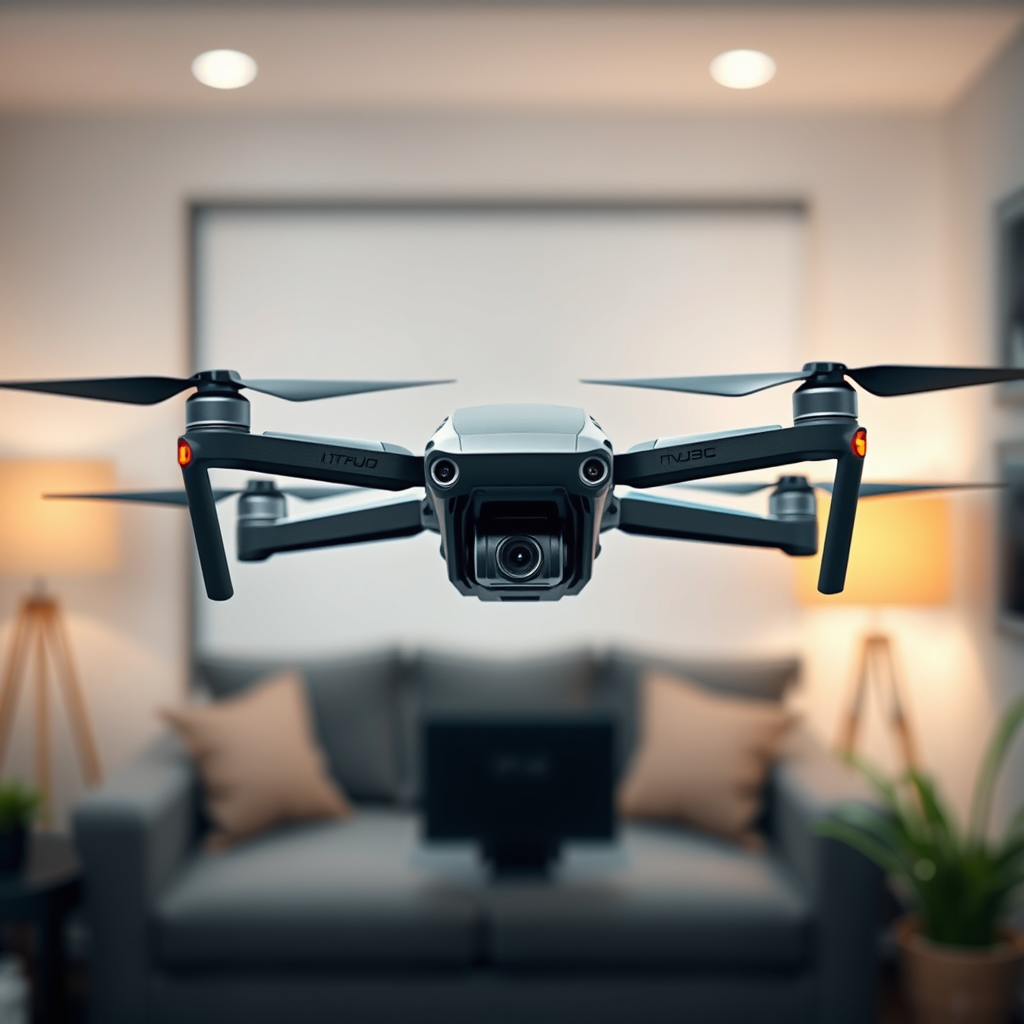
Litchi does not update drone firmware on the DJI Mavic Pro directly; it is primarily a mission planning app that relies on the drone’s existing firmware. While Litchi enhances the flying experience through its advanced features, it is crucial for users to understand that firmware updates must be performed through the dedicated DJI Go app. In this article, we will explore how firmware updates work for the DJI Mavic Pro and what you need to know about using Litchi effectively to ensure a seamless experience.
Understanding Drone Firmware
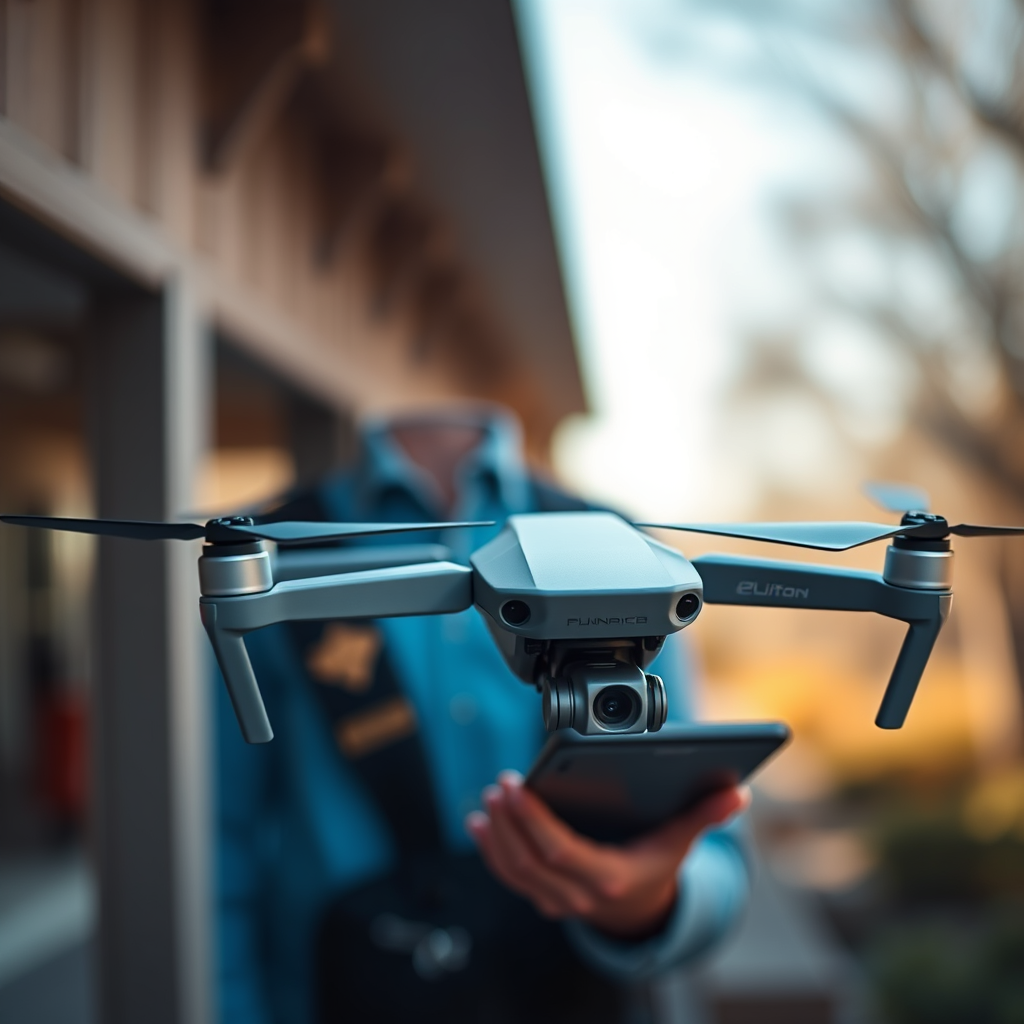
Firmware is a specialized software embedded within a drone that controls its hardware and provides essential functionality. In the case of the DJI Mavic Pro, firmware is critical for ensuring that the drone operates safely and efficiently. This software governs everything from flight stability to camera operations, and it is integral to the overall performance of the drone.
Firmware updates can significantly enhance a drone’s capabilities, addressing issues such as bugs, improving flight performance, and unlocking new features. For instance, a firmware update may enhance the drone’s GPS accuracy or optimize battery usage, resulting in longer flight times. Keeping your drone’s firmware up to date is essential to maintain operational efficiency and to leverage the full potential of the hardware.
How to Check Your DJI Mavic Pro Firmware Version
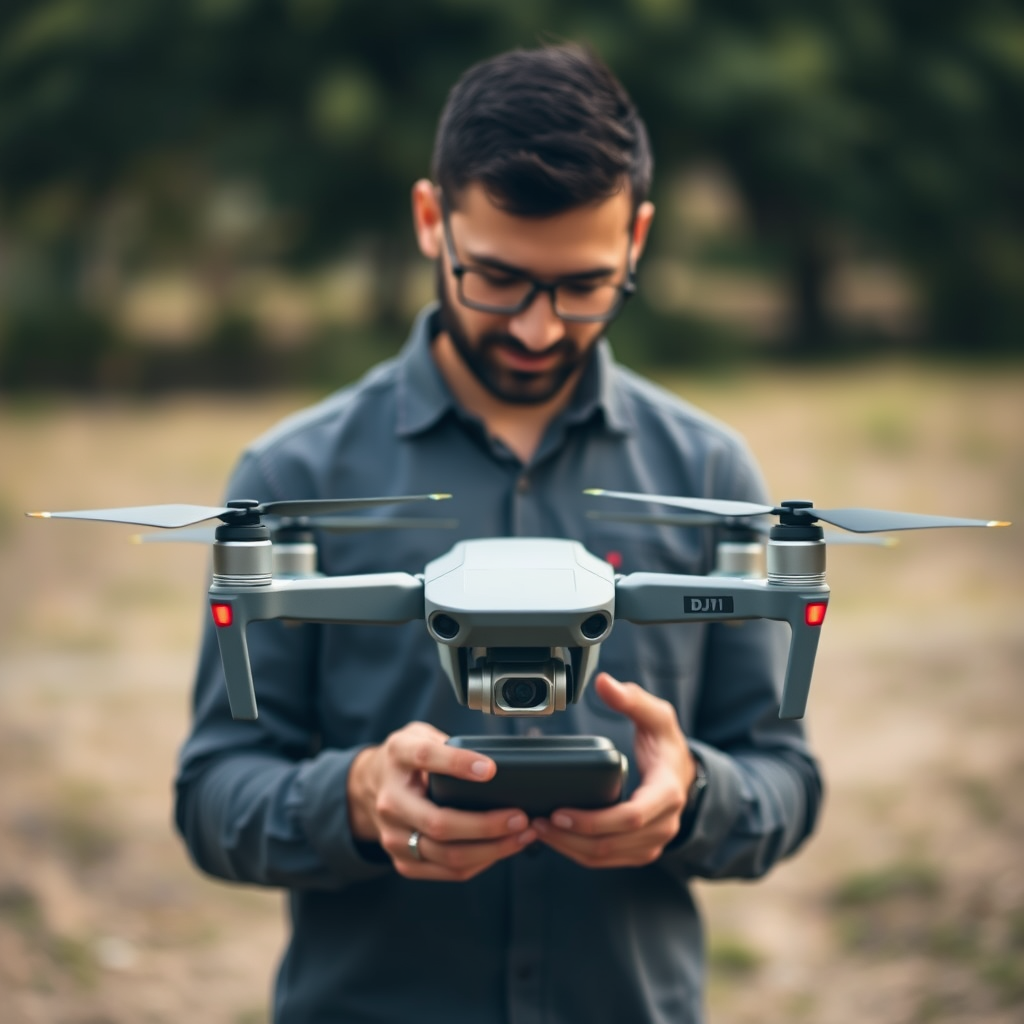
To check the firmware version of your DJI Mavic Pro, follow these simple steps:
1. Open the DJI Go app on your mobile device.
2. Connect your mobile device to the DJI Mavic Pro remote controller.
3. Power on the drone and the remote controller.
4. Navigate to the “Aircraft Status” tab located on the main interface.
5. Here, you will see the current firmware version displayed prominently.
Knowing your current firmware version is essential before using Litchi, as it ensures compatibility and optimal performance. If your firmware is outdated, you may encounter issues when trying to utilize Litchi’s features, such as waypoint missions or automated flight paths.
Updating DJI Mavic Pro Firmware
Updating the firmware of your DJI Mavic Pro is a straightforward process that can be completed through the DJI Go app. Here’s how to do it:
1. Ensure your drone is fully charged, and your mobile device has sufficient battery life.
2. Connect to a reliable Wi-Fi network to avoid interruptions during the update.
3. Launch the DJI Go app and connect to your drone.
4. Navigate to the “Firmware Update” section, which will prompt you if an update is available.
5. Follow the on-screen instructions to download and install the latest firmware update.
Best practices during the update process include ensuring that your drone’s battery is above 50% to prevent power loss mid-update, as well as keeping the mobile device connected to a stable internet connection. Avoid disconnecting the drone during the update to prevent potential issues.
Using Litchi with DJI Mavic Pro
Litchi is a powerful mission planning app that enhances the capabilities of your DJI Mavic Pro. It offers features such as waypoint missions, follow-me modes, panorama shots, and more, allowing you to create complex flight paths and capture stunning aerial footage with ease.
To ensure that Litchi runs smoothly with your Mavic Pro, it is crucial that your drone’s firmware is up to date. Once you have confirmed that your firmware is current, you can easily integrate Litchi by connecting it to your drone through the app. Familiarize yourself with Litchi’s interface, which is user-friendly and packed with features that enable you to customize your flight experience.
Additionally, ensure that you read the user manual and explore community forums for tips from experienced users. This will help you maximize the potential of Litchi while minimizing the risk of encountering issues during your flights.
Troubleshooting Common Issues
While using Litchi with your DJI Mavic Pro can enhance your flying experience, users may encounter some common issues, particularly relating to firmware compatibility. Here are a few frequent challenges and tips for resolving them:
– Incompatibility Errors: If Litchi fails to connect or behaves unpredictably, check if your drone’s firmware version is compatible with the version of Litchi you are using. Keeping both updated minimizes these issues.
– Connectivity Problems: Ensure that your mobile device maintains a stable connection with the remote controller. If you experience disconnection, try restarting both the app and the drone.
– Performance Issues: If your drone experiences lag or poor performance, consider recalibrating the IMU and compass through the DJI Go app before your flight. This can help stabilize your drone and improve flight efficiency.
By being proactive about troubleshooting and understanding the common challenges, you can ensure a smoother experience while using Litchi with your DJI Mavic Pro.
Best Practices for Maintaining Your Drone
Maintaining your DJI Mavic Pro is essential for ensuring its longevity and optimal performance. Here are some best practices to follow:
– Regularly Check for Firmware Updates: Make it a habit to check for firmware updates via the DJI Go app before every major flight session. This ensures that your drone is equipped with the latest features and fixes.
– App Compatibility: Regularly update the Litchi app and any other applications used in conjunction with your drone. This ensures that you benefit from new features and improvements.
– Routine Maintenance: Conduct regular checks on your drone’s physical components, including propellers, battery, and sensors. Regular calibration of the IMU and compass is also essential for maintaining flight accuracy.
By adhering to these best practices, you can enhance your flying experience and prolong the life of your DJI Mavic Pro.
To ensure optimal performance of your DJI Mavic Pro, regularly check for firmware updates via the DJI Go app and familiarize yourself with Litchi’s features. Stay updated with both the app and your drone’s firmware for the best flying experience. By understanding how firmware works, checking for updates, and maintaining your drone, you can enjoy a seamless and rewarding aerial experience.
Frequently Asked Questions
Does Litchi automatically update the firmware on my DJI Mavic Pro?
No, Litchi does not automatically update the firmware on your DJI Mavic Pro. Firmware updates for DJI drones need to be performed through the DJI Go app or the DJI Assistant 2 software. Litchi is a third-party application designed for flight planning and control, but it does not manage firmware updates directly.
How can I check for firmware updates for my DJI Mavic Pro using Litchi?
You cannot check for firmware updates directly through the Litchi app. To check for firmware updates for your DJI Mavic Pro, you should use the DJI Go app or the DJI Assistant 2 software on your computer. Once you have the appropriate app open, it will automatically notify you if any firmware updates are available for your drone.
Why is it important to keep my DJI Mavic Pro firmware updated?
Keeping your DJI Mavic Pro firmware updated is crucial for ensuring optimal performance, stability, and access to the latest features. Firmware updates can also fix bugs, improve flight safety, and enhance compatibility with new accessories or apps like Litchi. Regularly updating your firmware helps maintain the reliability and safety of your drone.
What should I do if Litchi is not responding after a firmware update on my DJI Mavic Pro?
If Litchi is not responding after a firmware update on your DJI Mavic Pro, try restarting both your drone and your mobile device. Additionally, ensure that you are using the latest version of the Litchi app, as compatibility issues may arise with outdated software. If the problem persists, you can also check the Litchi forums or support page for troubleshooting tips specific to your issue.
Which app is best for updating firmware on DJI drones, Litchi or DJI Go?
The best app for updating firmware on DJI drones, including the Mavic Pro, is the DJI Go app. Litchi is primarily a flight planning and control tool and does not have firmware update capabilities. The DJI Go app provides a user-friendly interface to check for and install firmware updates, ensuring that your drone operates smoothly and safely with the latest enhancements.
References
- https://www.dji.com/mavic-pro/downloads
- https://www.dji.com/mavic-pro/info#downloads
- https://www.techradar.com/news/how-to-update-your-dji-drone-firmware
- https://www.theverge.com/2018/8/22/17763484/dji-mavic-pro-firmware-update-download
- https://www.digitaltrends.com/drone-reviews/dji-mavic-pro-review/
- https://www.reuters.com/article/us-dji-drone-idUSKBN1FQ0C3
